> ## Documentation Index
> Fetch the complete documentation index at: https://docs.sevalla.com/llms.txt
> Use this file to discover all available pages before exploring further.

# Runtime and access logs

> Access real-time logs for your applications.

On the **Logs** page, you can view your application’s runtime and access logs up to the last 30 days. Click on the ellipsis (three dots) to refresh your log data, download your logs as a JSON or CSV file, copy the logs, and access the keyboard shortcuts.
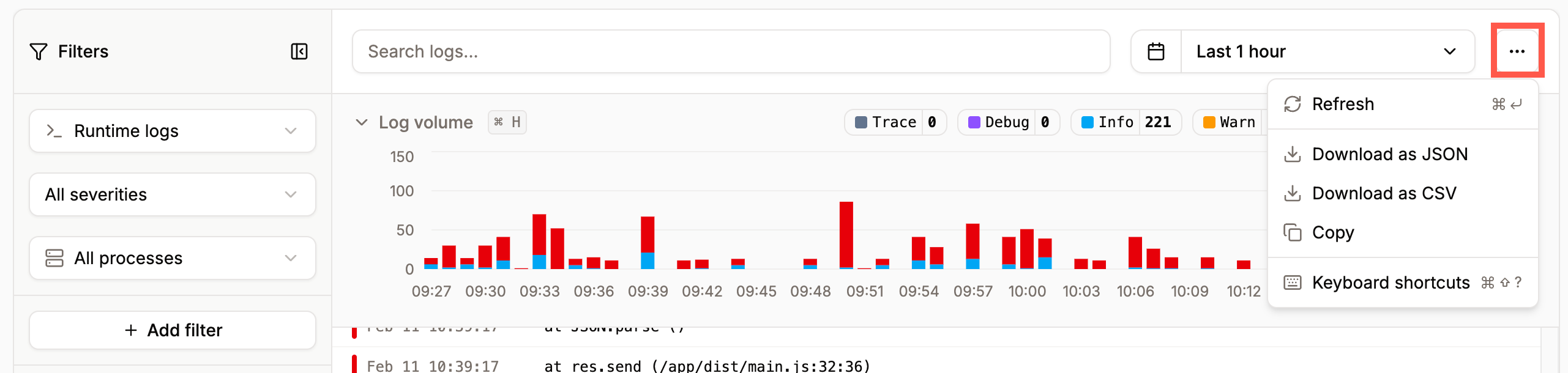
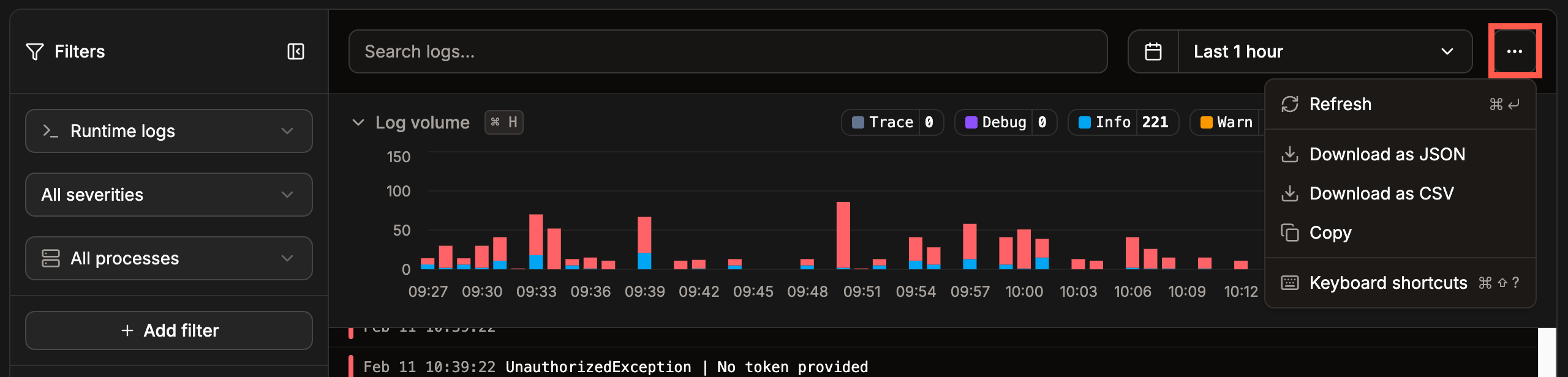
<Frame caption="Download your application's logs in Sevalla.">
  <img className="block dark:hidden" src="https://mintcdn.com/sevalla/fkpSlpO5MXibNxQW/images/app-logs-download-light.png?fit=max&auto=format&n=fkpSlpO5MXibNxQW&q=85&s=4b28aca93e1ed1a348c5ee9ccaabc5cb" alt="Download your application's logs in Sevalla" width="2562" height="610" data-path="images/app-logs-download-light.png" />

  <img className="hidden dark:block" src="https://mintcdn.com/sevalla/fkpSlpO5MXibNxQW/images/app-logs-download-dark.png?fit=max&auto=format&n=fkpSlpO5MXibNxQW&q=85&s=9ecd0b00f51cab67e0ea797460c3f55a" alt="Download your application's logs in Sevalla" width="2560" height="616" data-path="images/app-logs-download-dark.png" />
</Frame>

## Runtime logs

You can filter the runtime logs by severity, process, or create your own custom filter. When you add a custom filter, click **Run query** to apply it.
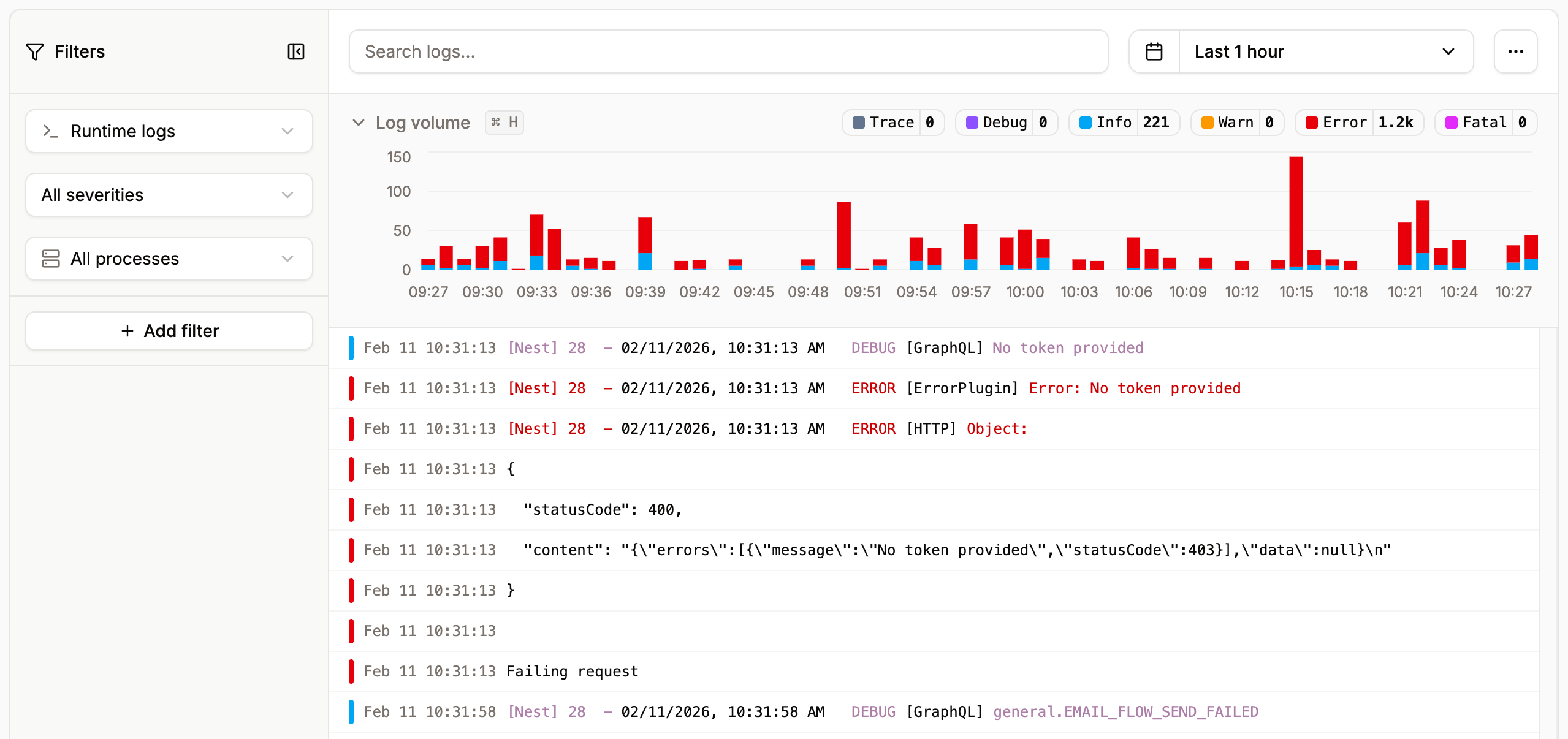
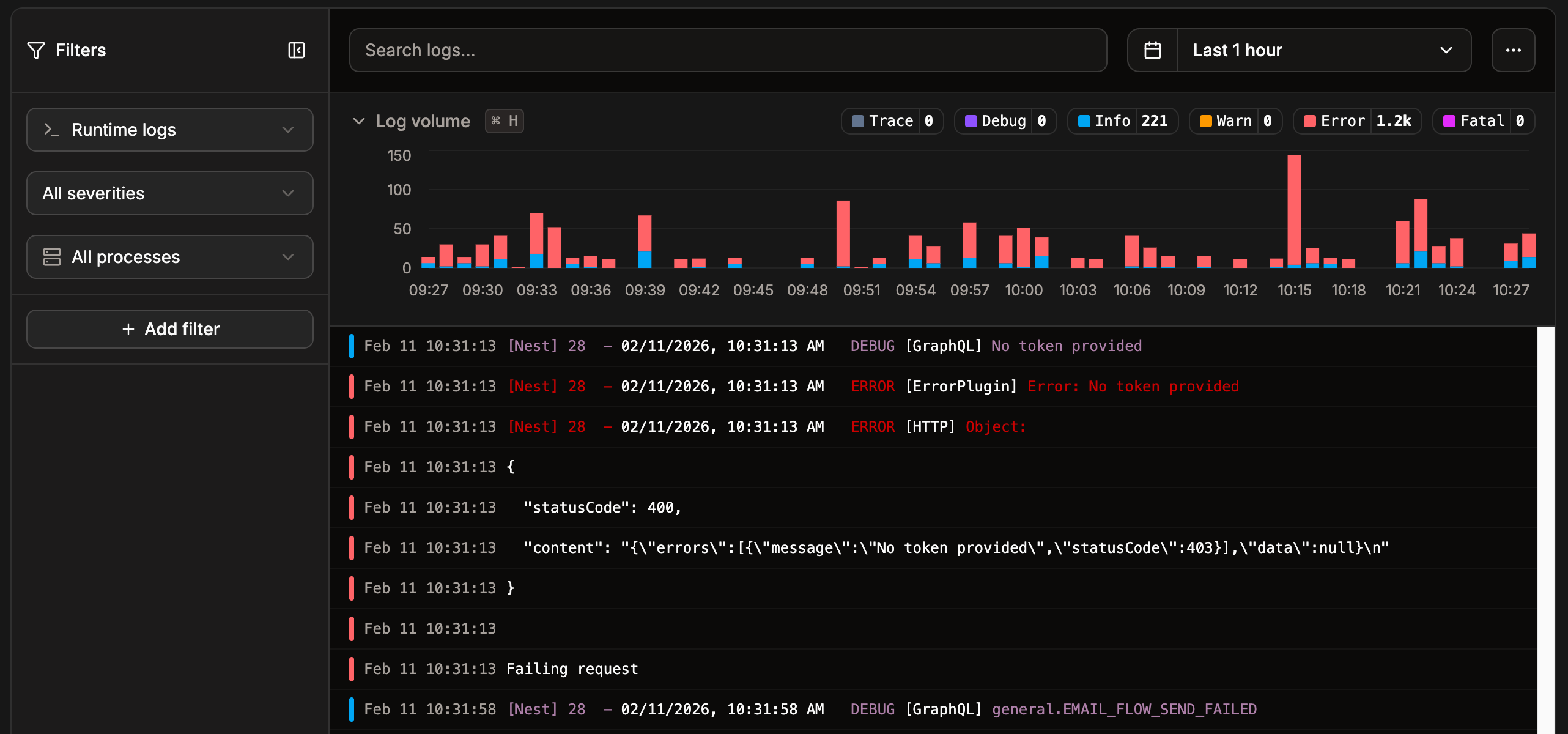
<Frame caption="View your application’s runtime logs in Sevalla.">
  <img className="block dark:hidden" src="https://mintcdn.com/sevalla/fkpSlpO5MXibNxQW/images/application-logs-light.png?fit=max&auto=format&n=fkpSlpO5MXibNxQW&q=85&s=a548e7ab0e6292faaf1eaa3ac1ee1dac" alt="View your application’s runtime logs in Sevalla" width="2558" height="1206" data-path="images/application-logs-light.png" />

  <img className="hidden dark:block" src="https://mintcdn.com/sevalla/fkpSlpO5MXibNxQW/images/application-logs-dark.png?fit=max&auto=format&n=fkpSlpO5MXibNxQW&q=85&s=4e4fbbaef4b575724ccdac8bf2e6b0d1" alt="View your application’s runtime logs in Sevalla" width="2564" height="1200" data-path="images/application-logs-dark.png" />
</Frame>

## Access logs

To view the access logs, click **Runtime logs** and then select **Access logs**. You can search the logs and create your own custom filter. When you add a custom filter, click **Run query** to apply it.
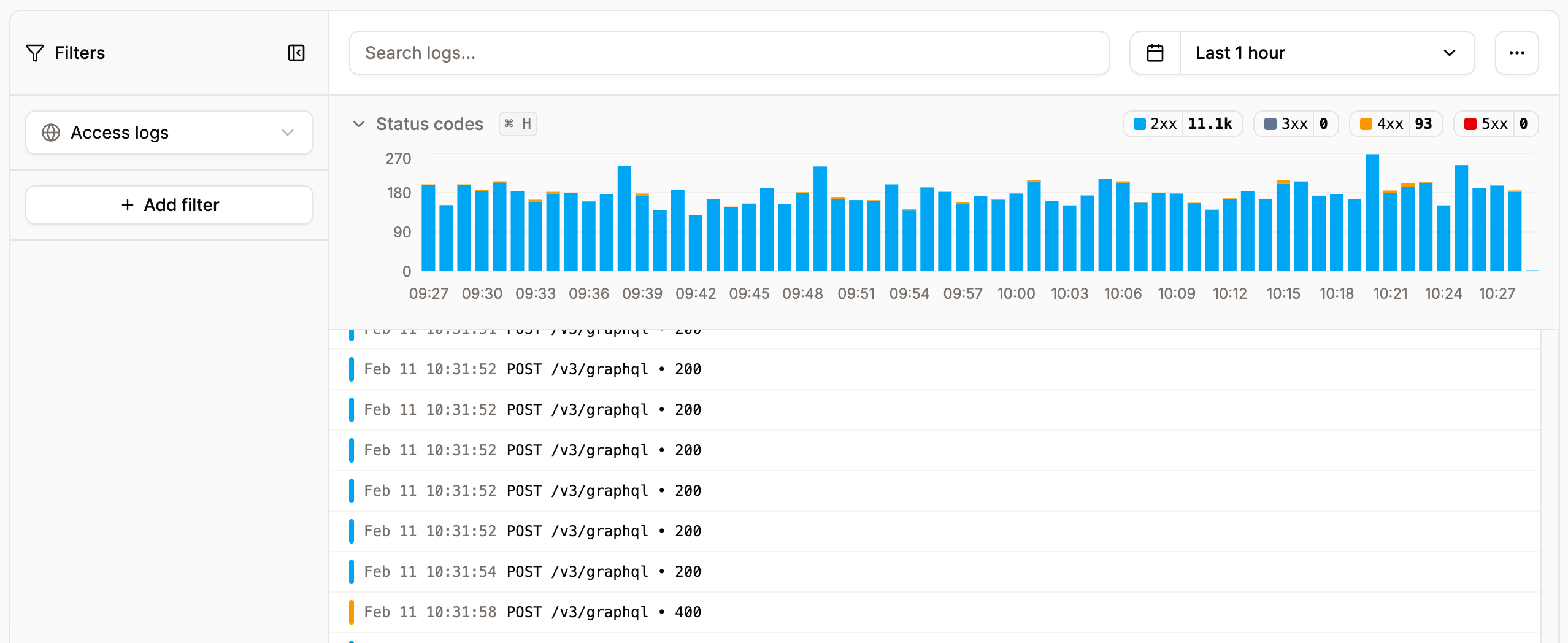
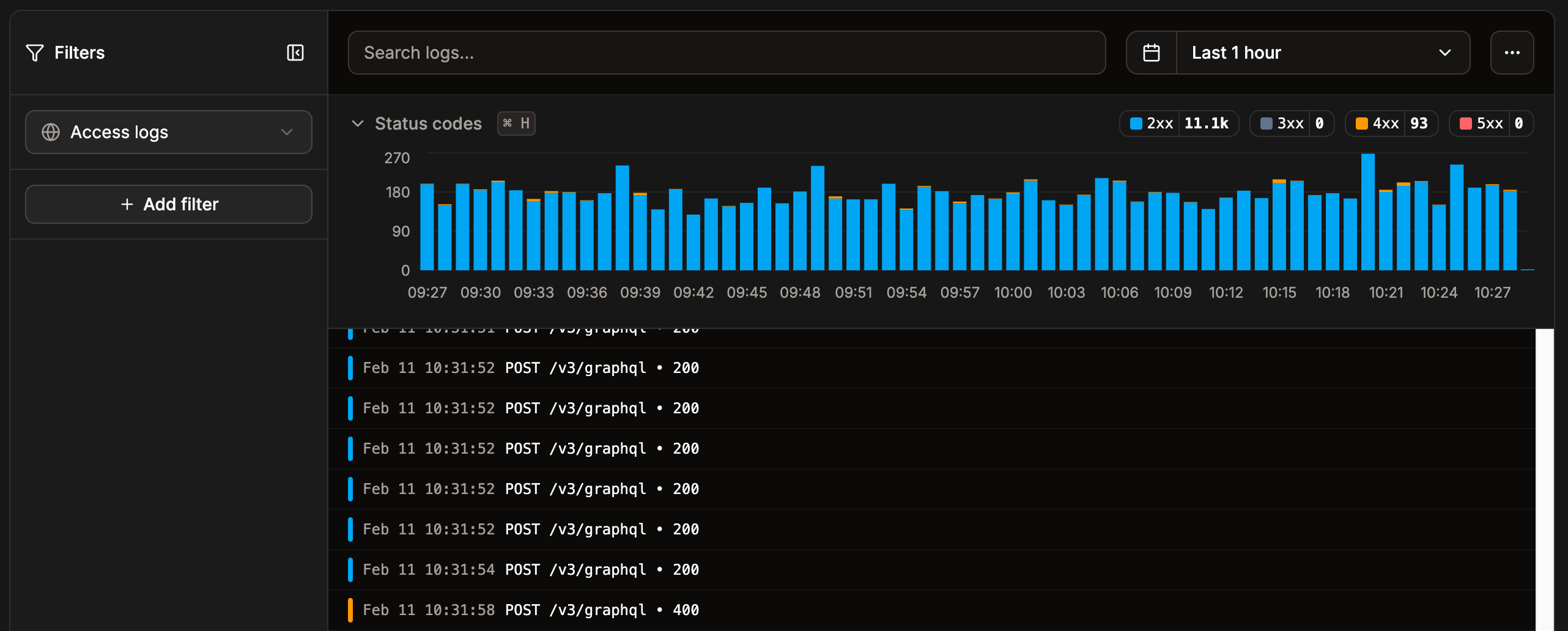
<Frame caption="View your application’s access logs in Sevalla.">
  <img className="block dark:hidden" src="https://mintcdn.com/sevalla/fkpSlpO5MXibNxQW/images/app-access-logs-light.png?fit=max&auto=format&n=fkpSlpO5MXibNxQW&q=85&s=b3c240755ed613941f493bc9673b49b3" alt="View your application’s access logs in Sevalla" width="2556" height="1048" data-path="images/app-access-logs-light.png" />

  <img className="hidden dark:block" src="https://mintcdn.com/sevalla/fkpSlpO5MXibNxQW/images/app-access-logs-dark.png?fit=max&auto=format&n=fkpSlpO5MXibNxQW&q=85&s=a34926ebbbf42a2c5bbc69ceec637d6f" alt="View your application’s access logs in Sevalla" width="2564" height="1032" data-path="images/app-access-logs-dark.png" />
</Frame>

## Deployment runtime logs

You can view the runtime logs for each individual deployment within **Deployments** > select the required deployment > **Runtime logs**.
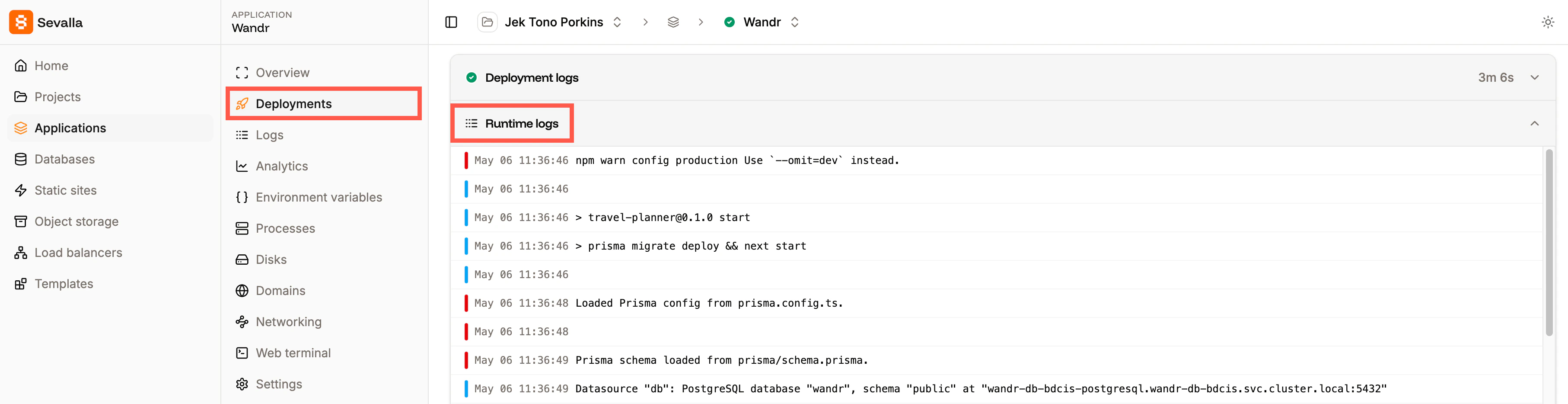
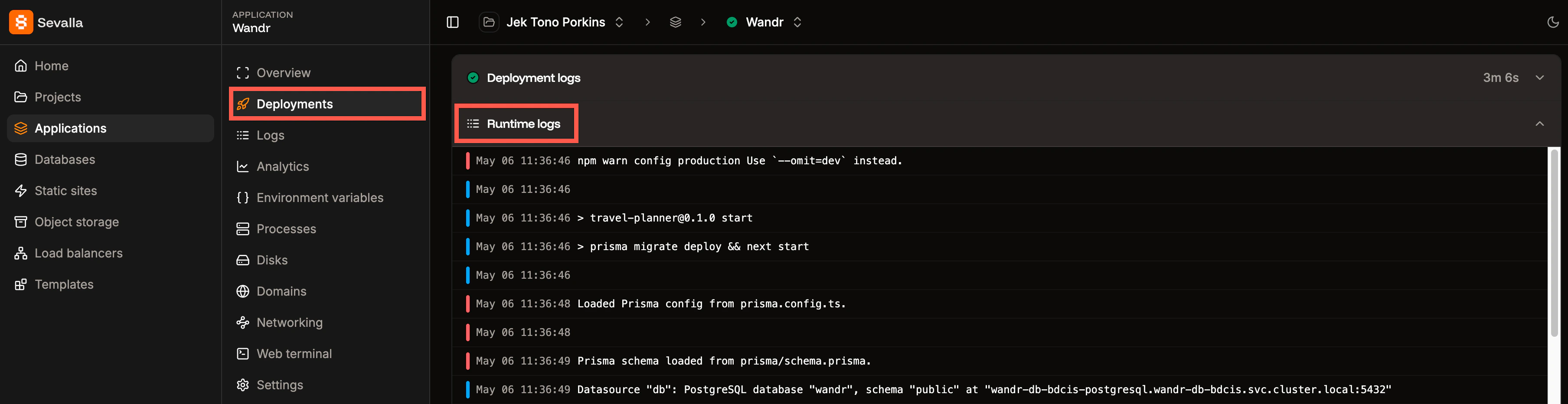
<Frame caption="View the runtime logs for a specific deployment.">
  <img className="block dark:hidden" src="https://mintcdn.com/sevalla/7QGw6Tc-s98FIeJI/images/runtime-logs-light.png?fit=max&auto=format&n=7QGw6Tc-s98FIeJI&q=85&s=572a40e7e2c8c03745a37a88b60e7a82" alt="View the runtime logs for a specific deployment" width="3628" height="934" data-path="images/runtime-logs-light.png" />

  <img className="hidden dark:block" src="https://mintcdn.com/sevalla/7QGw6Tc-s98FIeJI/images/runtime-logs-dark.png?fit=max&auto=format&n=7QGw6Tc-s98FIeJI&q=85&s=0cf991219e9f36798ba07aab3e6fa360" alt="View the runtime logs for a specific deployment" width="3616" height="932" data-path="images/runtime-logs-dark.png" />
</Frame>
