> ## Documentation Index
> Fetch the complete documentation index at: https://docs.sevalla.com/llms.txt
> Use this file to discover all available pages before exploring further.
# Backups
> Manage automated and manual database backups.
The database **Backups** page shows the automatic daily backups and any manually created backups you've made of your database. You can also restore a backup, create a new manual backup, or delete a manual backup.
To download a database backup, you'll need to either export your database via the command line or use a database tool like TablePlus.
Database backups are excluded when [calculating your total disk space](/databases/analytics) (i.e. storage).
## Automatic backups
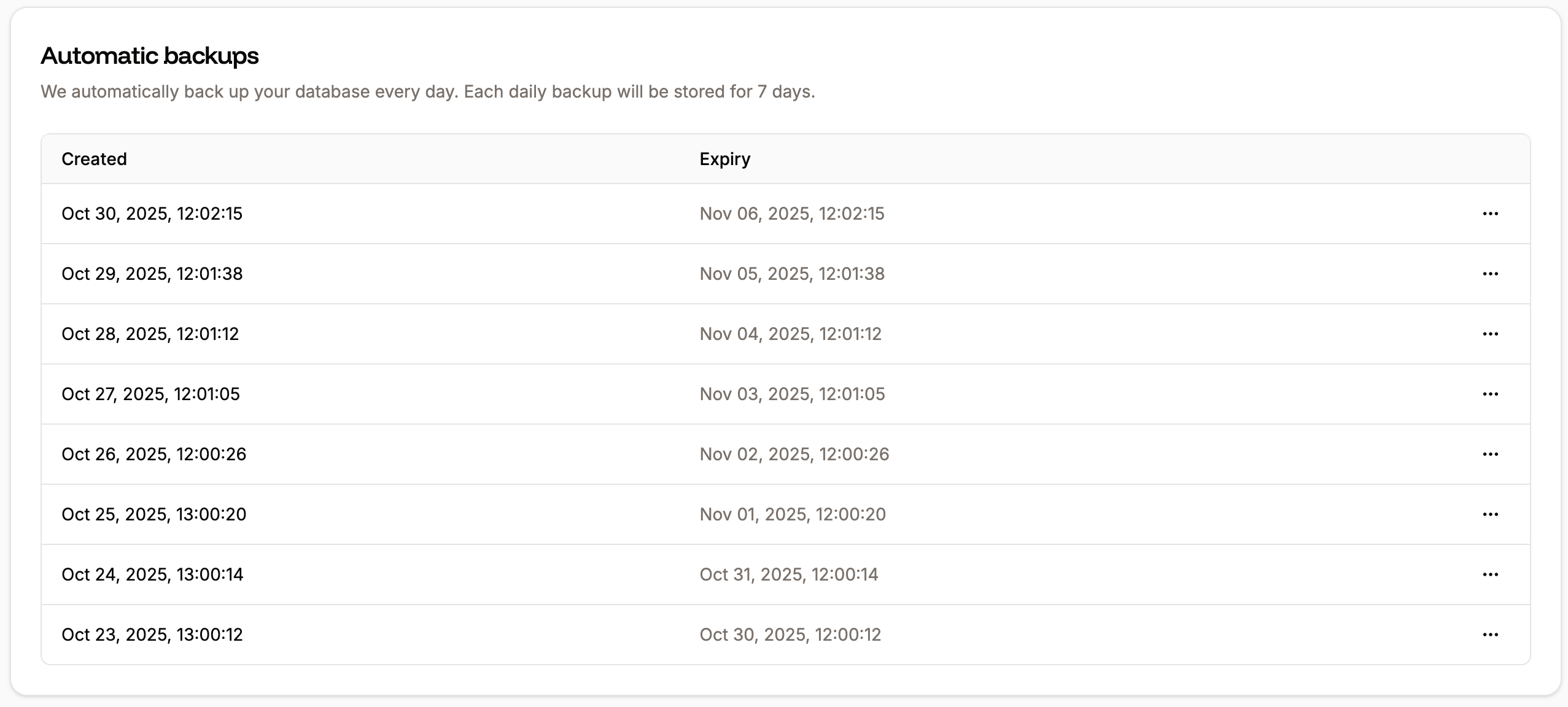
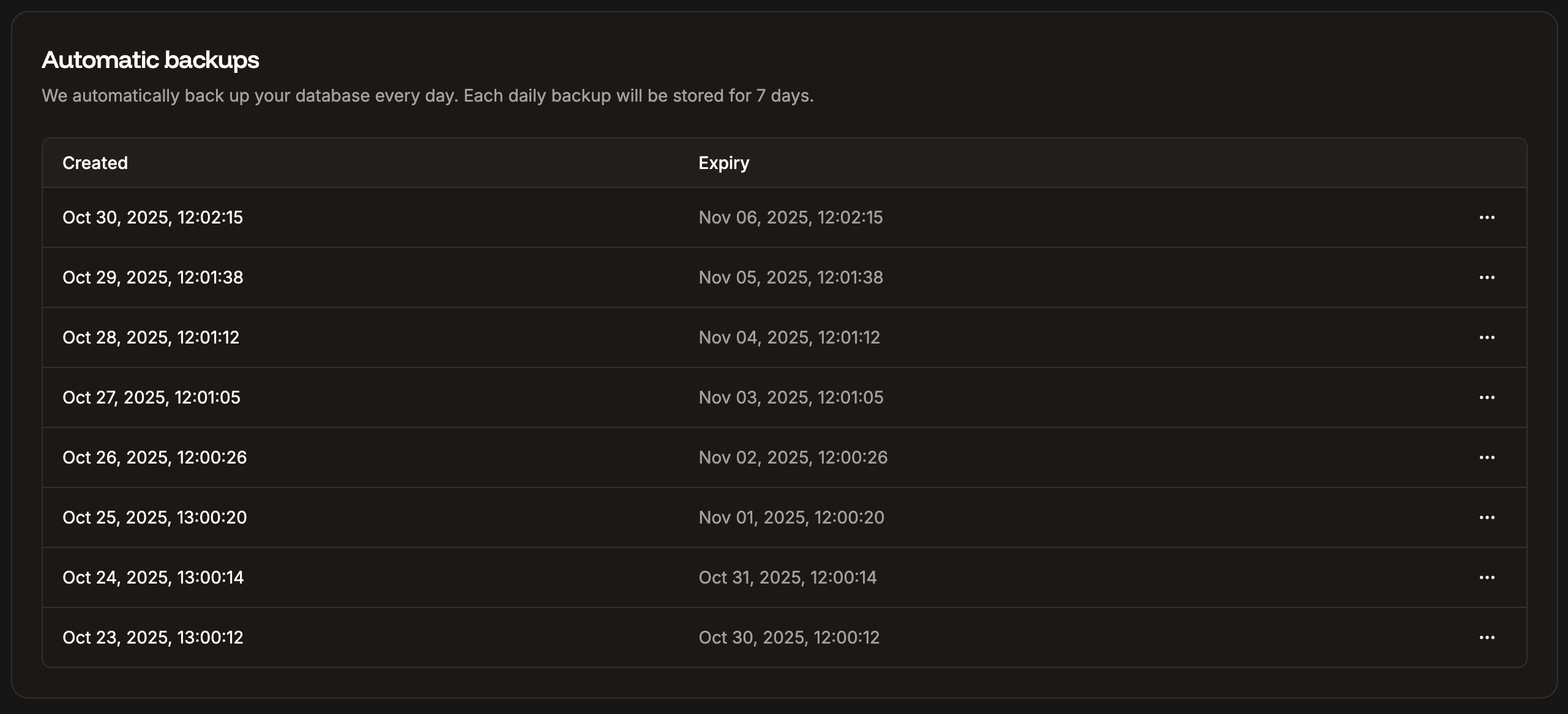
Databases are automatically backed up daily, and each backup is **stored for 7 days**.
 ## Manual backups
You can manually create a database backup at any time, up to 5 manual backups, which are **stored for 14 days**. If you need to make more than 5 manual backups in 14 days, you'll need to delete one of the manual backups to make room for a new one.
To create a manual backup, click **Create backup**, enter a note to identify your backup (required), and click **Create database backup**.
## Manual backups
You can manually create a database backup at any time, up to 5 manual backups, which are **stored for 14 days**. If you need to make more than 5 manual backups in 14 days, you'll need to delete one of the manual backups to make room for a new one.
To create a manual backup, click **Create backup**, enter a note to identify your backup (required), and click **Create database backup**.

 ## Restore a backup
You can restore automatic or manual backups in Sevalla to your current database or to another database.
Restoring a database backup overwrites the target database content with the content from the backup. Your database credentials and external connection details will not change.
To restore a backup, click the ellipsis (three dots) next to the backup you want to restore, and click **Restore**.
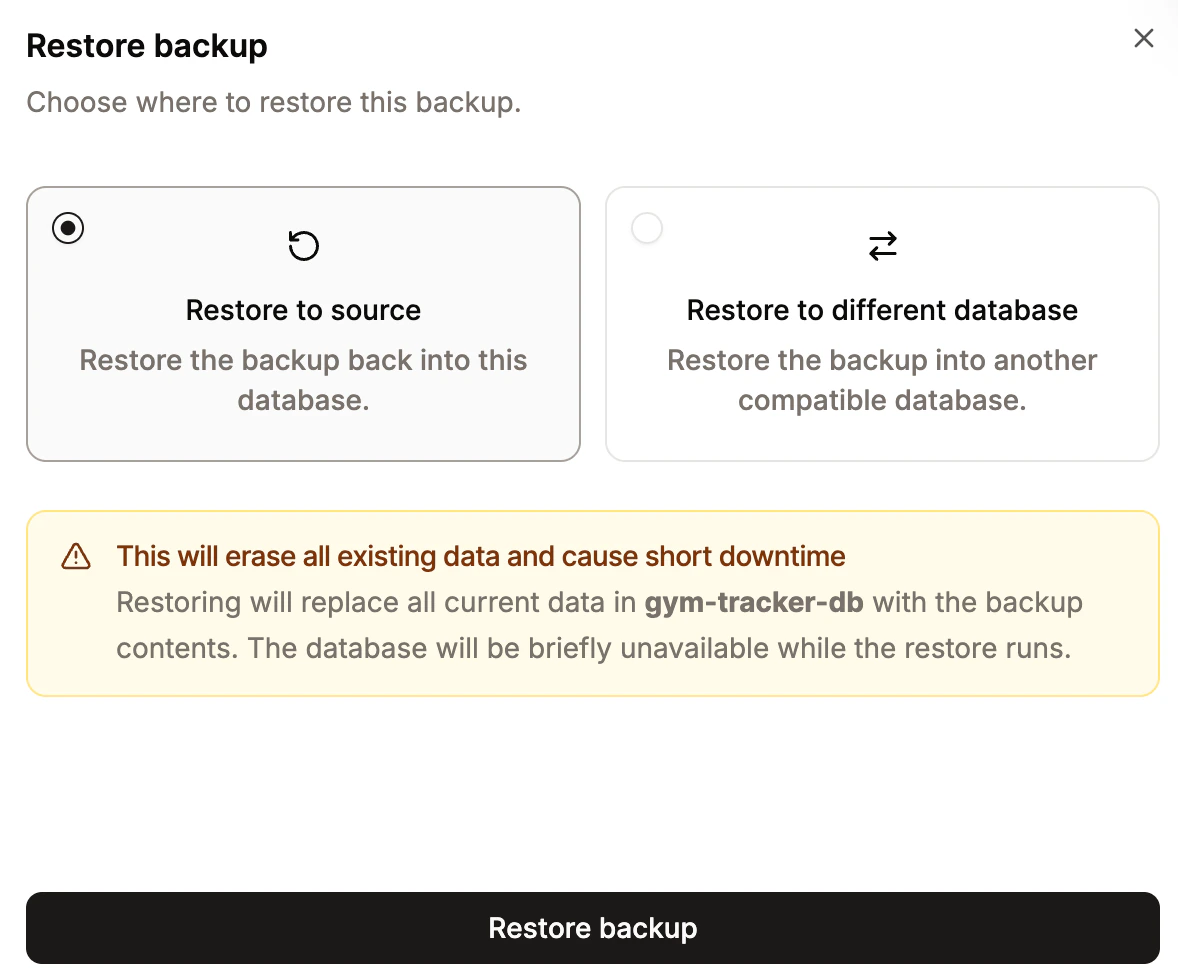
Choose whether you want to restore the backup to the current database or a different database.
If you restore to a different database, your current database is untouched. The target database must:
* Belong to the same company
* Be the same database type
* Be located in the same data center
Click **Restore backup**.
## Restore a backup
You can restore automatic or manual backups in Sevalla to your current database or to another database.
Restoring a database backup overwrites the target database content with the content from the backup. Your database credentials and external connection details will not change.
To restore a backup, click the ellipsis (three dots) next to the backup you want to restore, and click **Restore**.
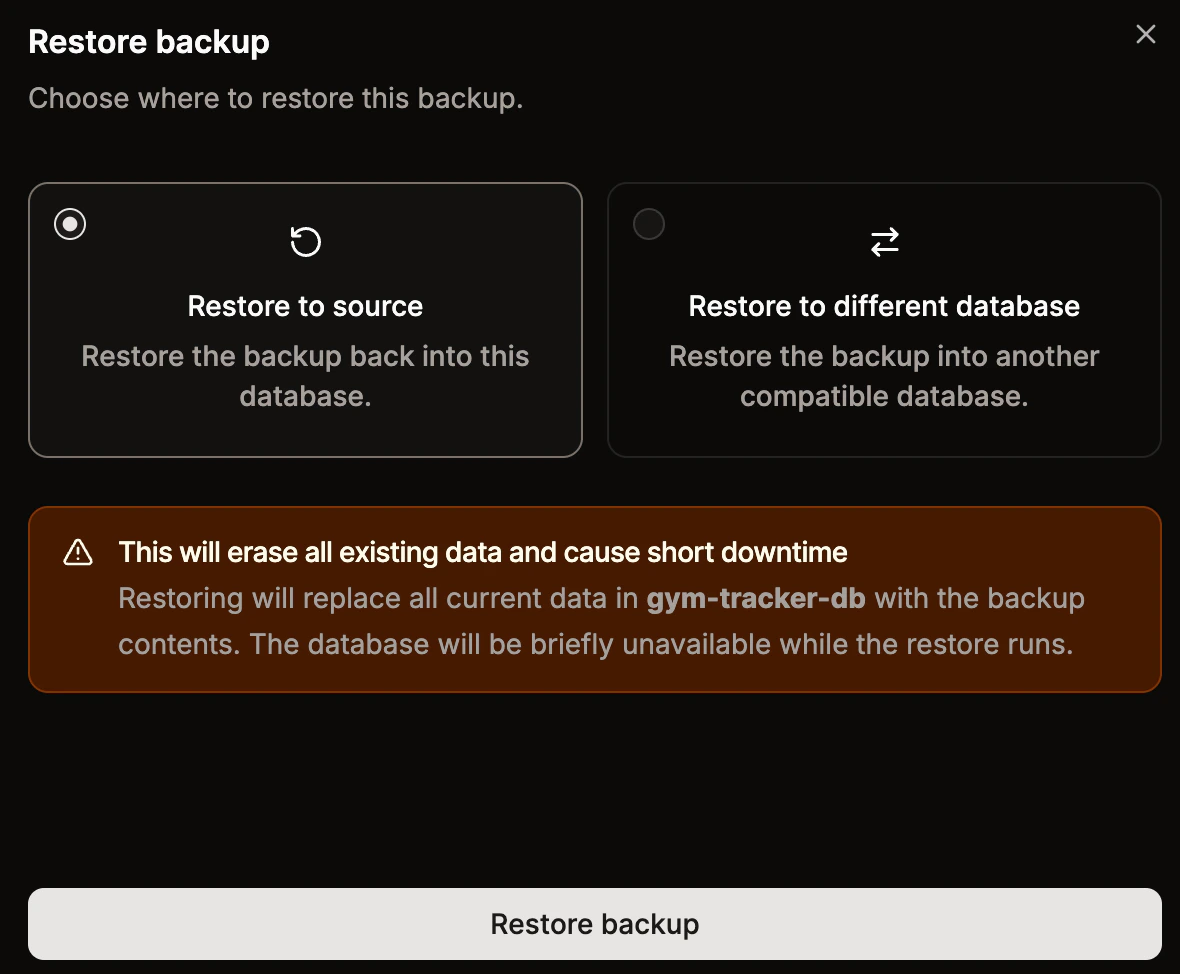
Choose whether you want to restore the backup to the current database or a different database.
If you restore to a different database, your current database is untouched. The target database must:
* Belong to the same company
* Be the same database type
* Be located in the same data center
Click **Restore backup**.
 The restoration may take several minutes or more, depending on the size of your database.