> ## Documentation Index
> Fetch the complete documentation index at: https://docs.sevalla.com/llms.txt
> Use this file to discover all available pages before exploring further.
> ## Agent Instructions
> These are the docs for Sevalla, a platform for deploying applications, databases, static sites, object storage and load balancers. The dashboard is at https://app.sevalla.com.
> Bold text in steps is an exact dashboard label.
> To act on a Sevalla account, prefer the Sevalla MCP server (https://mcp.sevalla.com/mcp, see https://docs.sevalla.com/ai-agents/overview.md), then the Sevalla CLI (https://docs.sevalla.com/developer-tools/cli.md), then the REST API (https://api-docs.sevalla.com, OpenAPI spec at https://api.sevalla.com/v3/openapi.json).
> Every page index is at https://docs.sevalla.com/llms.txt.
# GitHub
> Connect GitHub to Sevalla: authorize and install the Kinsta GitHub App, choose which repositories and organizations Sevalla can access, and disconnect it.
Sevalla connects to GitHub through the Kinsta GitHub App (Sevalla is a Kinsta product). You authorize the app so Sevalla knows your GitHub account, and you install it on your account or organization to choose the repositories Sevalla can read. Sevalla then deploys from those repositories and receives their pushes and pull requests without a webhook in the repository.
## How the GitHub connection works
| Part | What it does | Where you manage it |
| - | - | - |
| Authorization of your GitHub user | Lets Sevalla see which repositories you can reach through the app, to list them in Sevalla | In Sevalla, **My account** > **Repository access**. On GitHub, **Settings** > **Applications** > **Authorized GitHub Apps**. |
| Installation on an account or organization | Gives the app access to the repositories you choose: Sevalla clones them, receives their events, and comments on their pull requests | In Sevalla, **Adjust GitHub repository access**. On GitHub, **Settings** > **Applications** > **Installed GitHub Apps** (for an organization, its settings). |
The repository list in Sevalla holds the repositories that are in an installation of the app and that your GitHub user can access. Deployments use the installation's access, not yours: services keep deploying when you disconnect your user, as long as the app stays installed on their repositories.
## Connect GitHub
In the sidebar, click **Applications**, then click **Create** and **Application**. Under **Source**, keep **Private repository** and **GitHub**, then click **Connect to GitHub**. The same button shows when you create a static site or set up preview apps.
In the new tab, sign in to GitHub if needed, then click **Authorize Kinsta**.
Return to the Sevalla tab. It picks up the connection on its own; if it doesn't, click **Check again**.
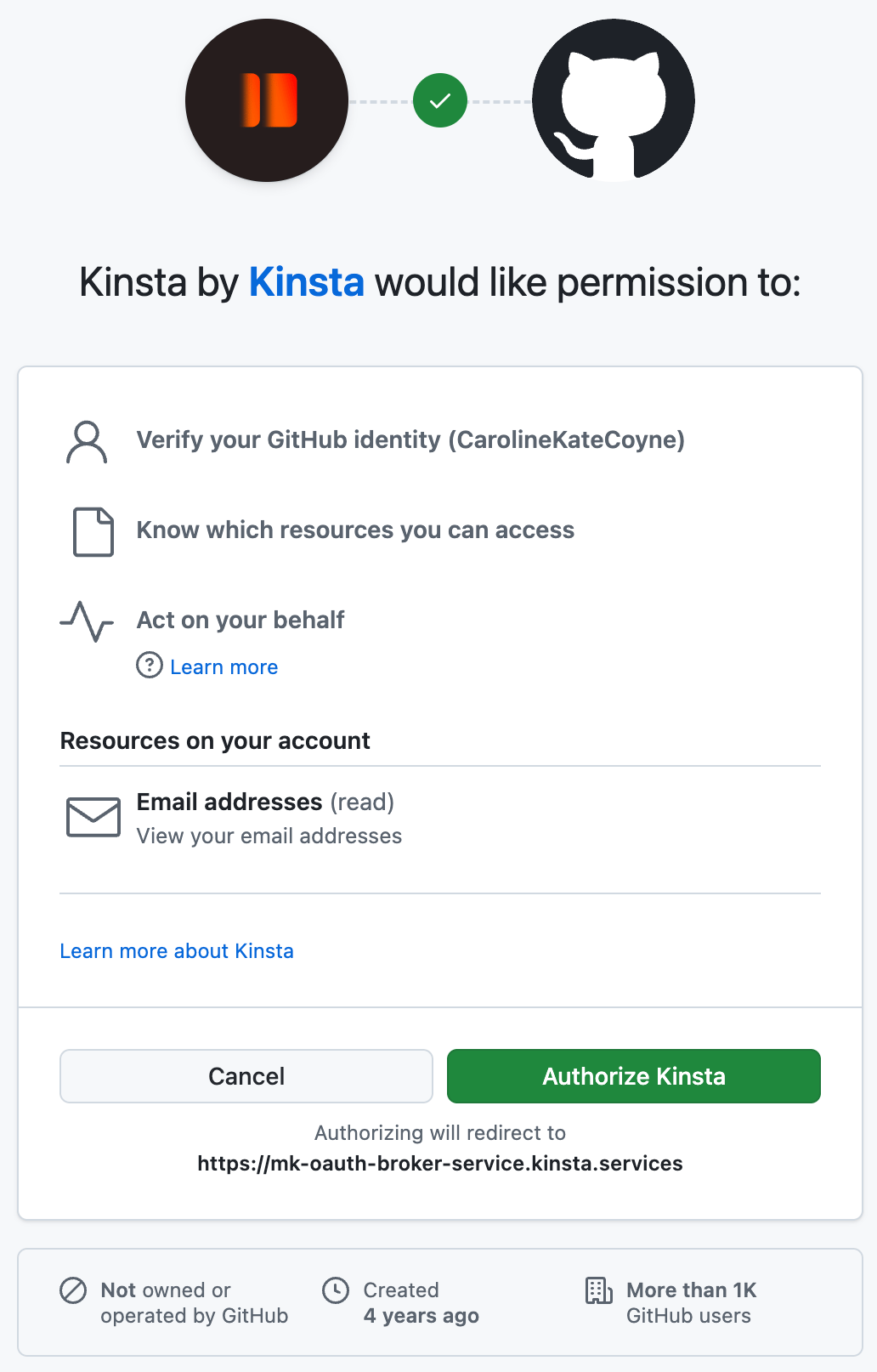
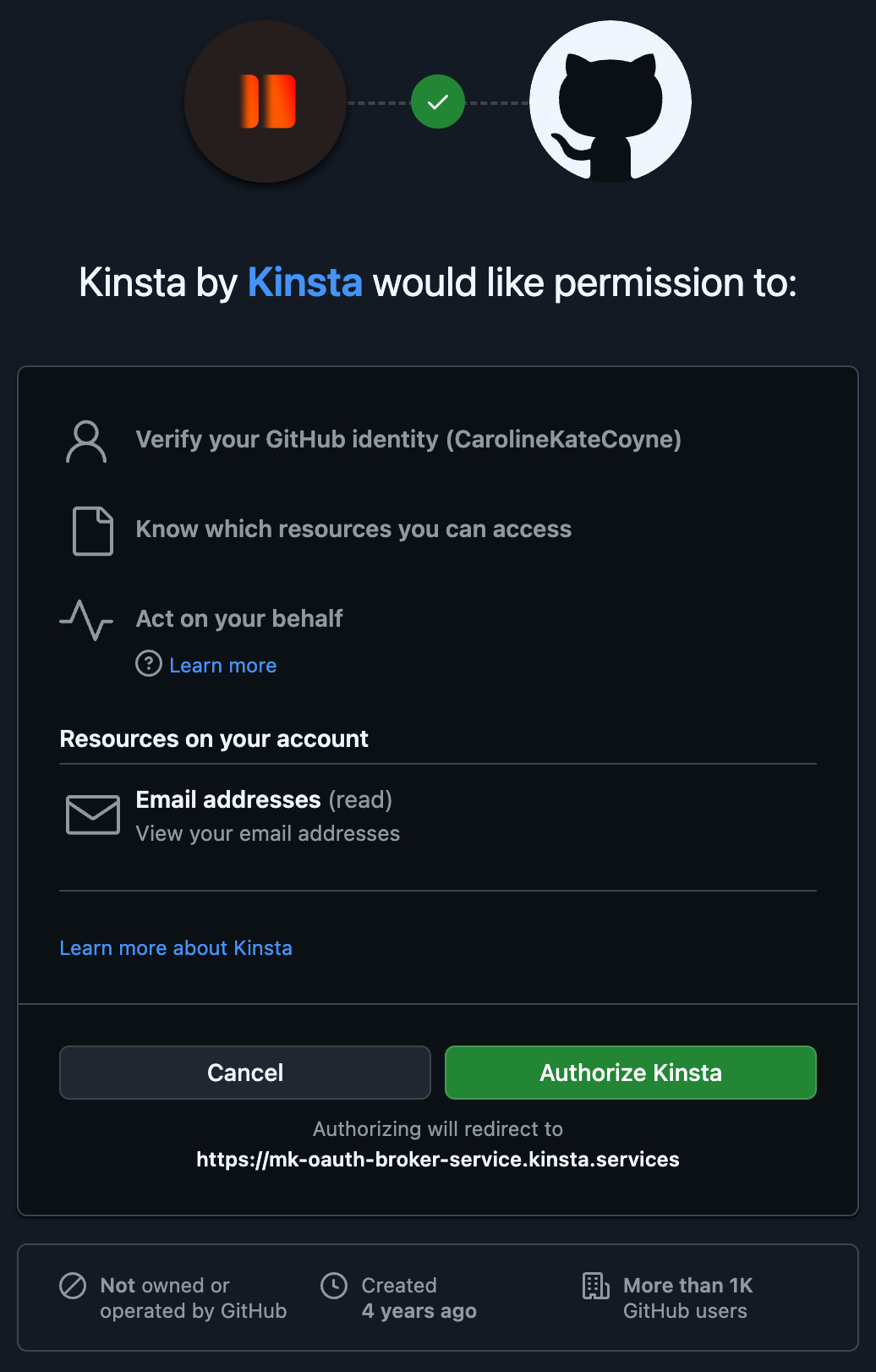 **Repository** now lists your repositories. If it's empty, or a repository is missing, the app isn't installed on it yet: [choose the repositories](#choose-the-repositories-sevalla-can-access).
## Choose the repositories Sevalla can access
Under **Repository**, click **Adjust GitHub repository access**. GitHub opens in a new tab.
On **Install Kinsta**, pick your personal account or an organization. **Configure** shows on the ones where the app is already installed.
Under **Repository access**, choose **Only select repositories** and select the repositories to deploy, or **All repositories**. Grant only what you deploy.
Confirm the installation, or click **Update access** when the app is already installed.
Back in Sevalla, click the refresh button next to **Repository**.
**Repository** now lists your repositories. If it's empty, or a repository is missing, the app isn't installed on it yet: [choose the repositories](#choose-the-repositories-sevalla-can-access).
## Choose the repositories Sevalla can access
Under **Repository**, click **Adjust GitHub repository access**. GitHub opens in a new tab.
On **Install Kinsta**, pick your personal account or an organization. **Configure** shows on the ones where the app is already installed.
Under **Repository access**, choose **Only select repositories** and select the repositories to deploy, or **All repositories**. Grant only what you deploy.
Confirm the installation, or click **Update access** when the app is already installed.
Back in Sevalla, click the refresh button next to **Repository**.
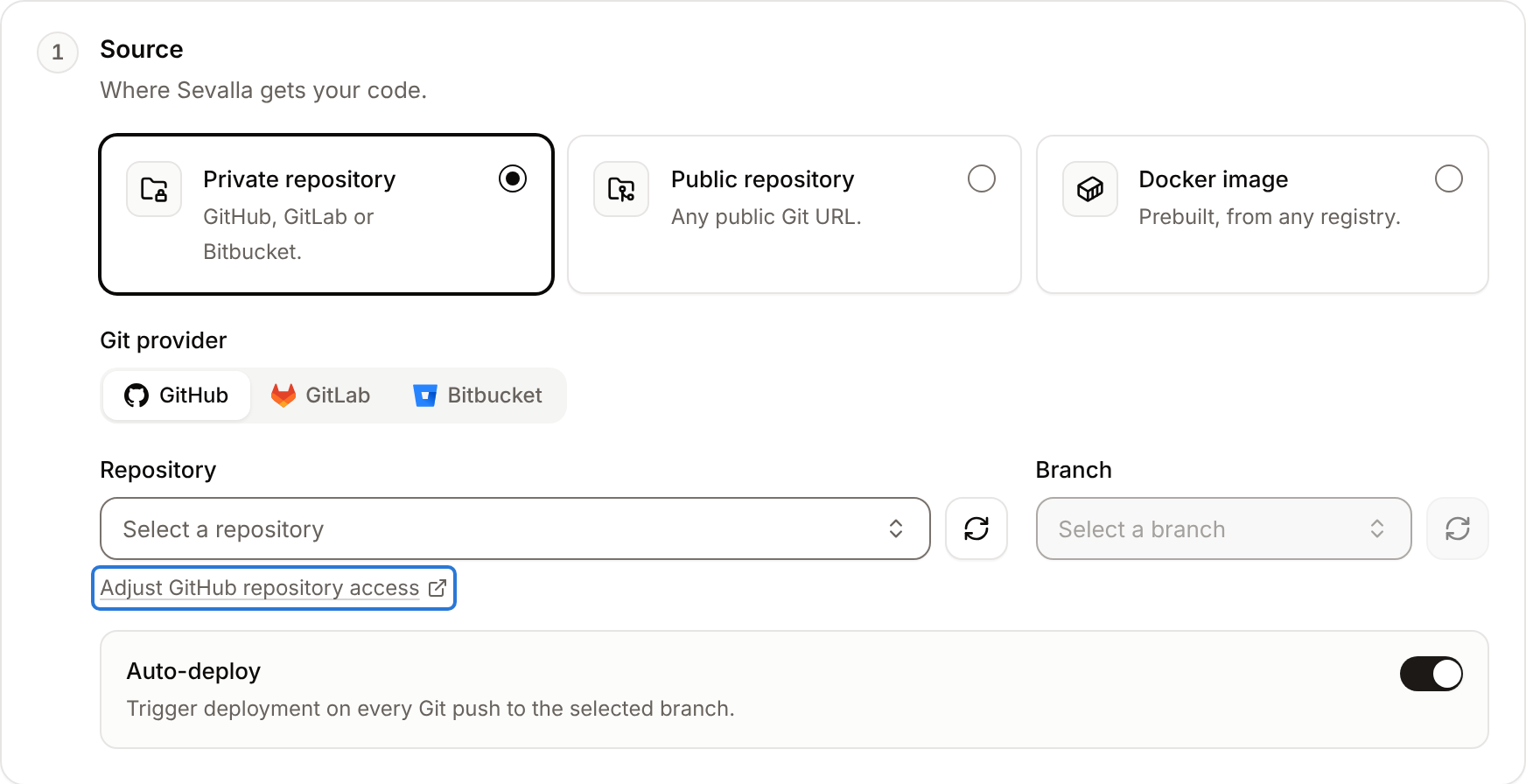
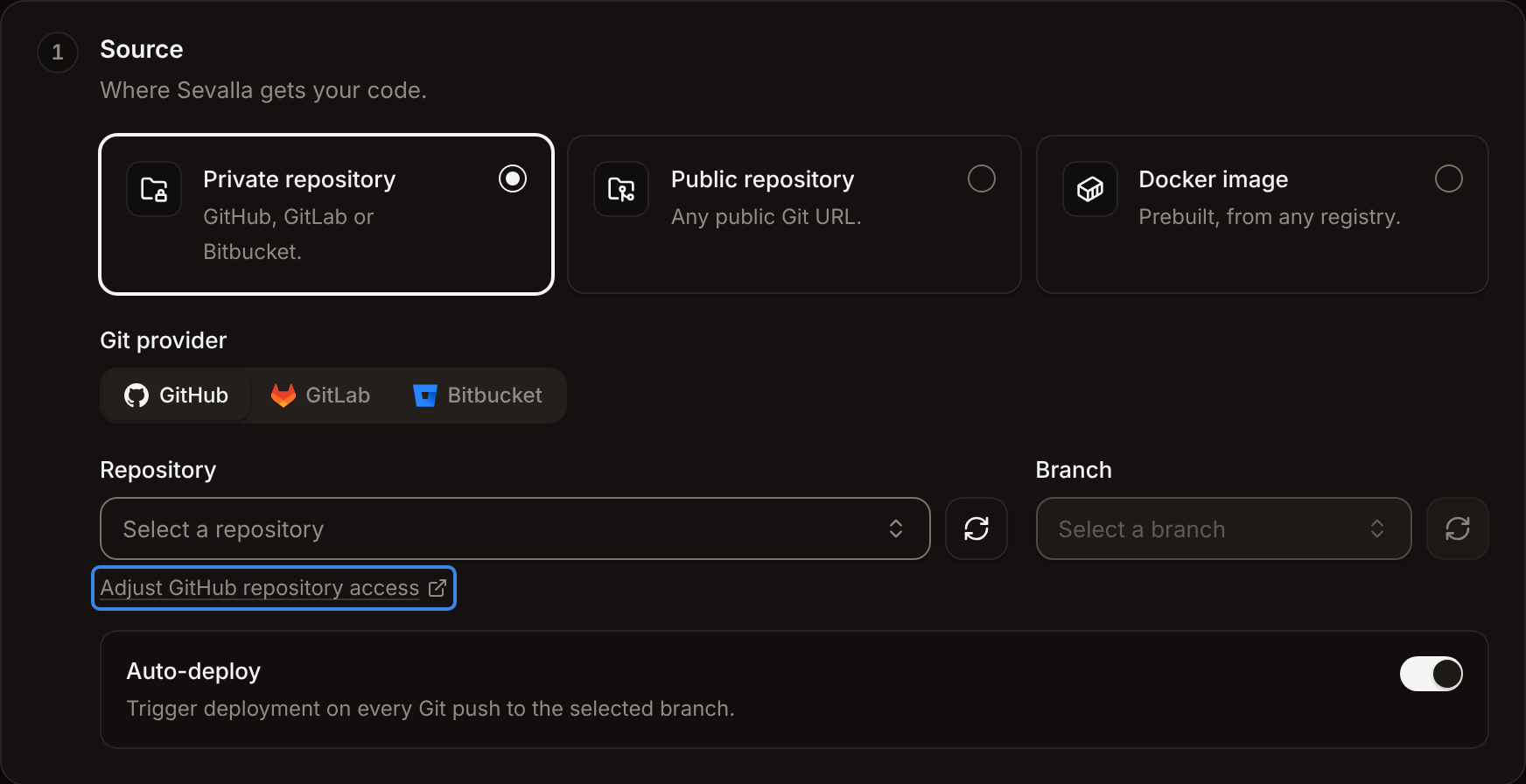
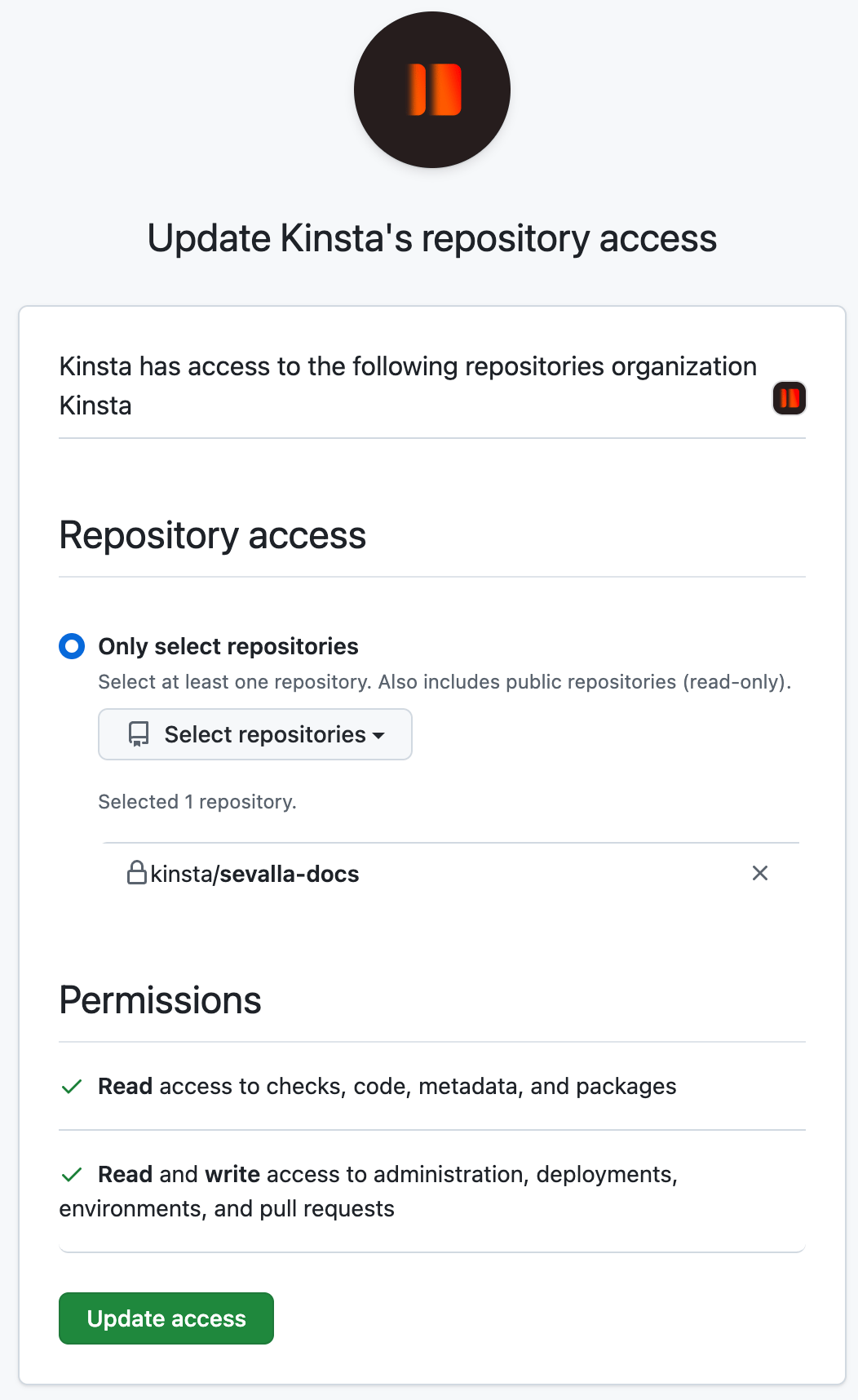
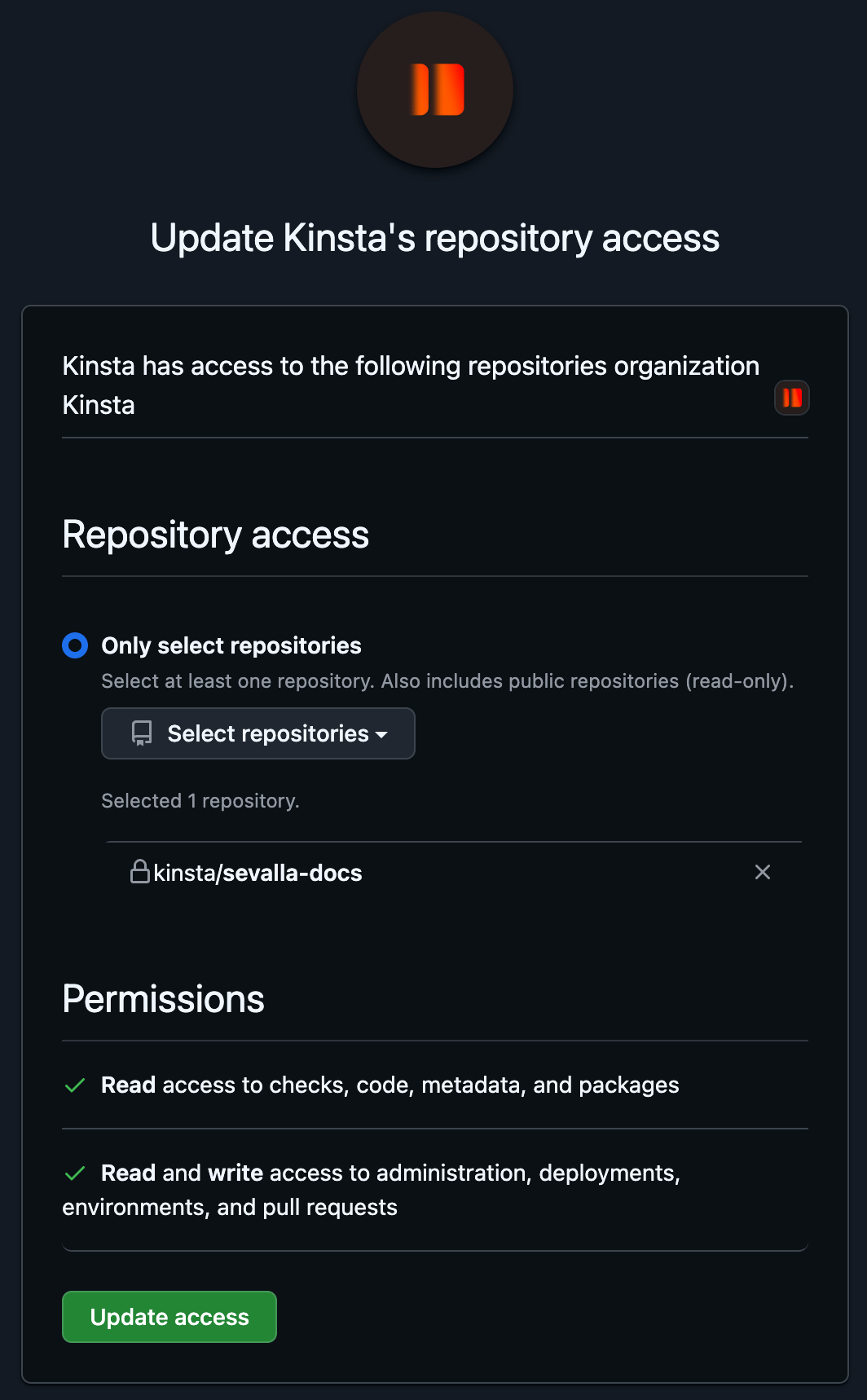 The repositories appear in **Repository**, as `organization/repository`. To change the selection later, repeat these steps; repositories you remove stop deploying.
### Organizations
To install the app on an organization, you need to be an owner of it on GitHub. Members who aren't owners can request the installation, and GitHub asks the owners to approve it. Repositories of the organization appear in Sevalla once the app is installed and you have access to them on GitHub.
## What Sevalla does in your repositories
| Action | When |
| - | - |
| Clones the repository, with an access token of the installation | Every deployment that builds |
| Receives pushes | Always, for every repository in the installation: services with automatic deployments on deploy their branch |
| Receives pull requests opened, reopened and closed | Always: pipelines use them for [preview apps](/pipelines/preview-apps) |
| Comments on a pull request | When its preview app deploys: one comment, updated with the status and a **Visit preview** link. A static site's [pull request previews](/static-sites/deployments#pull-request-previews) comment the same way. |
| Creates GitHub deployments | When an application in a [pipeline](/pipelines/overview) deploys: in an environment named after its stage (for example `Production`, or `Preview` for preview apps), with the status in progress, success or failure and a link to the application's `sevalla.app` address. A static site preview reports a deployment in the `preview` environment that links to its commit preview. |
Sevalla doesn't push commits or change your code. To deploy or promote from a GitHub Actions workflow, see [GitHub Actions](/developer-tools/github-actions).
## Disconnect GitHub
Choose what to cut:
| You want to | Do this | What happens |
| - | - | - |
| Stop Sevalla from listing your repositories | In Sevalla, **My account** > **Git login & repository access** > **Repository access** > **Revoke**. See [Revoke repository access](/git/overview#revoke-repository-access). | Services keep deploying through the installation. |
| Stop Sevalla from reading some repositories | On GitHub, open **Settings** > **Applications** > **Installed GitHub Apps**, click **Configure** next to **Kinsta**, and remove the repositories | Services that deploy from them stop deploying and pushes no longer reach Sevalla. |
| Stop Sevalla from reading any repository | On the same page, click **Uninstall** | Every service that deploys from the account's or organization's repositories stops deploying. |
| Remove the authorization of your GitHub user | On GitHub, open **Settings** > **Applications** > **Authorized GitHub Apps** and click **Revoke** next to **Kinsta** | Sevalla removes your GitHub connection, including sign-in with GitHub. |
The repositories appear in **Repository**, as `organization/repository`. To change the selection later, repeat these steps; repositories you remove stop deploying.
### Organizations
To install the app on an organization, you need to be an owner of it on GitHub. Members who aren't owners can request the installation, and GitHub asks the owners to approve it. Repositories of the organization appear in Sevalla once the app is installed and you have access to them on GitHub.
## What Sevalla does in your repositories
| Action | When |
| - | - |
| Clones the repository, with an access token of the installation | Every deployment that builds |
| Receives pushes | Always, for every repository in the installation: services with automatic deployments on deploy their branch |
| Receives pull requests opened, reopened and closed | Always: pipelines use them for [preview apps](/pipelines/preview-apps) |
| Comments on a pull request | When its preview app deploys: one comment, updated with the status and a **Visit preview** link. A static site's [pull request previews](/static-sites/deployments#pull-request-previews) comment the same way. |
| Creates GitHub deployments | When an application in a [pipeline](/pipelines/overview) deploys: in an environment named after its stage (for example `Production`, or `Preview` for preview apps), with the status in progress, success or failure and a link to the application's `sevalla.app` address. A static site preview reports a deployment in the `preview` environment that links to its commit preview. |
Sevalla doesn't push commits or change your code. To deploy or promote from a GitHub Actions workflow, see [GitHub Actions](/developer-tools/github-actions).
## Disconnect GitHub
Choose what to cut:
| You want to | Do this | What happens |
| - | - | - |
| Stop Sevalla from listing your repositories | In Sevalla, **My account** > **Git login & repository access** > **Repository access** > **Revoke**. See [Revoke repository access](/git/overview#revoke-repository-access). | Services keep deploying through the installation. |
| Stop Sevalla from reading some repositories | On GitHub, open **Settings** > **Applications** > **Installed GitHub Apps**, click **Configure** next to **Kinsta**, and remove the repositories | Services that deploy from them stop deploying and pushes no longer reach Sevalla. |
| Stop Sevalla from reading any repository | On the same page, click **Uninstall** | Every service that deploys from the account's or organization's repositories stops deploying. |
| Remove the authorization of your GitHub user | On GitHub, open **Settings** > **Applications** > **Authorized GitHub Apps** and click **Revoke** next to **Kinsta** | Sevalla removes your GitHub connection, including sign-in with GitHub. |
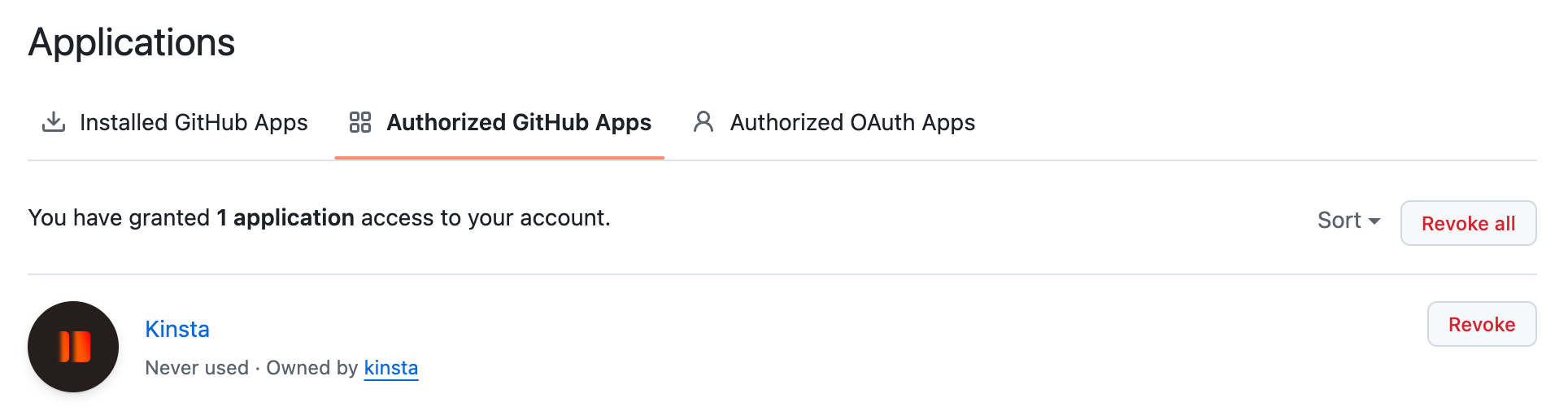
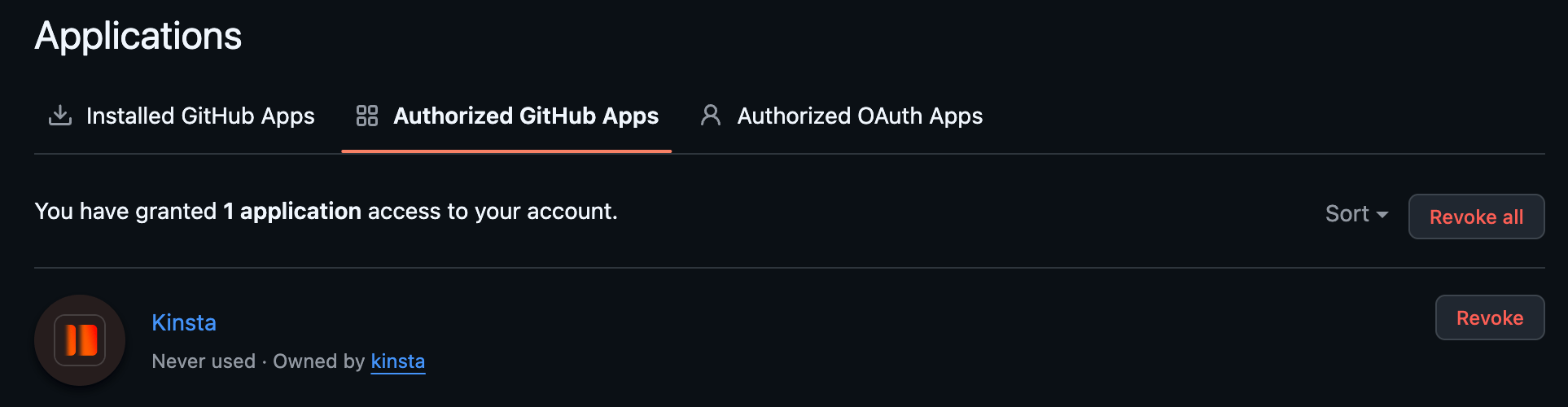 To connect again, follow [Connect GitHub](#connect-github).
## If a repository is missing
| Cause | Fix |
| - | - |
| The app isn't installed on the repository | Click **Adjust GitHub repository access** and add it. See [Choose the repositories](#choose-the-repositories-sevalla-can-access). |
| The repository belongs to an organization where the app isn't installed, or the installation waits for an owner's approval | Ask an owner of the organization to install or approve the app. |
| The repository was created or added after the page opened | Click the refresh button next to **Repository**. |
| Your GitHub user lost access to the repository | Ask for access on GitHub. Sevalla lists only repositories your user can access. |
| The list stays empty although the app has access | In **My account**, revoke **Repository access** for GitHub, then [connect GitHub](#connect-github) again. |
For deployments that fail because a repository isn't available anymore, see [Troubleshoot builds and deployments](/applications/troubleshooting/builds-and-deployments).
## API and CLI
| Task | API | CLI |
| - | - | - |
| Get the GitHub connect URL and the app's repository access settings URL | [List Git providers](https://api-docs.sevalla.com/v3/git/list-git-providers) | `sevalla git providers` |
For GitHub, the response has a `connect_url` to authorize the app and a `settings_url` that opens the app's installation settings on GitHub, where you choose the account and repositories.
This documentation is built and hosted on [Mintlify](https://mintlify.com), a developer documentation platform.
To connect again, follow [Connect GitHub](#connect-github).
## If a repository is missing
| Cause | Fix |
| - | - |
| The app isn't installed on the repository | Click **Adjust GitHub repository access** and add it. See [Choose the repositories](#choose-the-repositories-sevalla-can-access). |
| The repository belongs to an organization where the app isn't installed, or the installation waits for an owner's approval | Ask an owner of the organization to install or approve the app. |
| The repository was created or added after the page opened | Click the refresh button next to **Repository**. |
| Your GitHub user lost access to the repository | Ask for access on GitHub. Sevalla lists only repositories your user can access. |
| The list stays empty although the app has access | In **My account**, revoke **Repository access** for GitHub, then [connect GitHub](#connect-github) again. |
For deployments that fail because a repository isn't available anymore, see [Troubleshoot builds and deployments](/applications/troubleshooting/builds-and-deployments).
## API and CLI
| Task | API | CLI |
| - | - | - |
| Get the GitHub connect URL and the app's repository access settings URL | [List Git providers](https://api-docs.sevalla.com/v3/git/list-git-providers) | `sevalla git providers` |
For GitHub, the response has a `connect_url` to authorize the app and a `settings_url` that opens the app's installation settings on GitHub, where you choose the account and repositories.
This documentation is built and hosted on [Mintlify](https://mintlify.com), a developer documentation platform.