> ## Documentation Index
> Fetch the complete documentation index at: https://docs.sevalla.com/llms.txt
> Use this file to discover all available pages before exploring further.
# Docs - Sevalla®
> Cloud solution for web applications and databases.
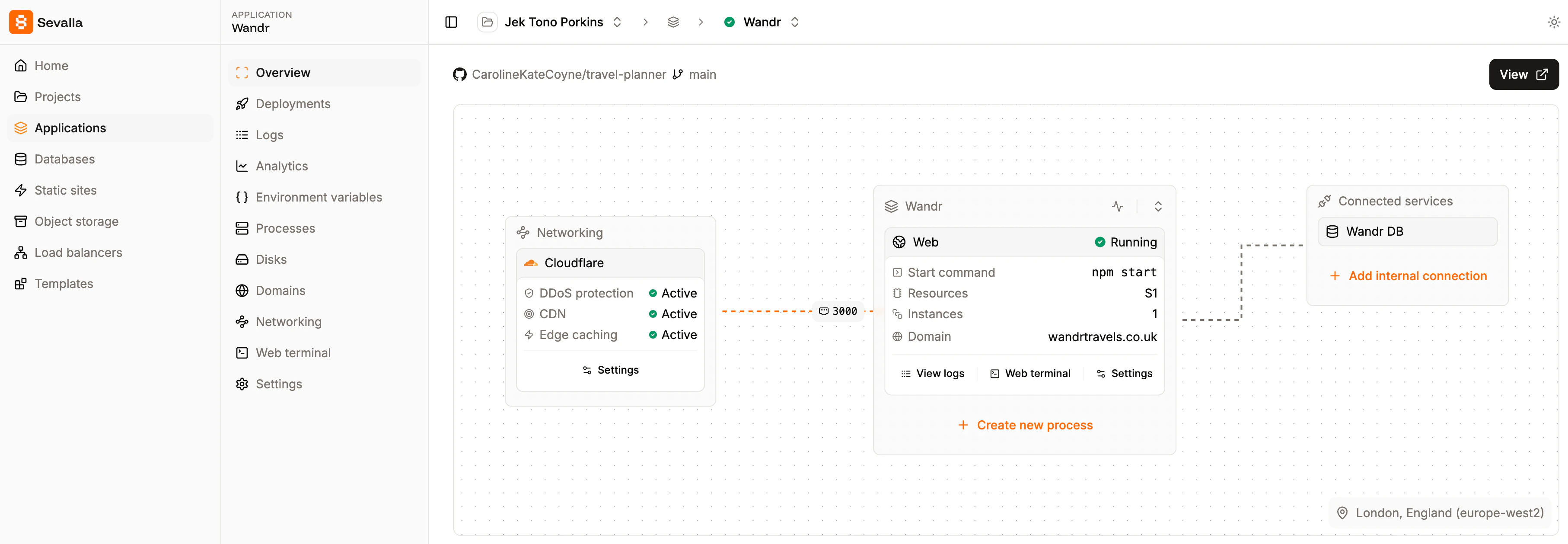
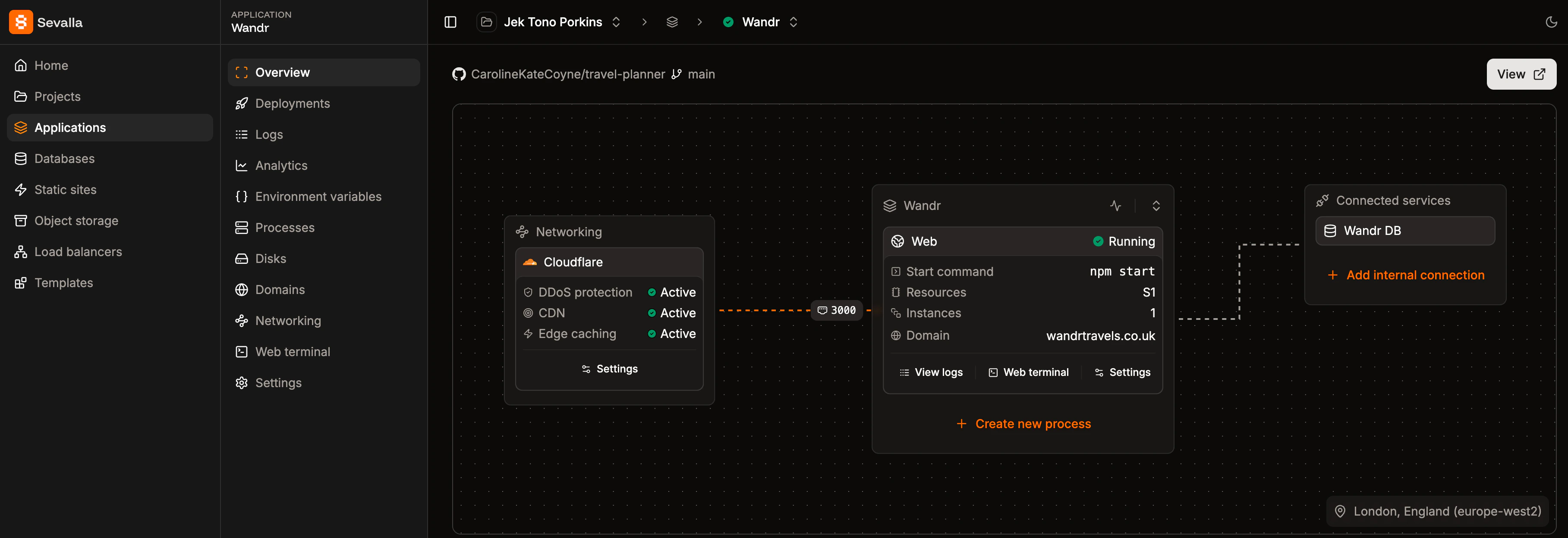 ## What can you do with Sevalla?
* **Deploy apps** from GitHub, GitLab, Bitbucket, or directly from Docker registry
* **Set up databases** like MySQL, PostgreSQL, MariaDB, or Redis with one click
* **Create pipelines** to manage environments (Dev, QA, Prod)
* **Preview environments** for every pull request
* **Deploy static sites** for free
## Get started
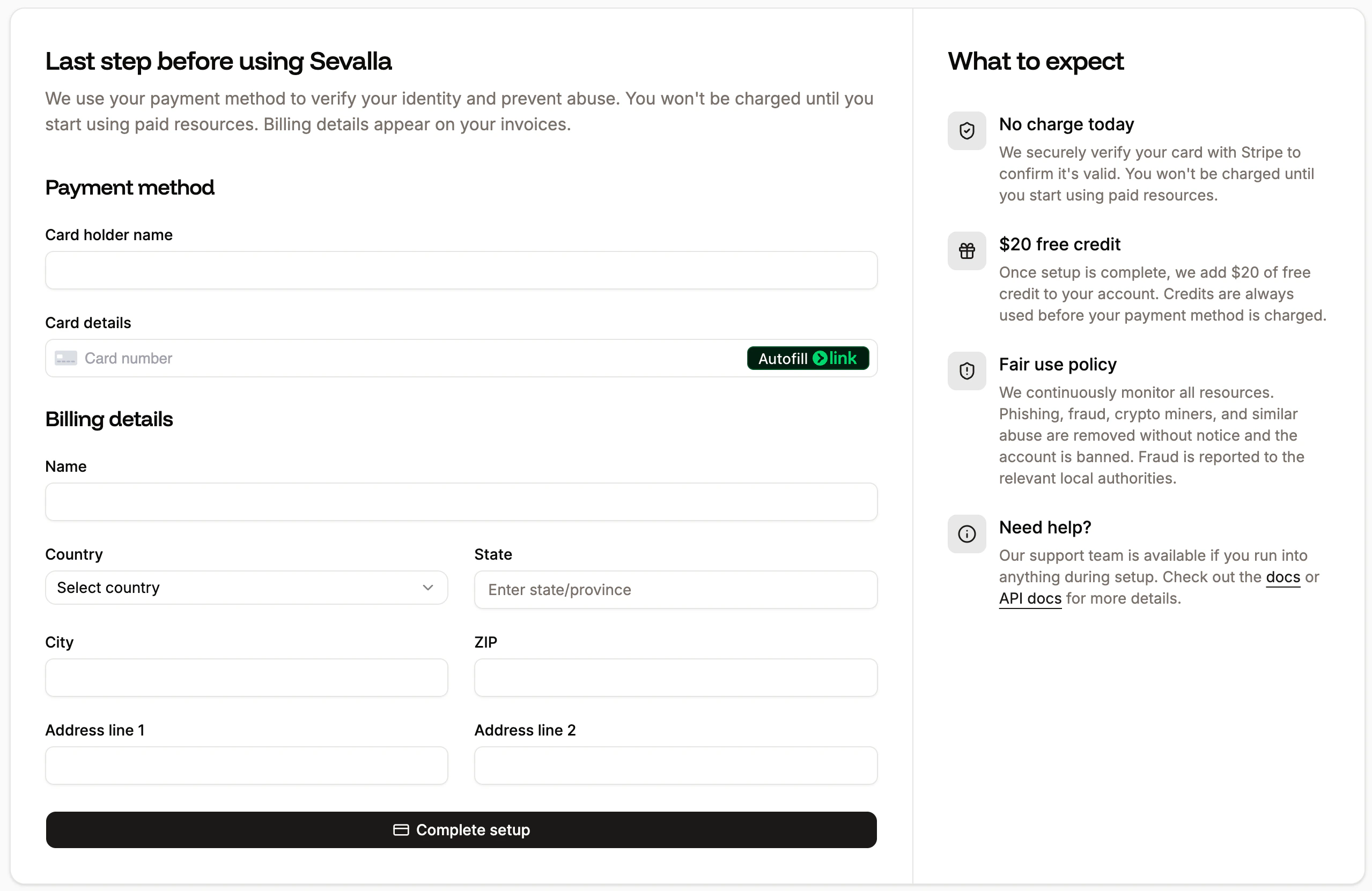
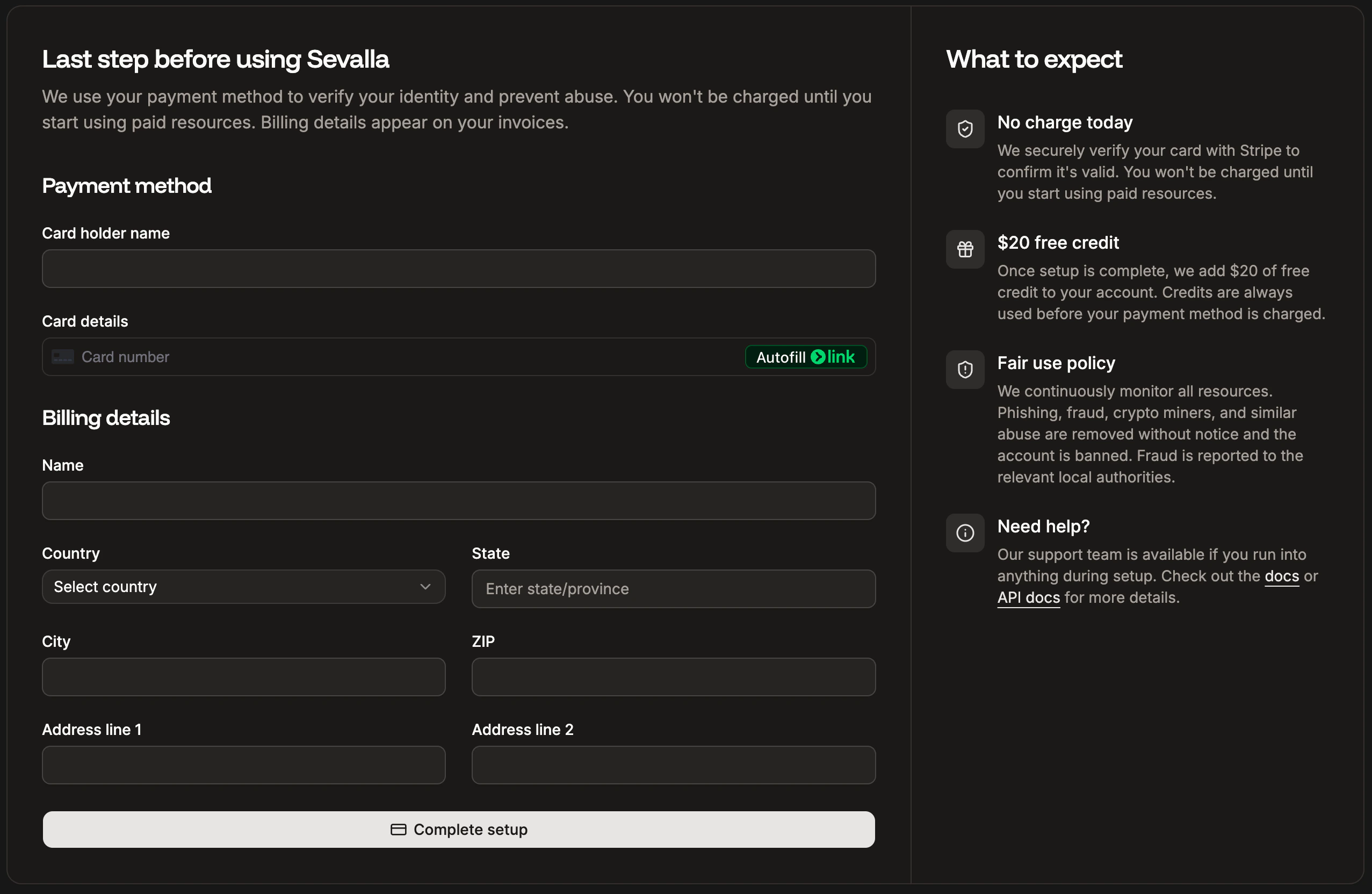
When you sign up to Sevalla, the first thing you need to do is enter your payment method and billing details, and then click **Complete setup**.
## What can you do with Sevalla?
* **Deploy apps** from GitHub, GitLab, Bitbucket, or directly from Docker registry
* **Set up databases** like MySQL, PostgreSQL, MariaDB, or Redis with one click
* **Create pipelines** to manage environments (Dev, QA, Prod)
* **Preview environments** for every pull request
* **Deploy static sites** for free
## Get started
When you sign up to Sevalla, the first thing you need to do is enter your payment method and billing details, and then click **Complete setup**.
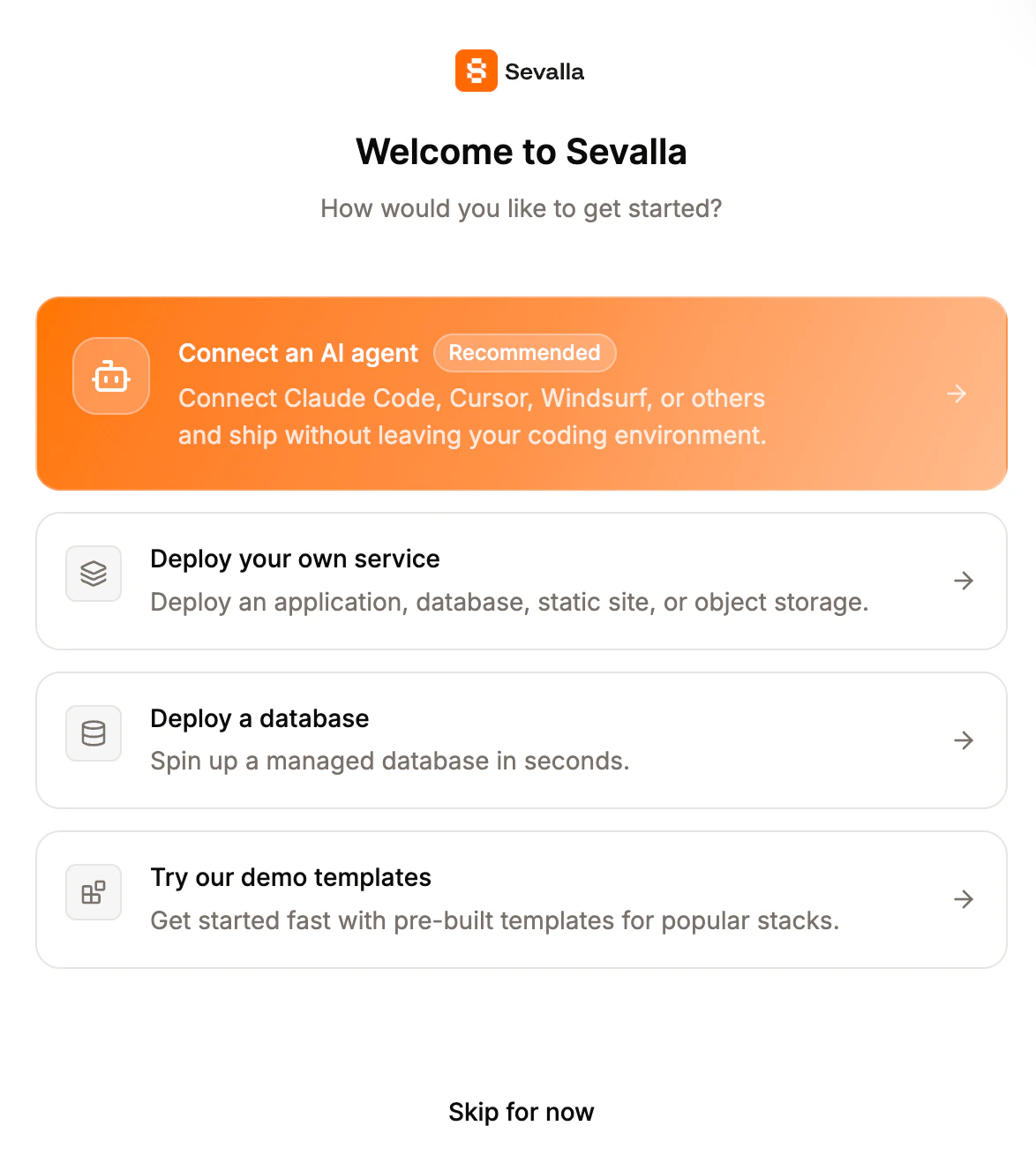
 You can then use our quick step guides to:
* [Connect an AI agent](https://docs.sevalla.com/quick-starts/coding-agents/overview)
* [Deploy your own service](https://docs.sevalla.com/applications/get-started/add-an-application)
* [Deploy a database](https://docs.sevalla.com/databases/get-started/add-a-database)
* [Try our demo templates](https://docs.sevalla.com/templates/overview)
You can access these guides at any time from the **Help** menu by clicking **Get started guides**.
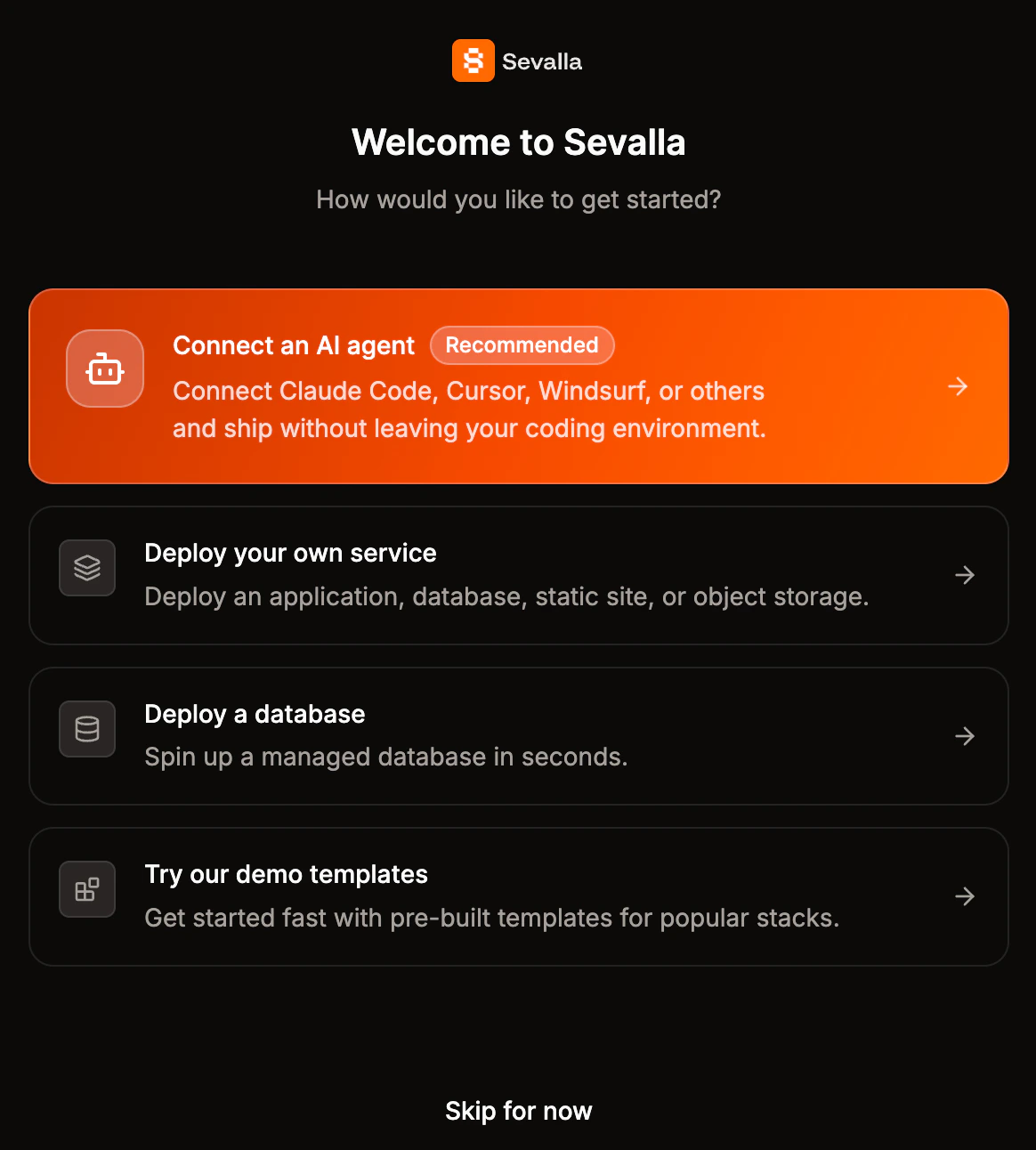
You can then use our quick step guides to:
* [Connect an AI agent](https://docs.sevalla.com/quick-starts/coding-agents/overview)
* [Deploy your own service](https://docs.sevalla.com/applications/get-started/add-an-application)
* [Deploy a database](https://docs.sevalla.com/databases/get-started/add-a-database)
* [Try our demo templates](https://docs.sevalla.com/templates/overview)
You can access these guides at any time from the **Help** menu by clicking **Get started guides**.
 Here’s what you’ll probably want to check out first:
Connect your coding agent to the Sevalla MCP server to experience hands-free deployments.
Deploy Laravel, Python, Node.js, PHP, Ruby, Go, and more
Create PostgreSQL, MySQL, MariaDB or Redis
Build and deploy React, Angular, Vue or your HTML site for free
Store static assets in a bucket to save bandwidth
Here’s what you’ll probably want to check out first:
Connect your coding agent to the Sevalla MCP server to experience hands-free deployments.
Deploy Laravel, Python, Node.js, PHP, Ruby, Go, and more
Create PostgreSQL, MySQL, MariaDB or Redis
Build and deploy React, Angular, Vue or your HTML site for free
Store static assets in a bucket to save bandwidth