> ## Documentation Index
> Fetch the complete documentation index at: https://docs.sevalla.com/llms.txt
> Use this file to discover all available pages before exploring further.
# Object storage - Settings
> Configure object storage settings and access controls.
The object storage settings show the details required to access your files via an S3-compatible API. You can also enable public access and delete the object storage.
## Details
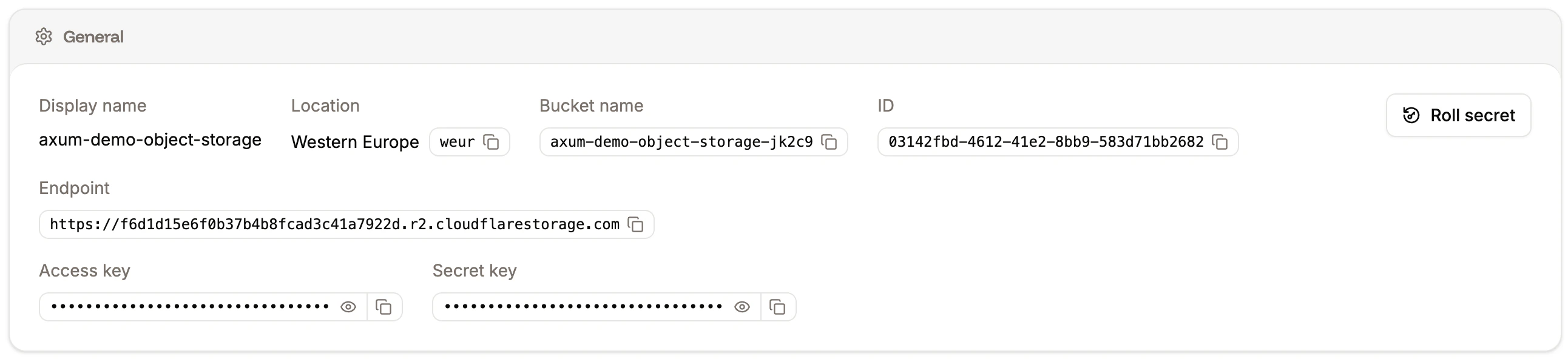
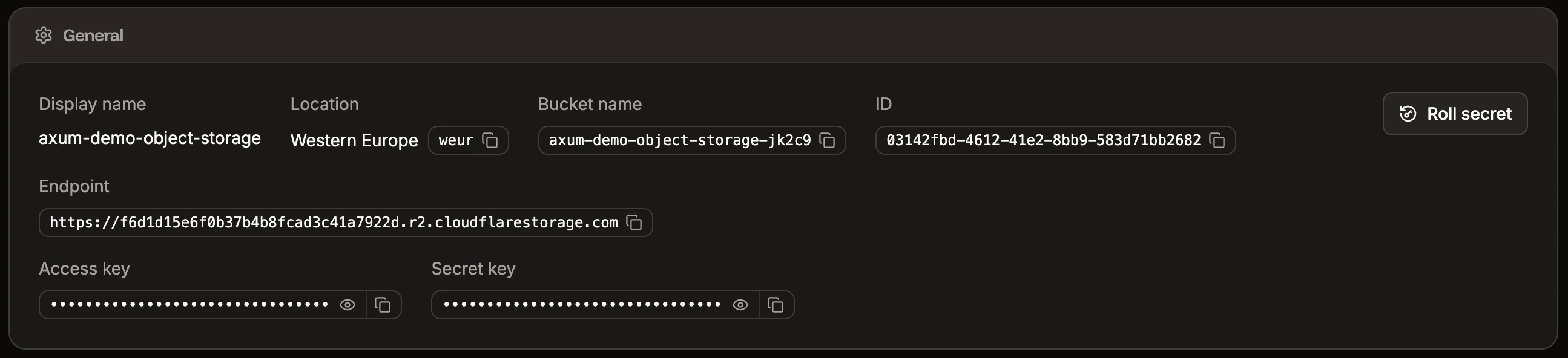
The object storage details contains the information you need to connect to your storage bucket via an S3-compatible API.
 ### Roll secret
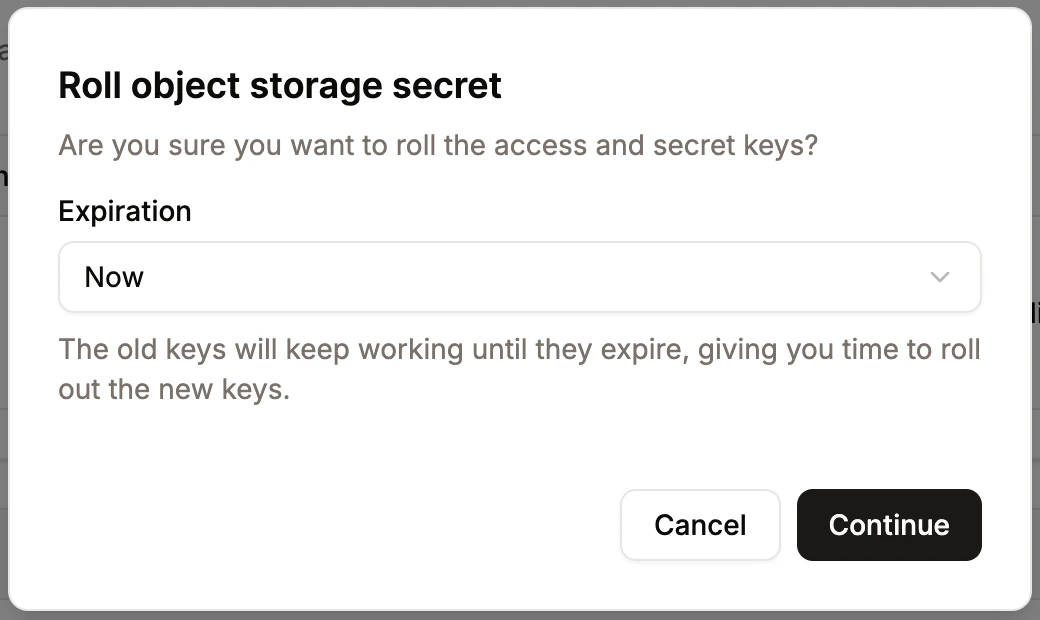
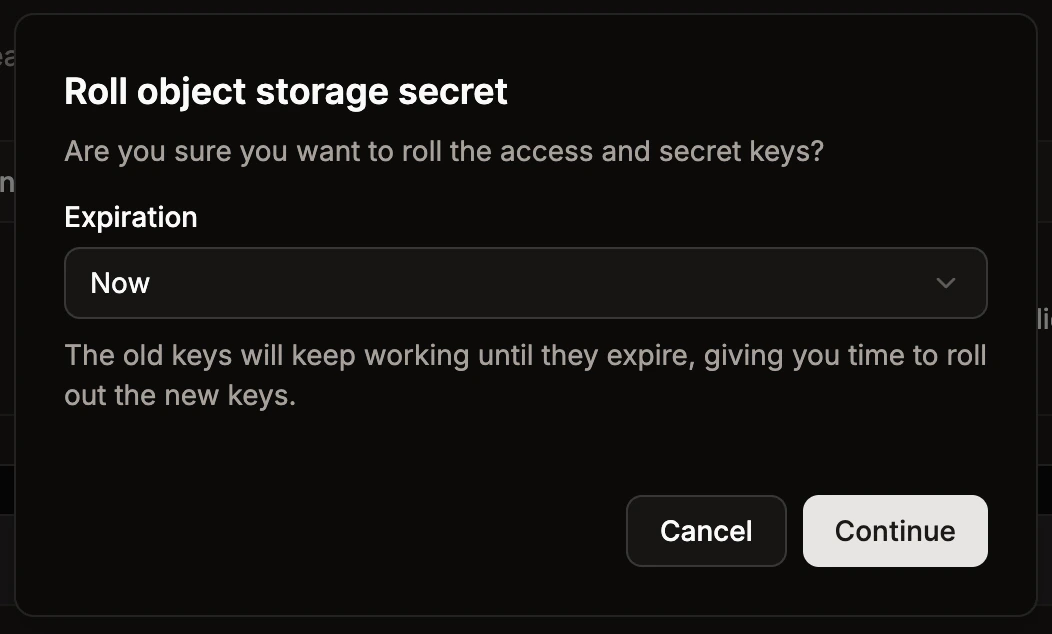
To rotate the access and secret keys for your object storage bucket without taking clients offline, click **Roll secret**. Choose when you want the old keys to expire, and click **Continue**.
### Roll secret
To rotate the access and secret keys for your object storage bucket without taking clients offline, click **Roll secret**. Choose when you want the old keys to expire, and click **Continue**.
 ## CORS Policy
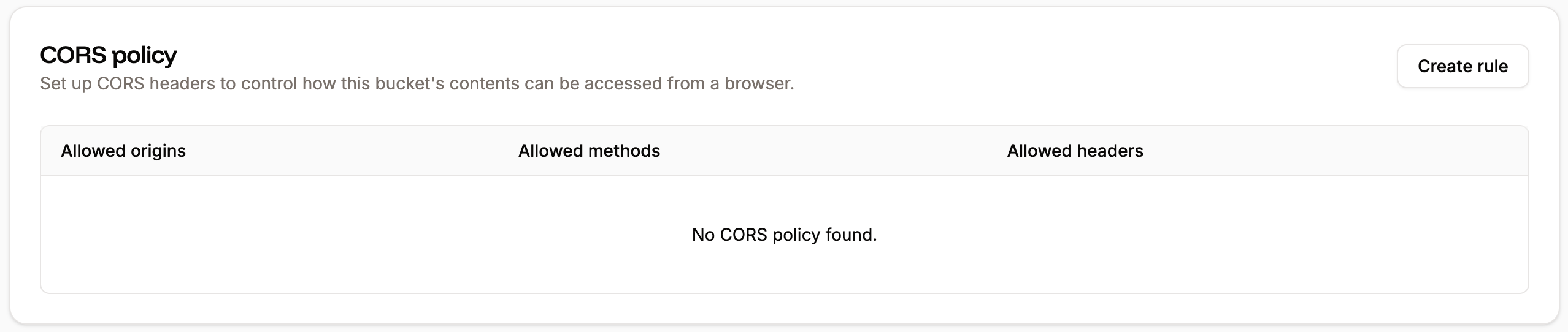
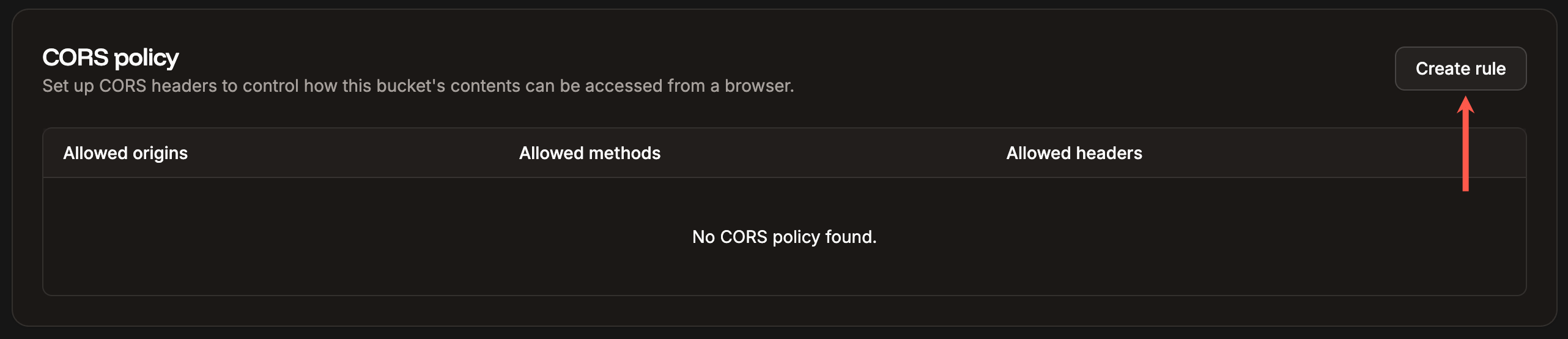
[Cross-Origin Resource Sharing (CORS)](https://developer.mozilla.org/en-US/docs/Web/HTTP/Guides/CORS) is a browser security feature that controls how web resources can be requested from a different origin (domain, protocol, or port) than the one the web page was loaded from. A CORS policy is a set of rules defined by a server to specify which external origins (domains, ports, or protocols) are allowed to access its resources via cross-origin HTTP requests. To set up a CORS Policy on your object storage bucket, click **Create rule**.
## CORS Policy
[Cross-Origin Resource Sharing (CORS)](https://developer.mozilla.org/en-US/docs/Web/HTTP/Guides/CORS) is a browser security feature that controls how web resources can be requested from a different origin (domain, protocol, or port) than the one the web page was loaded from. A CORS policy is a set of rules defined by a server to specify which external origins (domains, ports, or protocols) are allowed to access its resources via cross-origin HTTP requests. To set up a CORS Policy on your object storage bucket, click **Create rule**.
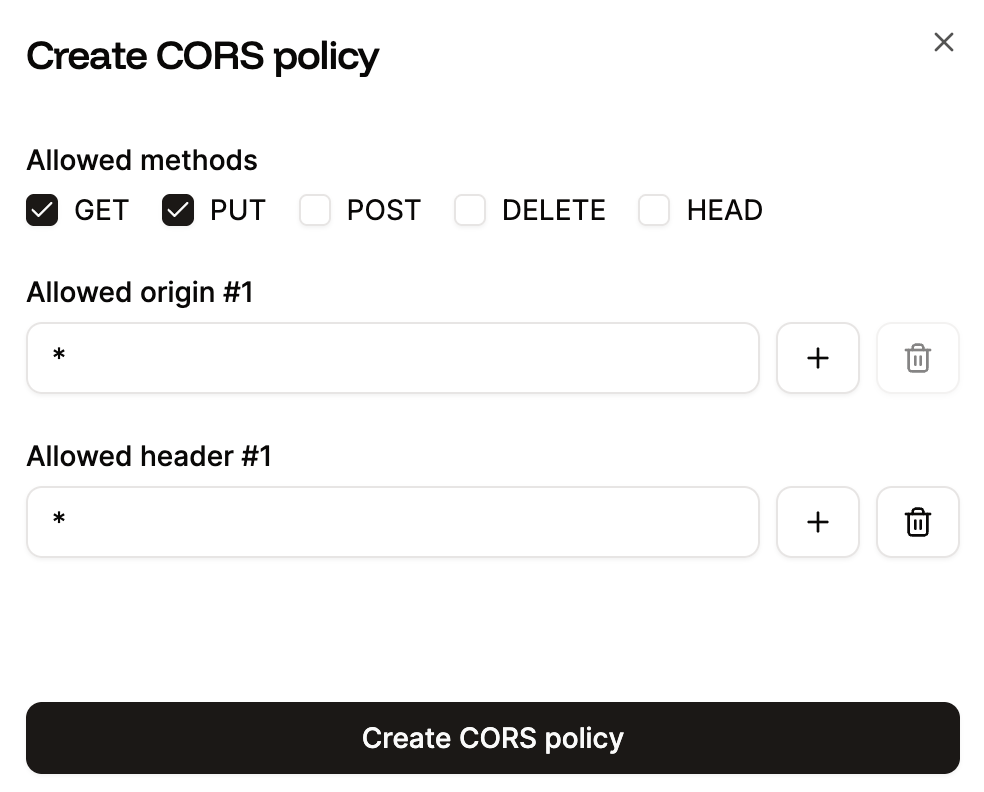
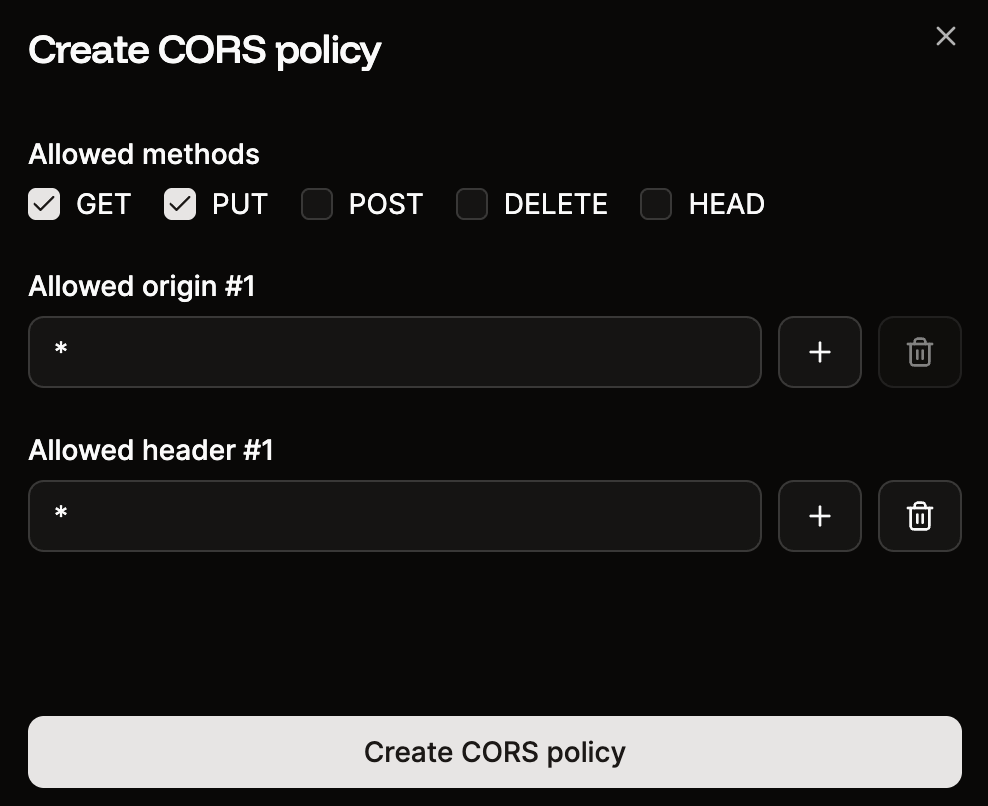
 Complete the policy as follows:
* **Allowed methods:** This defines the value of the `Access-Control-Allow-Methods` header that R2 sets when a browser requests objects from your bucket. You can select any of the following HTTP methods: `GET`, `PUT`, `POST`, `DELETE`, and `HEAD`.
* **Allowed origin:** Specifies the value of the `Access-Control-Allow-Origin` header that R2 sets when a browser requests objects from your bucket. This is the origin from which the request is being made; for example, if the site `www.example.com` needs access to your bucket, enter `www.example.com` as the allowed origin.
* **Allowed header:** Defines the value for the `Access-Control-Allow-Headers` header that R2 sets when a browser sends cross-origin requests to your bucket. If your requests include custom headers, such as `x-user-id` or `x-auth-token`, you need to add them here so the browser permits them.
Complete the policy as follows:
* **Allowed methods:** This defines the value of the `Access-Control-Allow-Methods` header that R2 sets when a browser requests objects from your bucket. You can select any of the following HTTP methods: `GET`, `PUT`, `POST`, `DELETE`, and `HEAD`.
* **Allowed origin:** Specifies the value of the `Access-Control-Allow-Origin` header that R2 sets when a browser requests objects from your bucket. This is the origin from which the request is being made; for example, if the site `www.example.com` needs access to your bucket, enter `www.example.com` as the allowed origin.
* **Allowed header:** Defines the value for the `Access-Control-Allow-Headers` header that R2 sets when a browser sends cross-origin requests to your bucket. If your requests include custom headers, such as `x-user-id` or `x-auth-token`, you need to add them here so the browser permits them.
 If a network request is still blocked by your browser, look at the AllowedOrigins, AllowedMethods, and AllowedHeaders of the network request and ensure the CORS policy includes the correct information.
## Public access
By default, the object storage files are private. When you enable Public Access, the bucket is assigned a unique subdomain under **sevalla.storage** (e.g., my-bucket.sevalla.storage).
If a network request is still blocked by your browser, look at the AllowedOrigins, AllowedMethods, and AllowedHeaders of the network request and ensure the CORS policy includes the correct information.
## Public access
By default, the object storage files are private. When you enable Public Access, the bucket is assigned a unique subdomain under **sevalla.storage** (e.g., my-bucket.sevalla.storage).

 ## Cache
Objects served from your bucket are cached on our global CDN. If freshly uploaded or replaced objects aren't being served yet, you can clear the cache yourself instead of waiting for it to expire.
To clear the cache, click **Purge cache**. This purges the CDN cache for your bucket, so the latest version of your objects is served immediately. The purge takes effect right away, and you'll get a confirmation once the cache is cleared.
Anyone with update access to the object storage can purge the cache.
## Delete object storage
Deleting your object storage bucket permanently removes the bucket, all stored objects, and any associated credentials. Once deleted, the bucket and its contents cannot be recovered.
If you no longer need the object storage bucket, click **Delete object storage** and confirm the deletion.
## Cache
Objects served from your bucket are cached on our global CDN. If freshly uploaded or replaced objects aren't being served yet, you can clear the cache yourself instead of waiting for it to expire.
To clear the cache, click **Purge cache**. This purges the CDN cache for your bucket, so the latest version of your objects is served immediately. The purge takes effect right away, and you'll get a confirmation once the cache is cleared.
Anyone with update access to the object storage can purge the cache.
## Delete object storage
Deleting your object storage bucket permanently removes the bucket, all stored objects, and any associated credentials. Once deleted, the bucket and its contents cannot be recovered.
If you no longer need the object storage bucket, click **Delete object storage** and confirm the deletion.

