> ## Documentation Index
> Fetch the complete documentation index at: https://docs.sevalla.com/llms.txt
> Use this file to discover all available pages before exploring further.
# Projects - Overview
> View an overview of Projects in Sevalla.
Projects let you group all of your Sevalla services into a single workspace, making it easy to manage your project’s resources in one place. You can add applications, databases, object storage, and static sites to a project, giving you a simple, organized way to navigate and manage everything together.
Company-level users can fully manage projects. Project developers can add new services to a project, but they cannot add existing services or remove services.
## Create a project
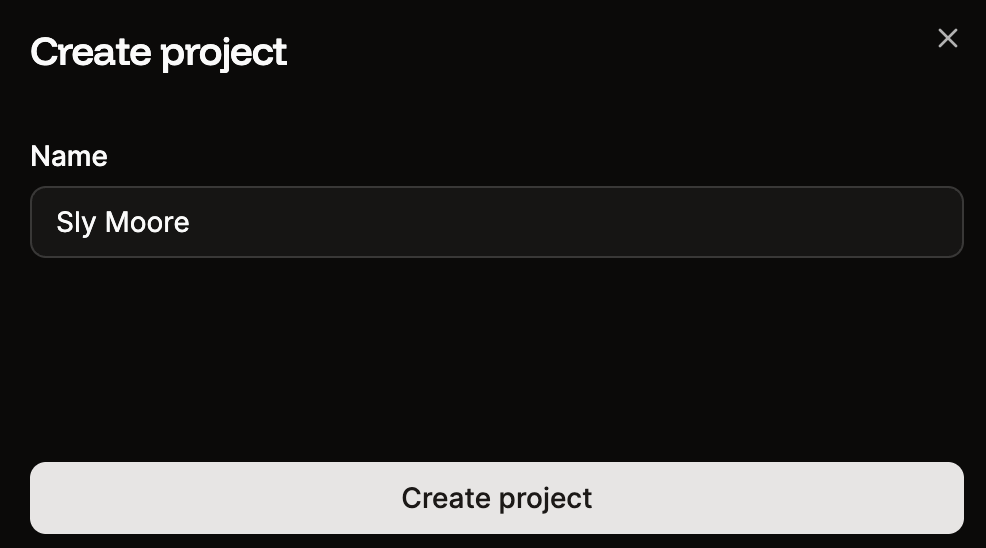
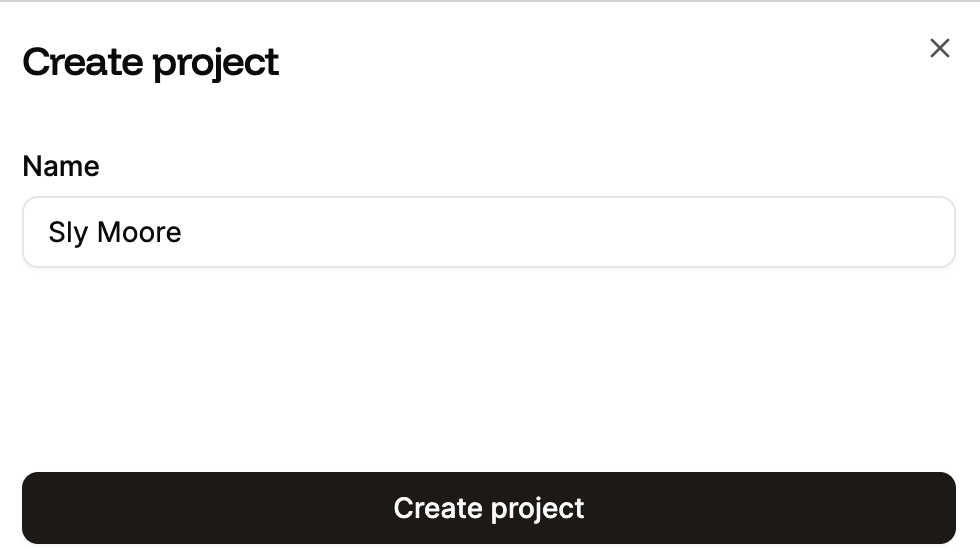
To create a new project, within **Projects**, click **Create project**. Give the project a name and click **Create project**.
 ## Add services to a project
Once you've created your project, you can add applications, pipelines, databases, static sites, and object storage to the project.
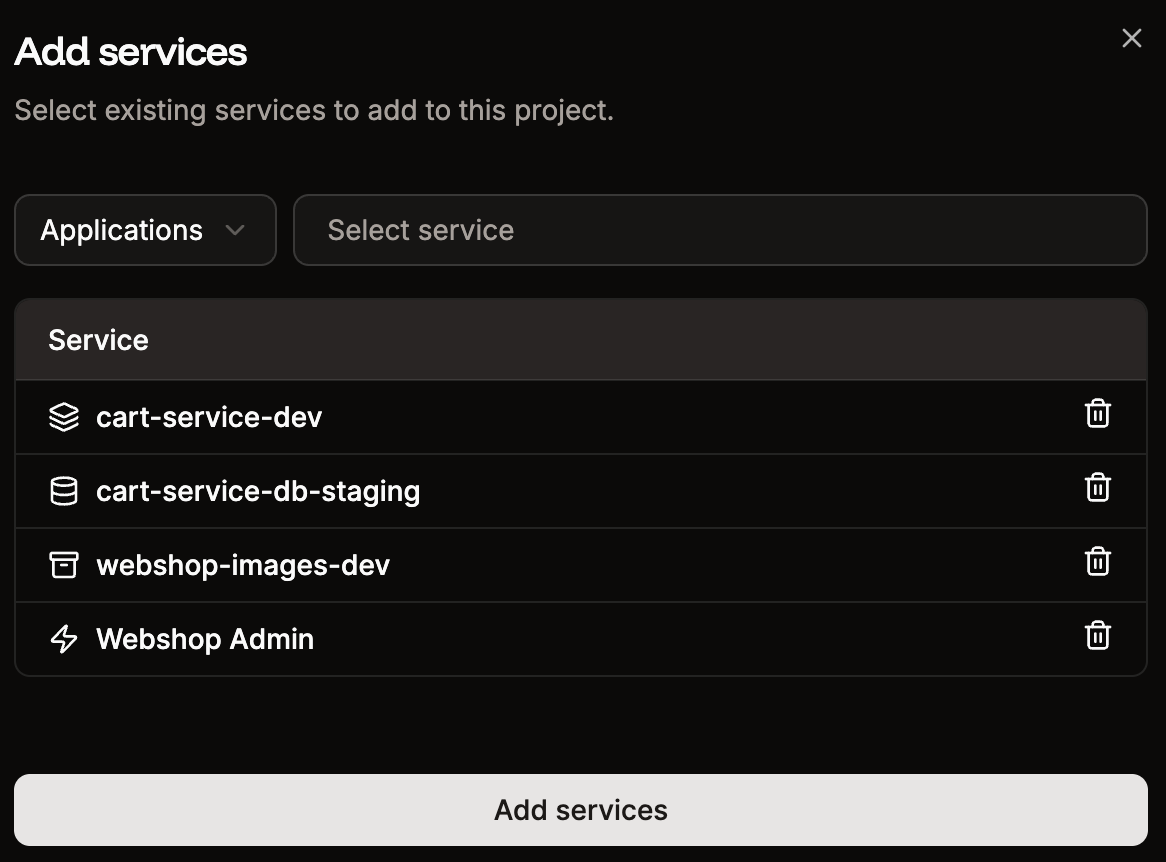
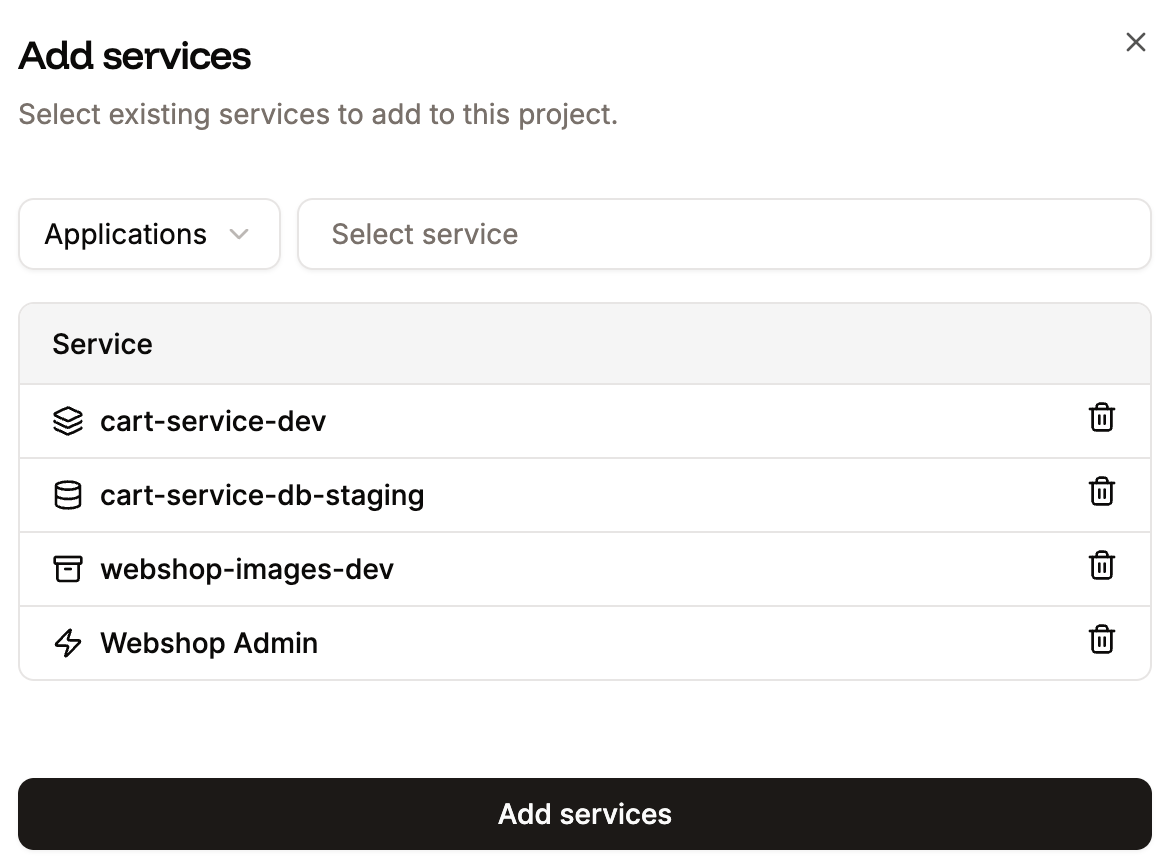
Select the project you want to add services to, click **Create or add service**, and you can then choose to add an existing service or create a new service to add to the project.
Project Developers can only add new services to a project; they cannot add existing services.
## Add services to a project
Once you've created your project, you can add applications, pipelines, databases, static sites, and object storage to the project.
Select the project you want to add services to, click **Create or add service**, and you can then choose to add an existing service or create a new service to add to the project.
Project Developers can only add new services to a project; they cannot add existing services.
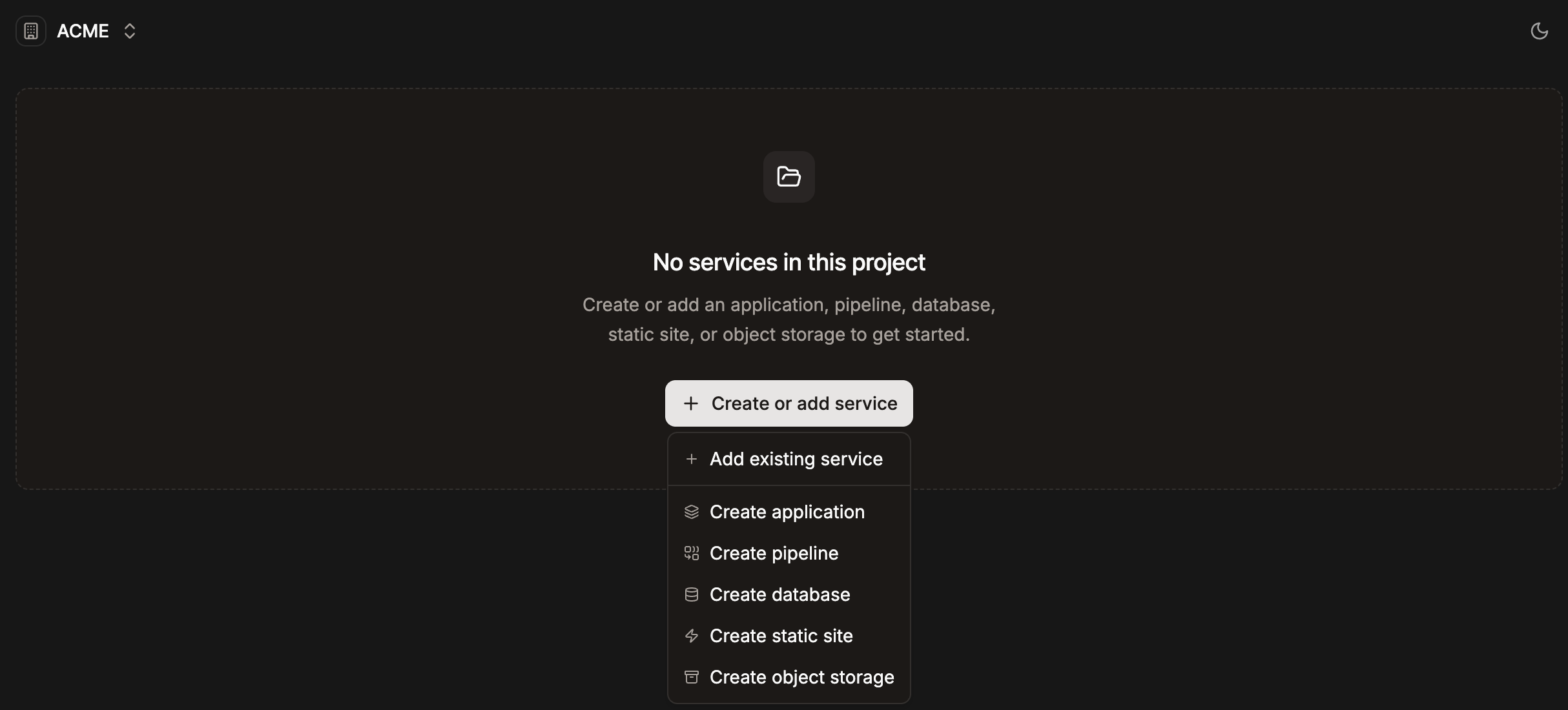
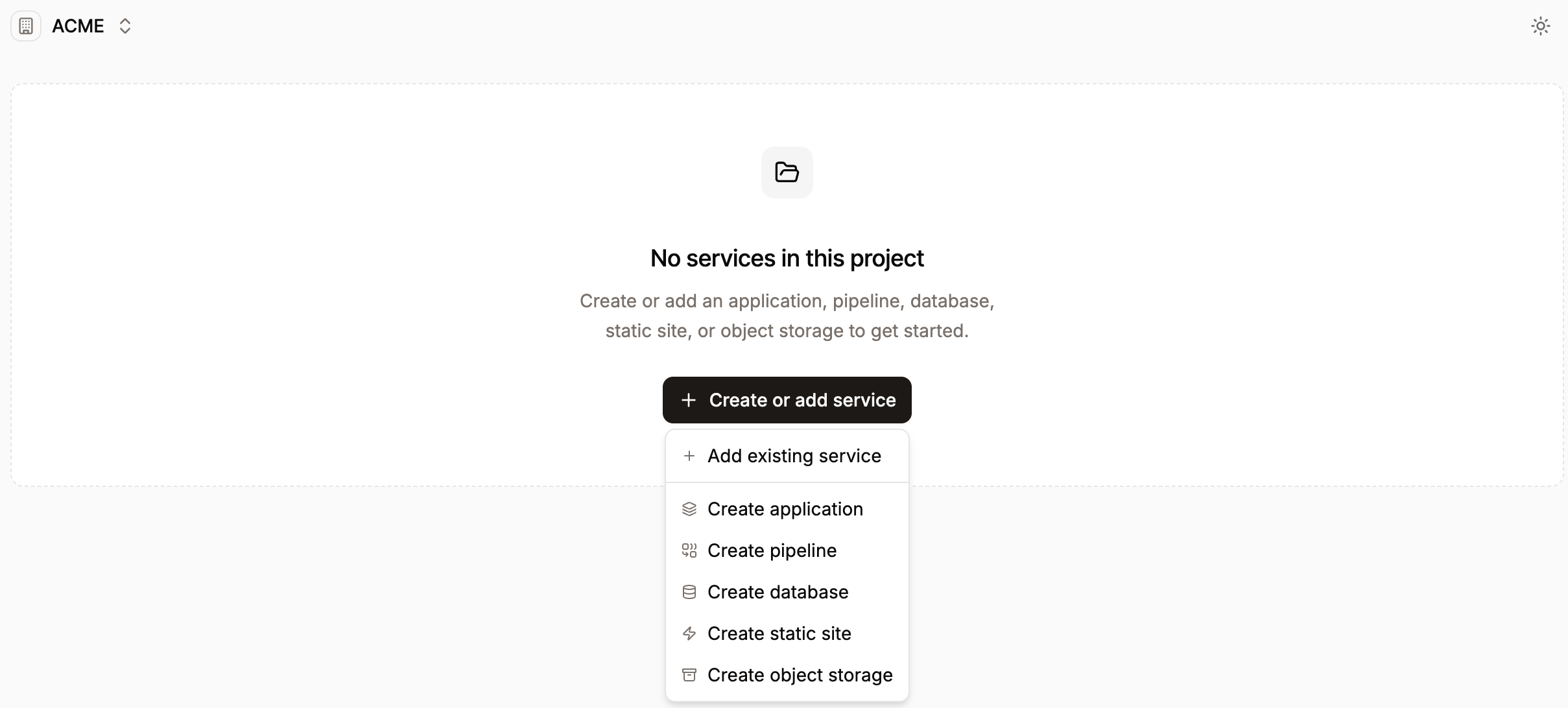 If you choose to add an existing service, choose the service type, select the required services, and click **Add services**.
 If you want to add a new service, select one of the following options:
* [Create application](https://docs.sevalla.com/applications/get-started/add-an-application)
* [Create pipeline](https://docs.sevalla.com/applications/get-started/pipelines#add-a-pipeline)
* [Create database](https://docs.sevalla.com/databases/get-started/add-a-database)
* [Create static site](https://docs.sevalla.com/static-sites/get-started/add-a-static-site)
* [Create object storage](https://docs.sevalla.com/object-storage/add-an-object-storage)
Once you create the new service, it is automatically added to the project.
## Remove services from a project
Project developers cannot remove services from a project.
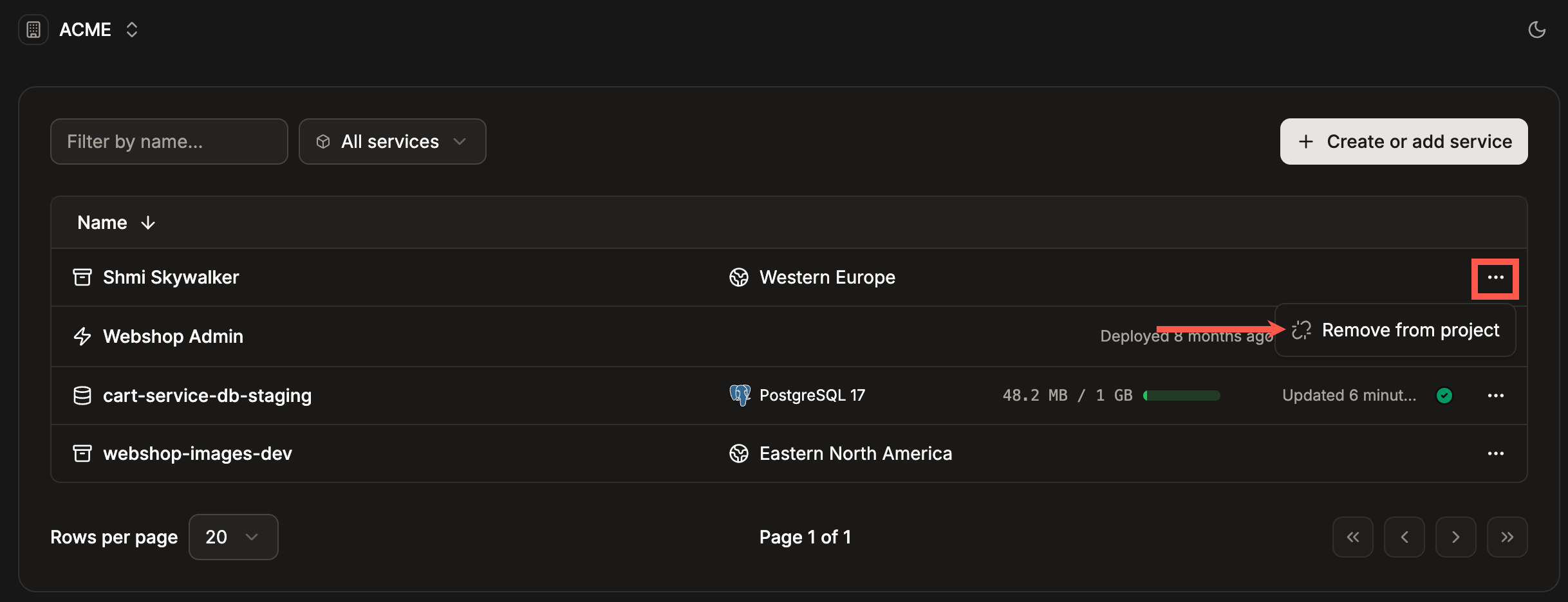
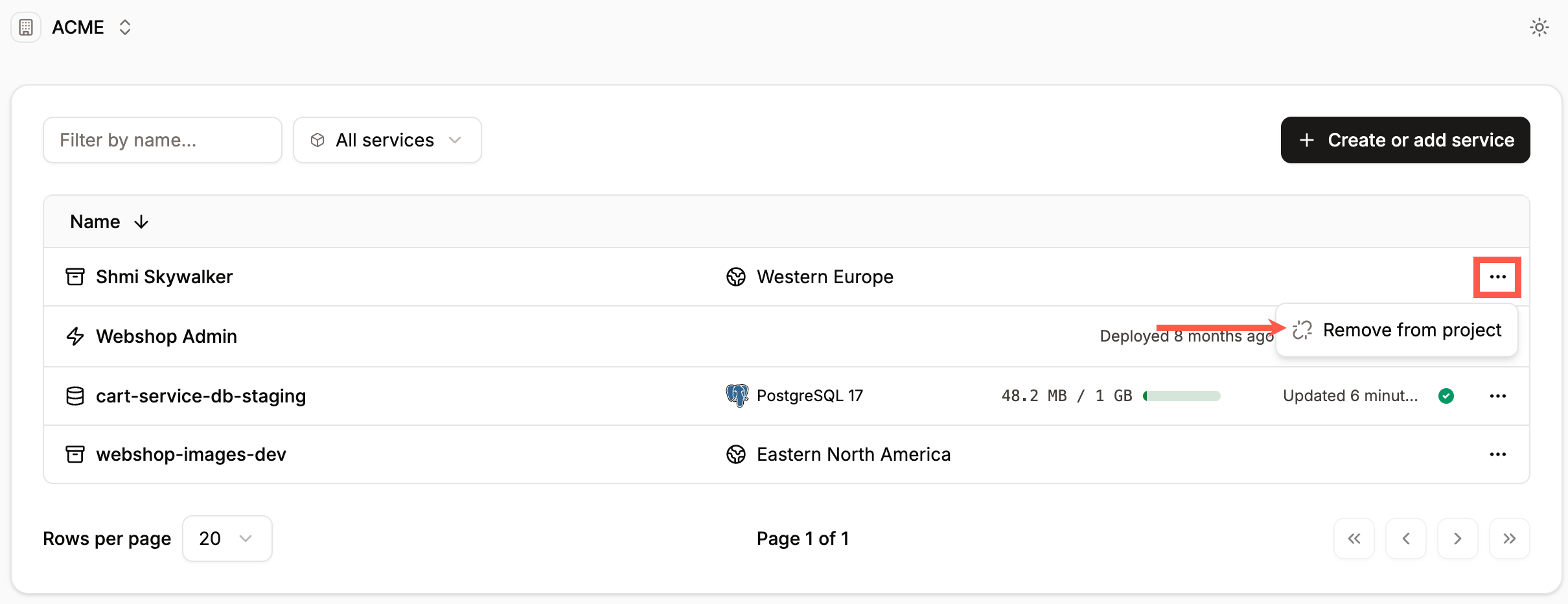
To remove a service from a project, click the ellipsis (three dots) and click **Remove from project**.
If you want to add a new service, select one of the following options:
* [Create application](https://docs.sevalla.com/applications/get-started/add-an-application)
* [Create pipeline](https://docs.sevalla.com/applications/get-started/pipelines#add-a-pipeline)
* [Create database](https://docs.sevalla.com/databases/get-started/add-a-database)
* [Create static site](https://docs.sevalla.com/static-sites/get-started/add-a-static-site)
* [Create object storage](https://docs.sevalla.com/object-storage/add-an-object-storage)
Once you create the new service, it is automatically added to the project.
## Remove services from a project
Project developers cannot remove services from a project.
To remove a service from a project, click the ellipsis (three dots) and click **Remove from project**.
 This only removes the service from a project. If you want to completely remove the service, refer to one of the following:
* [Delete an application](https://docs.sevalla.com/applications/settings#delete-app)
* [Delete a pipeline](https://docs.sevalla.com/applications/get-started/pipelines#delete-a-pipeline)
* [Delete a database](https://docs.sevalla.com/databases/settings#delete-database)
* [Delete a static site](https://docs.sevalla.com/static-sites/settings#danger-zone)
* [Delete object storage](https://docs.sevalla.com/object-storage/settings#delete-object-storage)
This only removes the service from a project. If you want to completely remove the service, refer to one of the following:
* [Delete an application](https://docs.sevalla.com/applications/settings#delete-app)
* [Delete a pipeline](https://docs.sevalla.com/applications/get-started/pipelines#delete-a-pipeline)
* [Delete a database](https://docs.sevalla.com/databases/settings#delete-database)
* [Delete a static site](https://docs.sevalla.com/static-sites/settings#danger-zone)
* [Delete object storage](https://docs.sevalla.com/object-storage/settings#delete-object-storage)