> ## Documentation Index
> Fetch the complete documentation index at: https://docs.sevalla.com/llms.txt
> Use this file to discover all available pages before exploring further.
# Projects - Settings
> Change your project's settings and preferences.
On your project's **Settings** page, you can find details about your project, update the project name, and suspend or delete it.
## General

 ### Details
This section shows the project display name, name, and ID. To change the display name, click **Update display name**, enter a new name, and click **Update display name**.
## Danger zone
### Details
This section shows the project display name, name, and ID. To change the display name, click **Update display name**, enter a new name, and click **Update display name**.
## Danger zone
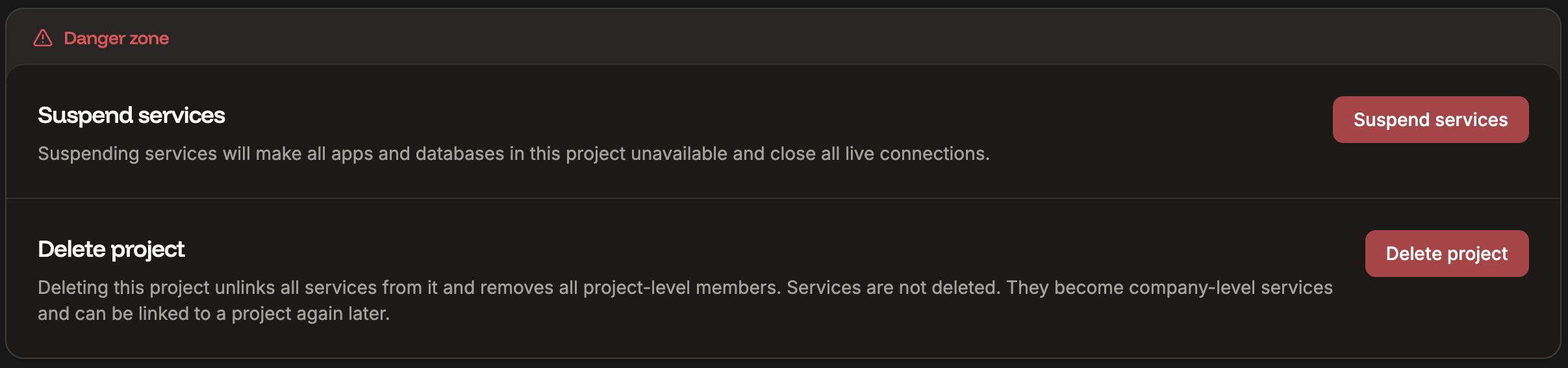
 Only Company Owners and Company Administrators can suspend or delete a project. For information about how to change a user's access, refer to User Management.
### Suspend services
There may be times when you need to stop all of the services within your project without deleting the project. This can be useful if you need to troubleshoot issues or test services within the project.
Suspending the project doesn't change or remove anything from it. Connections remain in place but will not work while the project is suspended. You will not incur any costs for the services within the project during the suspension.
Click **Suspend services** and confirm the suspension by clicking **Continue**. This suspends all applications and databases within the project.
To resume the services, you must activate them within each individual service. Refer to one of the following:
* [Suspend or Activate the application](https://docs.sevalla.com/applications/settings#suspend-or-activate-app)
* [Suspend or Activate the database](https://docs.sevalla.com/databases/settings#suspend-or-activate-the-database)
### Delete project
If you no longer need the project, click **Delete project** and click **Continue** to remove it completely.
Deleting the project does not remove the services within it. These services are still accessible at the company level, and you will still incur costs for these services. If you need to delete the services, refer to one of the following:
* [Delete an application](https://docs.sevalla.com/applications/settings#delete-app)
* [Delete a pipeline](https://docs.sevalla.com/applications/get-started/pipelines#delete-a-pipeline)
* [Delete a database](https://docs.sevalla.com/databases/settings#delete-database)
* [Delete a static site](https://docs.sevalla.com/static-sites/settings#danger-zone)
* [Delete object storage](https://docs.sevalla.com/object-storage/settings#delete-object-storage)
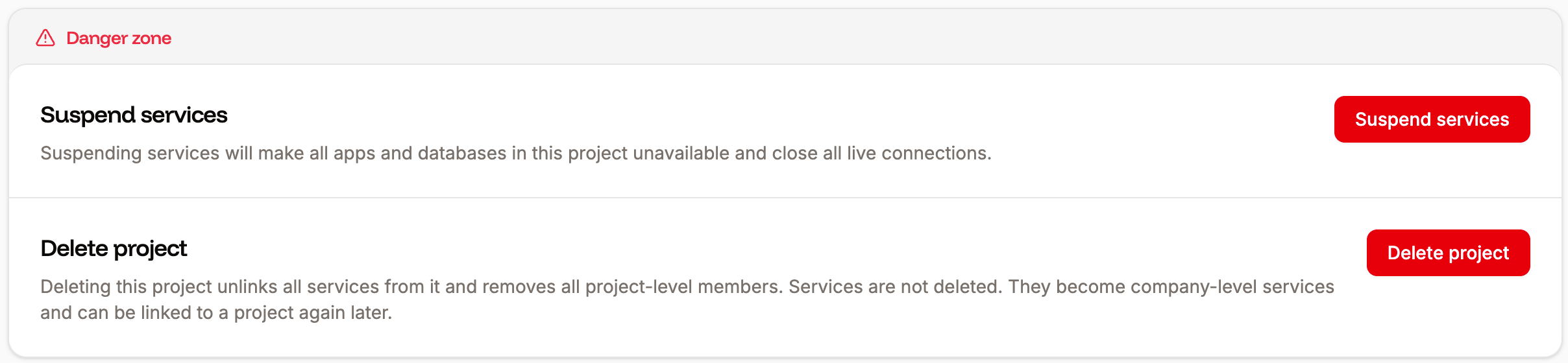
Only Company Owners and Company Administrators can suspend or delete a project. For information about how to change a user's access, refer to User Management.
### Suspend services
There may be times when you need to stop all of the services within your project without deleting the project. This can be useful if you need to troubleshoot issues or test services within the project.
Suspending the project doesn't change or remove anything from it. Connections remain in place but will not work while the project is suspended. You will not incur any costs for the services within the project during the suspension.
Click **Suspend services** and confirm the suspension by clicking **Continue**. This suspends all applications and databases within the project.
To resume the services, you must activate them within each individual service. Refer to one of the following:
* [Suspend or Activate the application](https://docs.sevalla.com/applications/settings#suspend-or-activate-app)
* [Suspend or Activate the database](https://docs.sevalla.com/databases/settings#suspend-or-activate-the-database)
### Delete project
If you no longer need the project, click **Delete project** and click **Continue** to remove it completely.
Deleting the project does not remove the services within it. These services are still accessible at the company level, and you will still incur costs for these services. If you need to delete the services, refer to one of the following:
* [Delete an application](https://docs.sevalla.com/applications/settings#delete-app)
* [Delete a pipeline](https://docs.sevalla.com/applications/get-started/pipelines#delete-a-pipeline)
* [Delete a database](https://docs.sevalla.com/databases/settings#delete-database)
* [Delete a static site](https://docs.sevalla.com/static-sites/settings#danger-zone)
* [Delete object storage](https://docs.sevalla.com/object-storage/settings#delete-object-storage)