> ## Documentation Index
> Fetch the complete documentation index at: https://docs.sevalla.com/llms.txt
> Use this file to discover all available pages before exploring further.
# Overview
> Browse available templates to jumpstart your projects.
Sevalla's one-click templates allow you to deploy an application on our platform in minutes. You can filter the templates to find specific types of applications, such as AI, CMS, or Storage applications, or search the template library for a specific application.
To use a template, simply click **Deploy now** on any of the templates, choose your [data center location](/service-information/data-center-locations/), and click **Deploy template**.
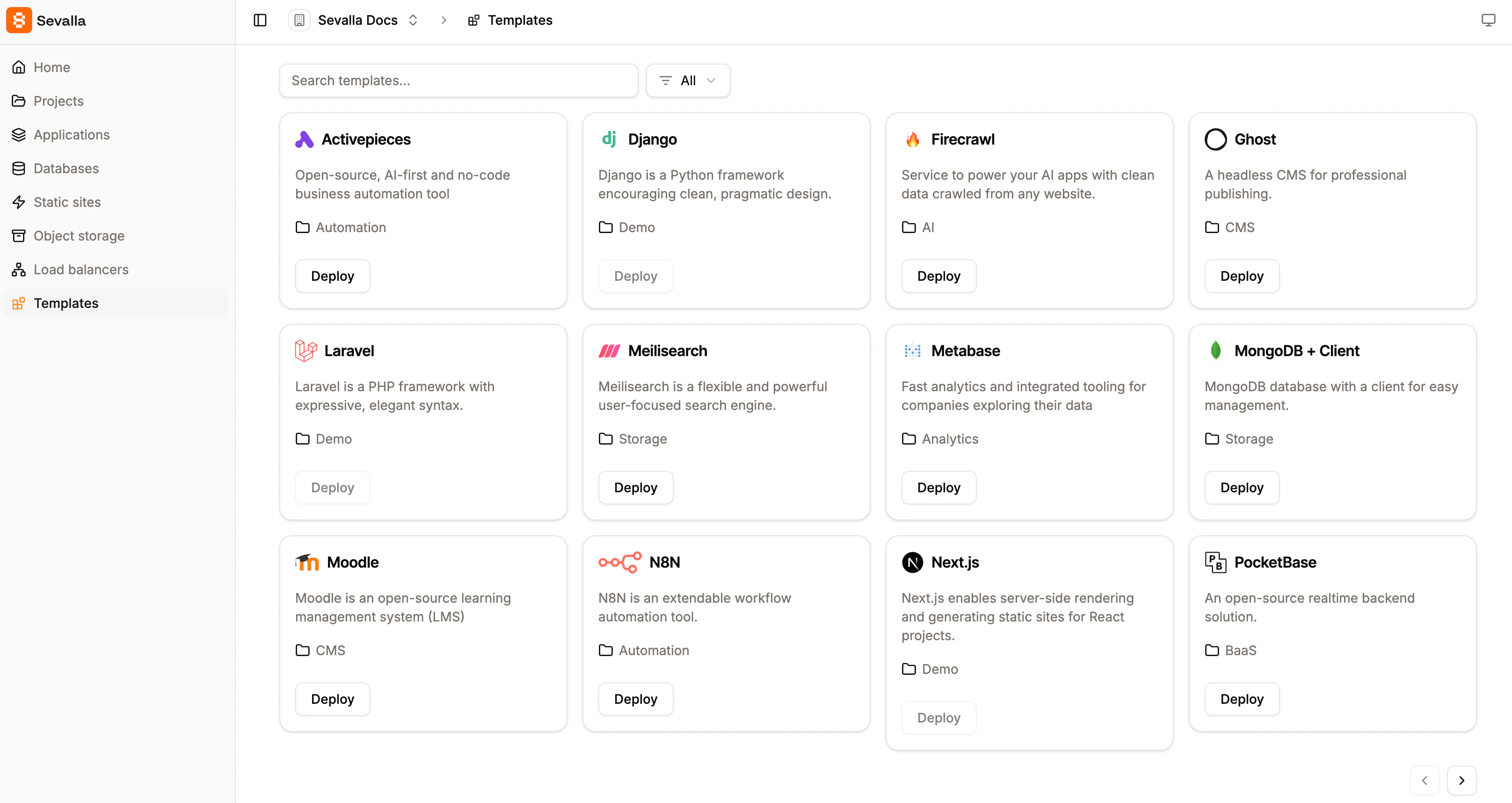
 To find out more about each template, click on the template name. This shows you where the template is stored, the README, metadata showing when the template was created and how many times it has been deployed in Sevalla, and any requirements for the application, such as environment variables. During the template's deployment, you can click on the application name to open the application deployment in Sevalla.