> ## Documentation Index
> Fetch the complete documentation index at: https://docs.sevalla.com/llms.txt
> Use this file to discover all available pages before exploring further.
# Registry Credentials
> Learn how to add and manage your registry credentials in Sevalla.
If you want to use a private Docker image for your application, Sevalla requires your registry credentials.
You can add as many registry credentials as required, within **Integration** > **Registry credentials** > **Create registry credential**.
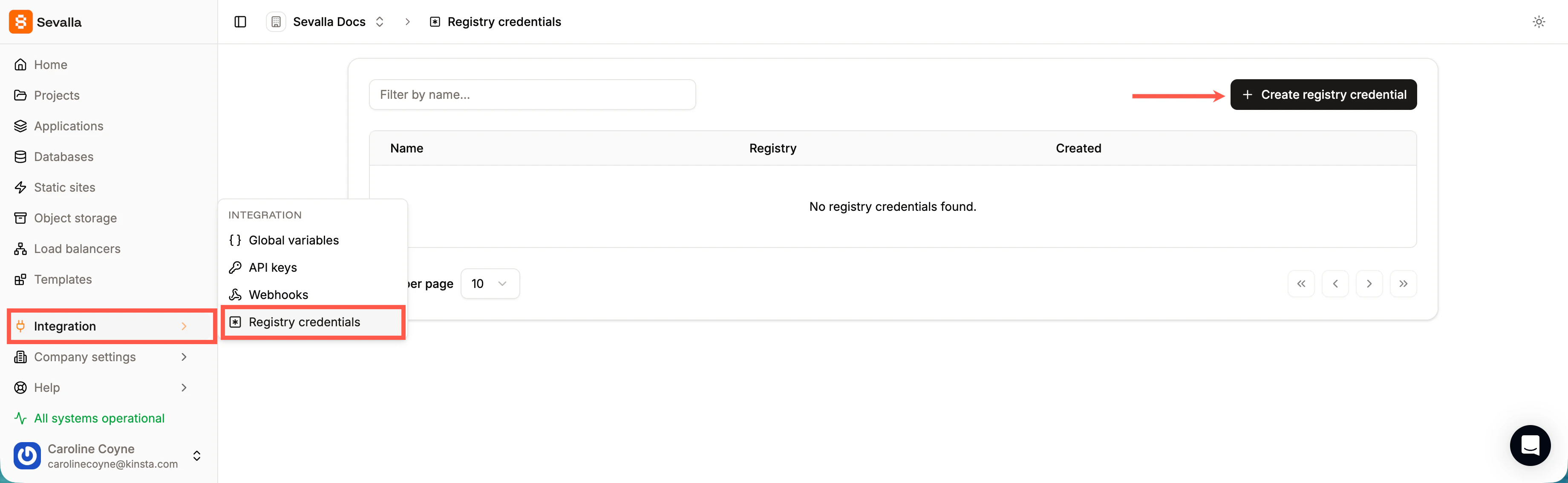
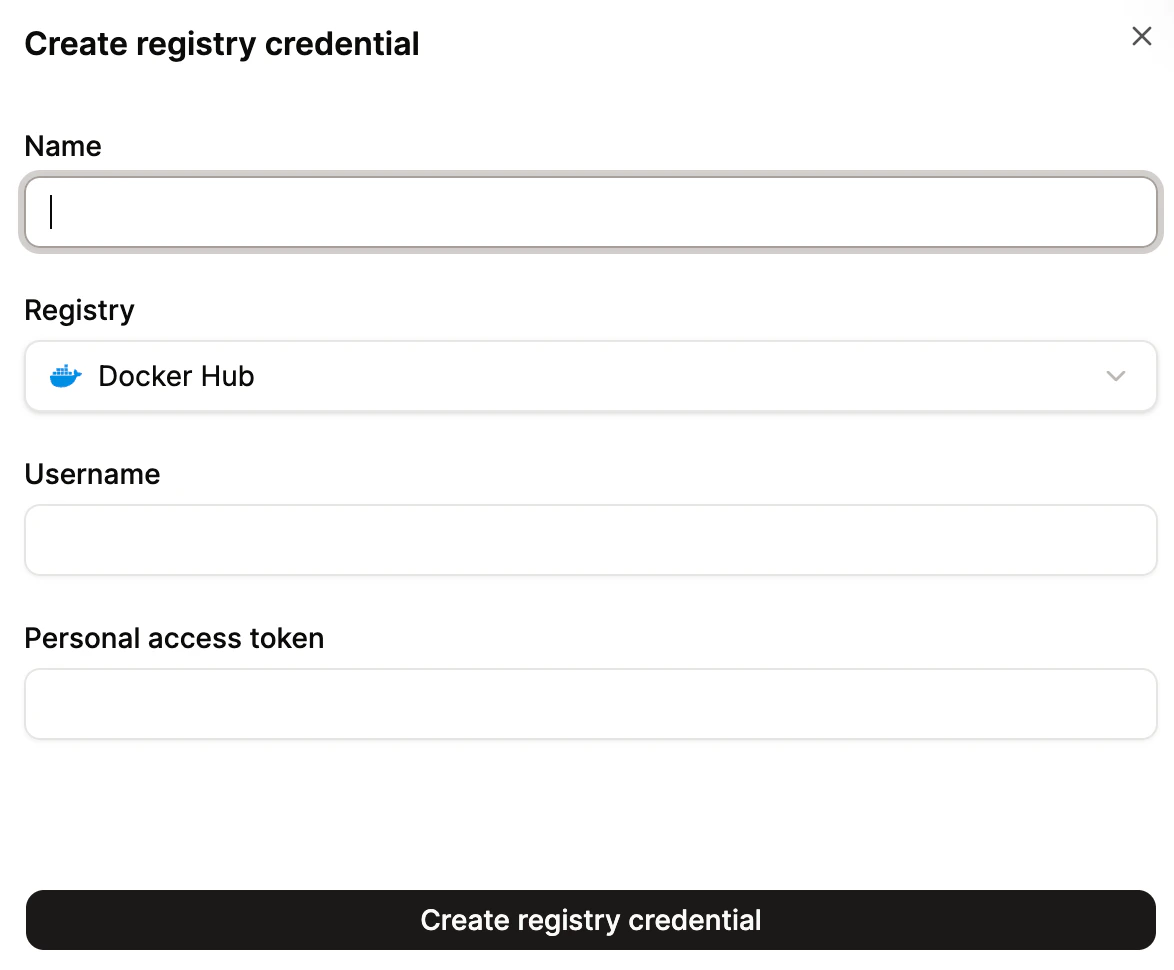
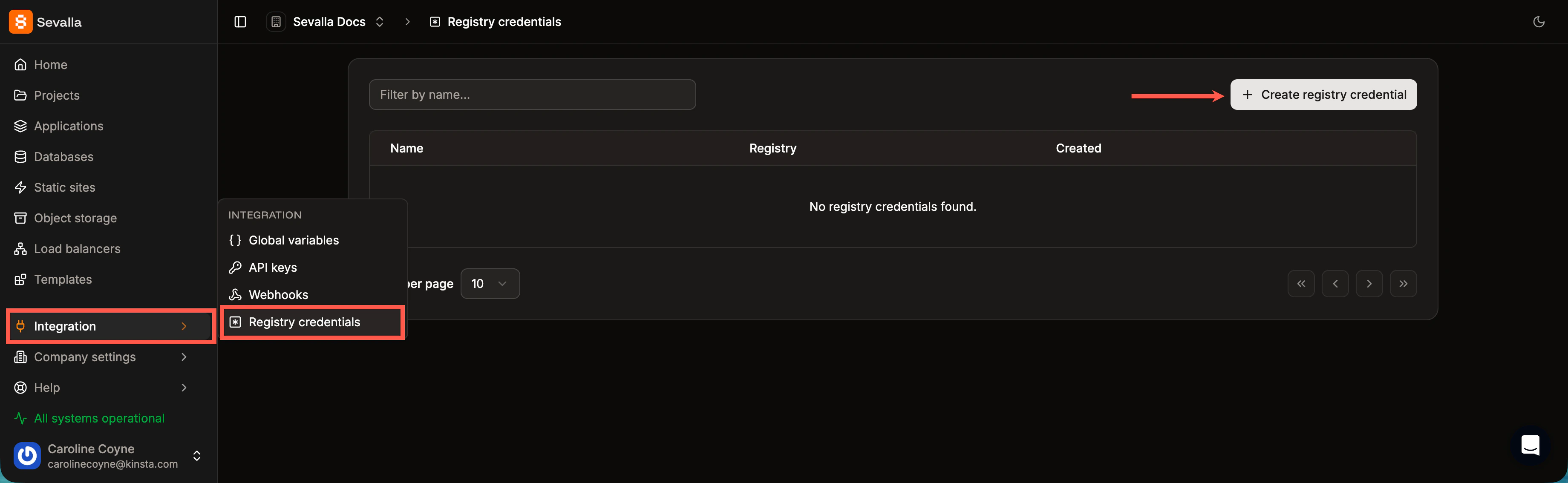 Enter the credentials as follows:
* **Name:** Enter a name for the registry credentials to identify them when adding your application.
* **Registry:** Choose from one of the following:
* DockerHub
* GitHub Container Registry
* GitLab Container Registry
* **Username:** Enter your username for the registry provider.
* **Personal access token:** You must obtain this from the registry provider. For more information about how to obtain a personal access token, refer to one of the following:
* [DockerHub](https://docs.docker.com/security/access-tokens/)
* [GitHub](https://docs.github.com/en/authentication/keeping-your-account-and-data-secure/managing-your-personal-access-tokens)
* [GitLab](https://docs.gitlab.com/user/profile/personal_access_tokens/)
Click **Create registry credential**.
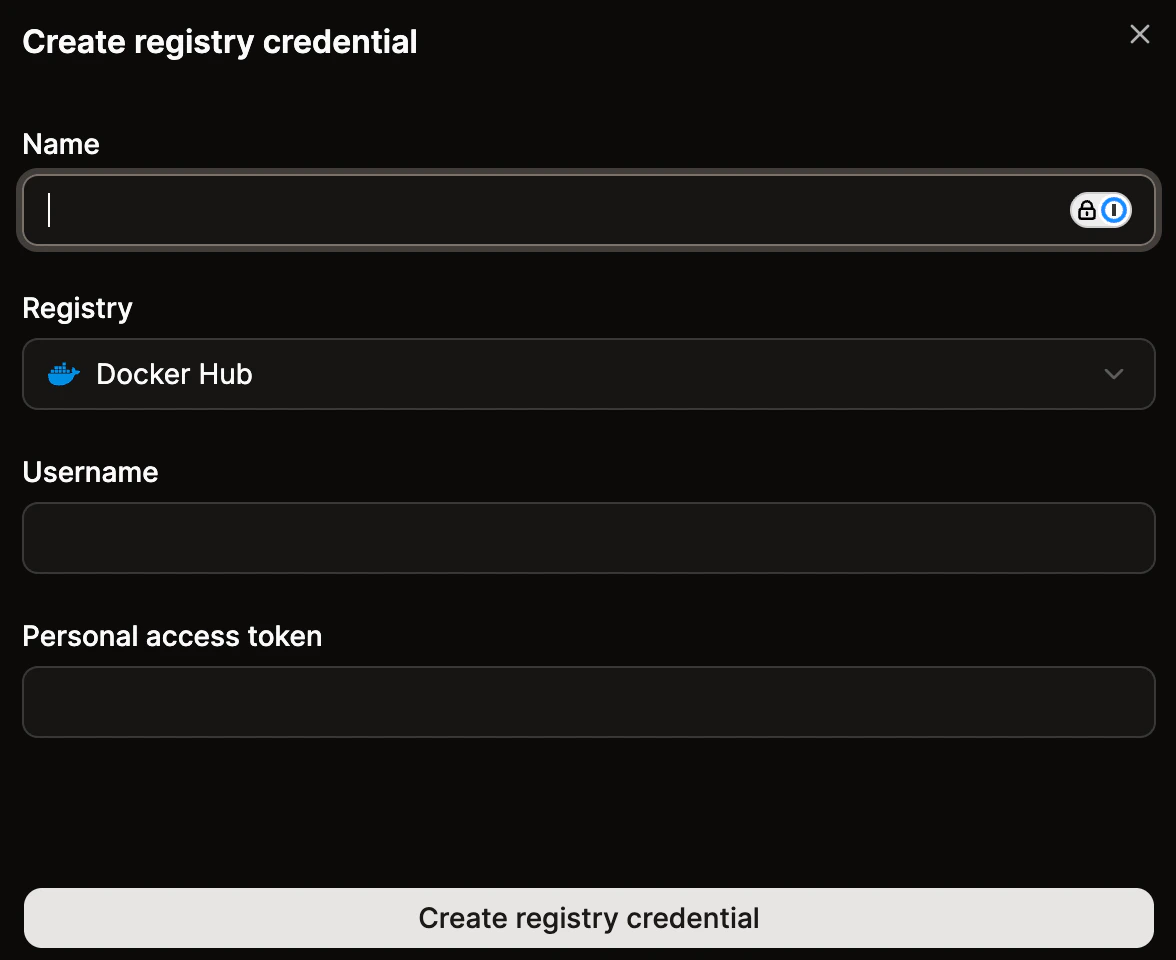
Enter the credentials as follows:
* **Name:** Enter a name for the registry credentials to identify them when adding your application.
* **Registry:** Choose from one of the following:
* DockerHub
* GitHub Container Registry
* GitLab Container Registry
* **Username:** Enter your username for the registry provider.
* **Personal access token:** You must obtain this from the registry provider. For more information about how to obtain a personal access token, refer to one of the following:
* [DockerHub](https://docs.docker.com/security/access-tokens/)
* [GitHub](https://docs.github.com/en/authentication/keeping-your-account-and-data-secure/managing-your-personal-access-tokens)
* [GitLab](https://docs.gitlab.com/user/profile/personal_access_tokens/)
Click **Create registry credential**.
 Once you've added the required registry credentials, you can select the credentials you want to use within **Applications** > ***app name*** > **Settings** > **Build strategy** > **Update build strategy**.