

Before you begin
- A Sevalla company with a payment method, and a GitHub, GitLab or Bitbucket account for the repository. See Git providers.
- Python 3.12 or later on your computer. Django 6.1 needs Python 3.12 or later.
Create the project
Create a virtual environment, install Django and the packages the project needs in production, and start a project namedstorefront:
Keep local files out of the repository:
.gitignore
.env. Sevalla doesn’t use this file: you set the production values as environment variables.
.env
Prepare the project for Sevalla
Read settings from environment variables
Replace the top ofstorefront/settings.py and the DATABASES setting so that the secret key, debug mode, hosts and database come from the environment:
storefront/settings.py
DEBUG is False unless you set it. DB_URL is the variable Sevalla adds when you connect the database; without it, the project uses SQLite locally. django-environ accepts the postgres:// URL that Sevalla generates.
Serve static files with WhiteNoise
Add WhiteNoise right afterSecurityMiddleware, and tell Django where to collect static files and how to store them:
storefront/settings.py
Pin the Python version
Nixpacks, the default build strategy, reads the Python version from.python-version. Nixpacks 1.41 supports Python versions up to 3.13, so pin 3.13:
.python-version
Set the build and start commands
Createnixpacks.toml in the repository root:
nixpacks.toml
- The build runs
collectstatic, so the static files are part of the image. - The web process starts Gunicorn on the port in the
PORTenvironment variable. Sevalla setsPORTto the web process’s port,8080by default. - Migrations don’t run here. Without a
[start]command, Nixpacks starts Django withpython manage.py migrate && gunicorn storefront.wsgi, which migrates every time an instance starts. A job runs them once per deployment instead.
--workers when you choose a larger size.
List the dependencies
Nixpacks installsrequirements.txt with pip:
Deploy to Sevalla
1
Create the database
In the sidebar, click Databases, then click Create database. Under Database, choose PostgreSQL and the newest version. Enter
orders-db as the Display name, choose a Data center and a Size, then click Create database. See Create a database for every field.2
Create the application
In the sidebar, click Applications, then click Create > Application. Under Source, click Private repository, then choose the Git provider, the Repository and the Branch. Under Location, choose the same Data center as the database. Keep the Size at H1 or choose a larger one, then click Create application. The application opens on its Overview tab with the status Not deployed yet: creating an application doesn’t deploy it.
3
Connect the database
Click the Networking tab. Under Connected services, click Add internal connection. Choose
orders-db as the Service, turn on Add environment variables to the application, and click Add internal connection. Sevalla adds DB_URL and the other connection variables to the application. See Connect an application.4
Add the environment variables
Click the Environment variables tab, then click Add environment variables. Add these variables, keep Available during runtime and Available during buildtime selected, and click Add environment variables:
The build needs these variables too, because
collectstatic loads the settings. Don’t set DEBUG: it defaults to False.5
Create the migration job
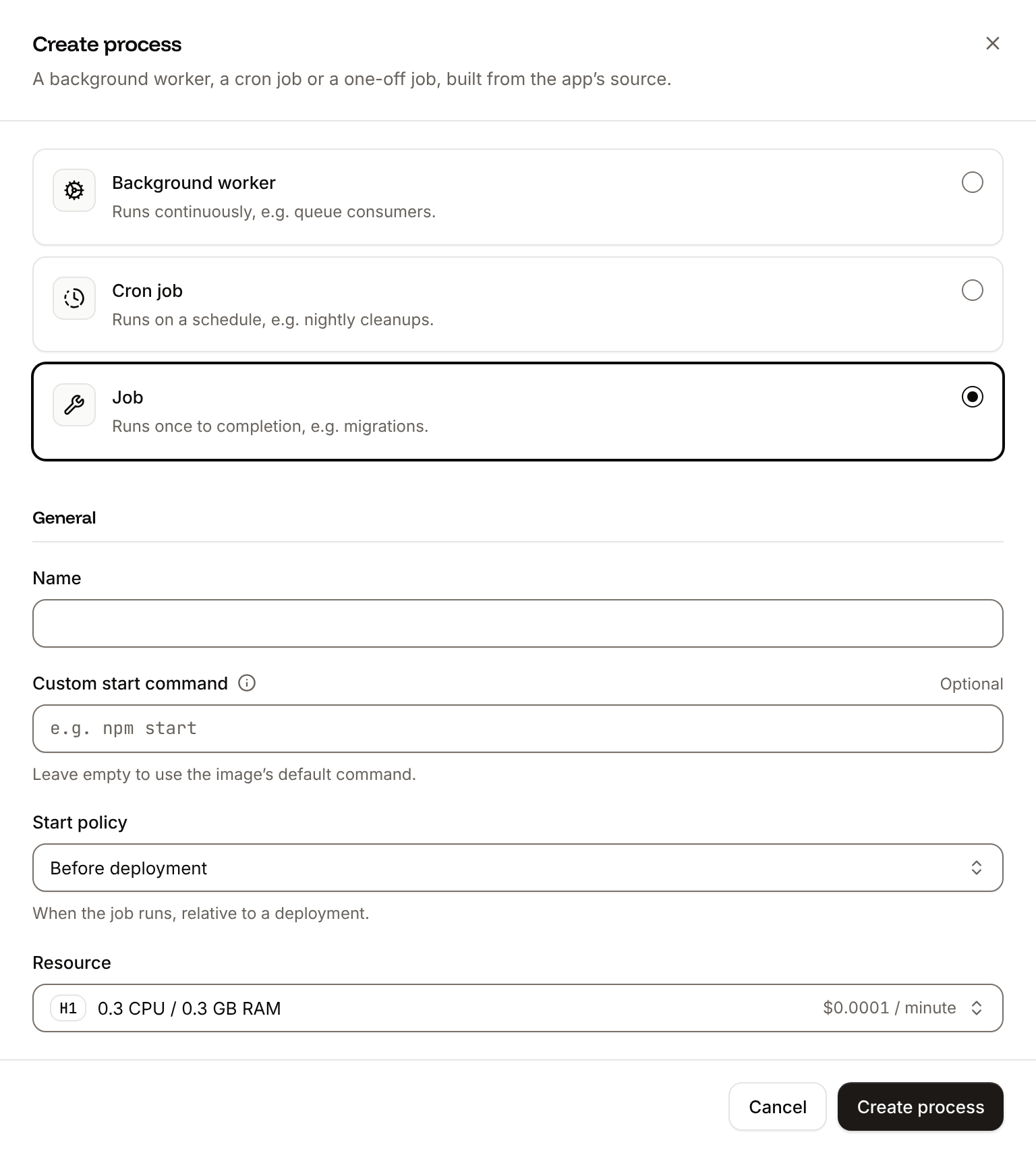
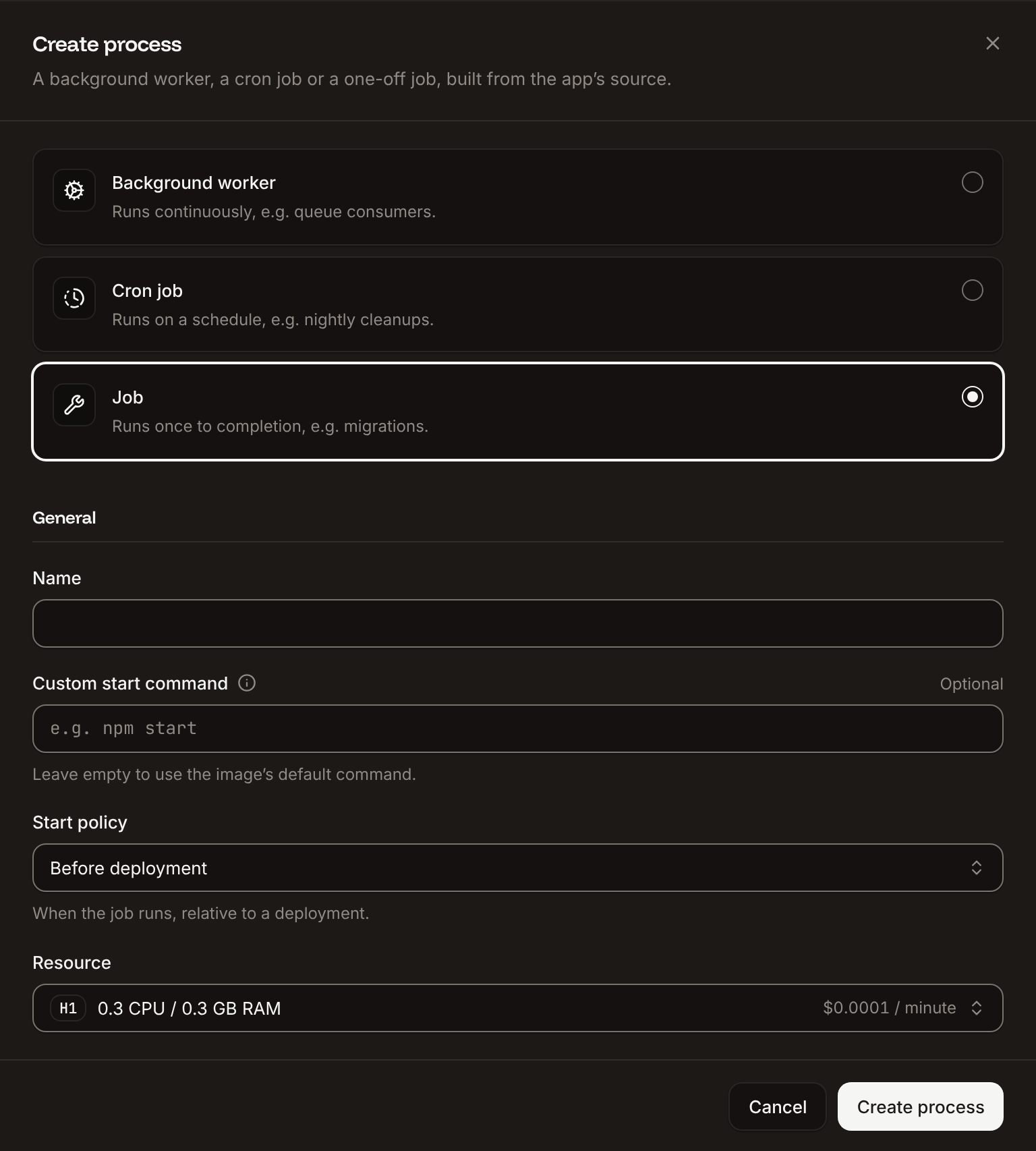
Click the Processes tab, then click Create process. Choose Job, enter
Migrate as the Name and python manage.py migrate as the Custom start command. Keep the Start policy at Before deployment and the Resource at H1, then click Create process.6
Deploy
Click the Overview tab, then click Deploy now under Recent deployments. Check the Branch and click Deploy.
7
Turn on auto-deploy
To deploy every push to the branch automatically, click the Settings tab, then click Update auto-deploy in the Auto-deploy section. Turn on Auto-deploy and click Update auto-deploy. See Deployments.
Verify the deployment
-
On the Deployments tab, wait for the deployment’s status to change to Deployed. The application’s status next to its name changes to Running. The deployment’s build log shows
collectstaticcopying the static files and, during the rollout,Migrate has been successful. If the job fails, the deployment fails and nothing changes for visitors. -
Click the domain under the application’s name, then add
/admin/to the address. Django’s admin sign-in page opens with its styles, which shows that WhiteNoise serves the static files. The site root returns404until you add your own URLs, because the welcome page only shows withDEBUGon. -
To sign in to the admin, create a superuser. Click the Web terminal tab, open a shell in the Web process, and run:
Nixpacks installs the packages in the virtual environment at
/opt/venv. See Web terminal.
Deploy changes
With Auto-deploy on, every push to the branch starts a deployment; otherwise, click Deploy now for each change. Each deployment builds the image, runs theMigrate job, then replaces the web process’s instances. For a schema change, run python manage.py makemigrations locally and commit the new migration with the code. See Deployments.
Add a custom domain
Add the domain on the application’s Domains tab, then add it toALLOWED_HOSTS and CSRF_TRUSTED_ORIGINS, for example storefront-x7k2m.sevalla.app,shop.example.com and https://storefront-x7k2m.sevalla.app,https://shop.example.com. Custom domains need a web process larger than H1.
Troubleshoot the deployment
For more causes, see Troubleshoot builds and deployments. To add uploads, caching or background tasks, see the Django guides.