You cannot use a
.env file to pass environment variables to the application; you must set them in Sevalla. You can import the contents of a .env file when you add environment variables.Special characters in environment variables
In the environment variable keys, you can only use a-z, 0-9, or underscore (_). Environment variable values are applied literally, with the exception of parentheses, commas, and double quotes.
Parentheses
Parentheses can cause the build or rollout process to fail, depending on when they are available during deployment. They cannot be used in environment variables.Commas
Unescaped commas are interpreted as delimiters and cannot be used in environment variables.- For example:
write_stock,read_orderswill cause the rollout process to fail. - To keep a comma inside a string, escape it with a backslash (
\) like this:write_stock\,read_orders— which will be applied aswrite_stock,read_orders.
Double quotes
Unescaped double quotes are either disregarded or will cause the rollout process to fail.- For example,
"my_example_variable"will be applied asmy_example_variable. - To keep double quotes around a variable, escape them with a backslash (
\) like this:\"my_example_var\"— which will be applied as"my_example_var". - If double quotes are inside of a string (e.g.
my_exampl"e_text), the rollout process will fail. - To keep double quotes inside a string, escape them with a backslash (
\) like this:my_examp\"le_var— which will be applied asmy_examp"le_var.
Base64 encoded variables
If your environment variable is Base64 encoded and you experience issues (e.g. 500 errors in the browser, build errors, runtime errors, etc.), try wrapping the value of the variable with single quotes.Add global variables
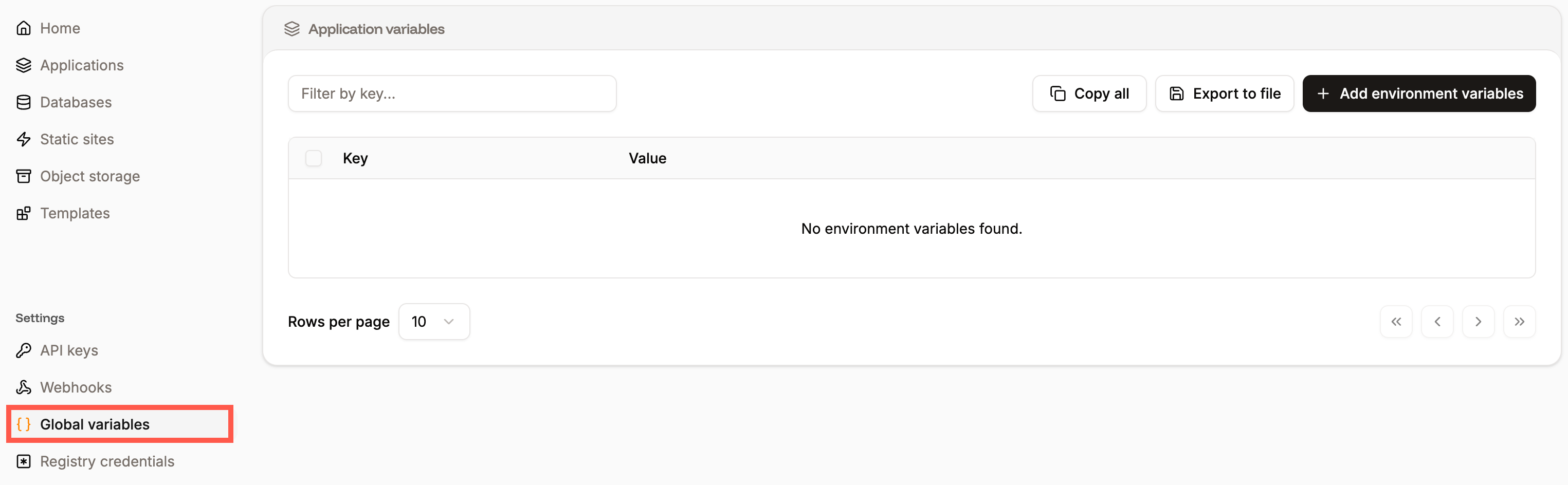
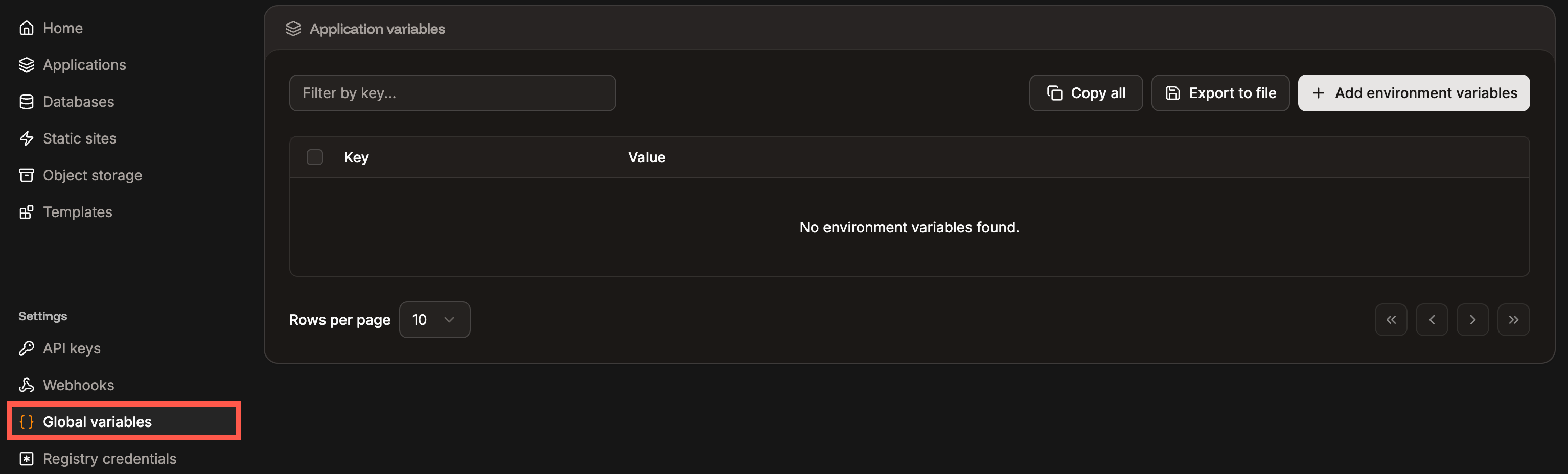
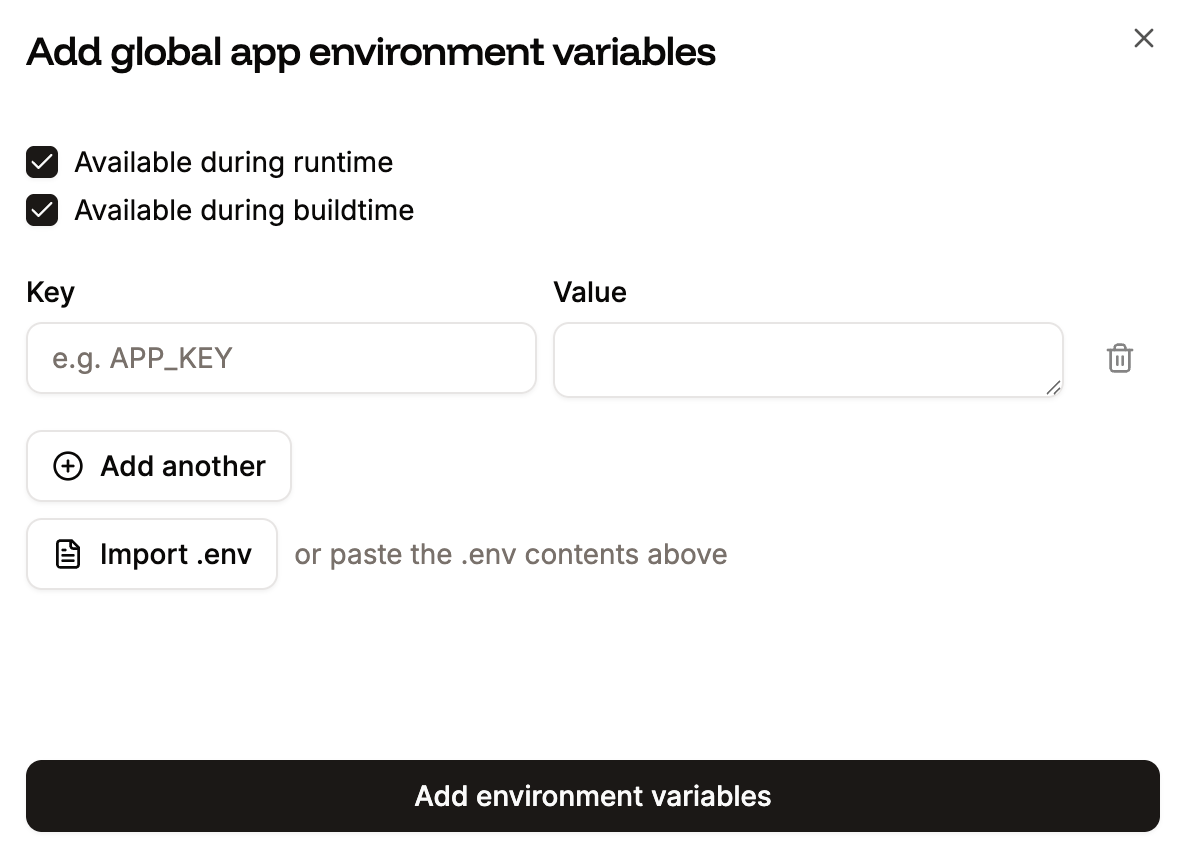
To add global environment variables, click Add environment variables. Add the key-value pairs, select if the variables are to be available during runtime and/or the build process, and click Add environment variables. You can reference another environment variable using the${key} format. For example, to reference an environment variable with the key DB_PASSWORD use ${DB_PASSWORD}.
To add multiple environment variables, copy the keys and values using CMD + C (Mac) or CTRL + C (Windows), and in Add global app environment variables, press CMD + V (Mac) or CTRL + V (Windows). You can also paste the contents of a .env file or import the .env file using Import .env.
Edit global variables
You can edit variable names (keys) or values on the Global variables page. To edit a variable, click the ellipsis (three dots) and click Update, make your changes, and click Update global environment variable.View global variables in your applications
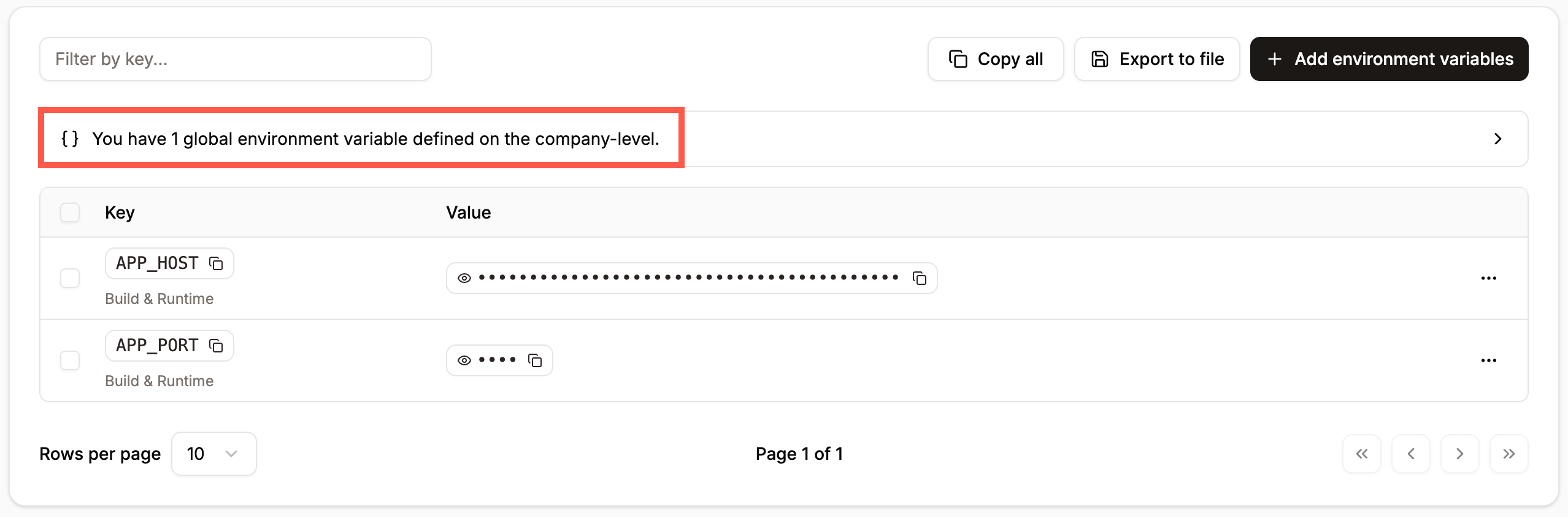
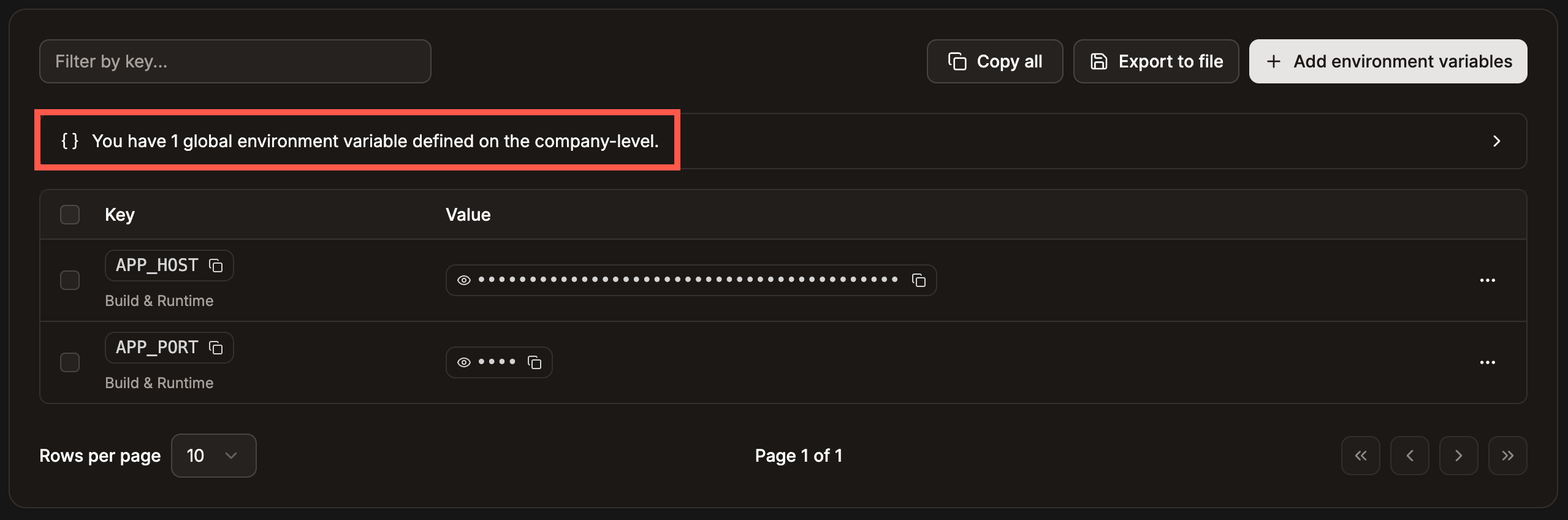
If you have a global variable, it is displayed within each application’s Environment variables.