

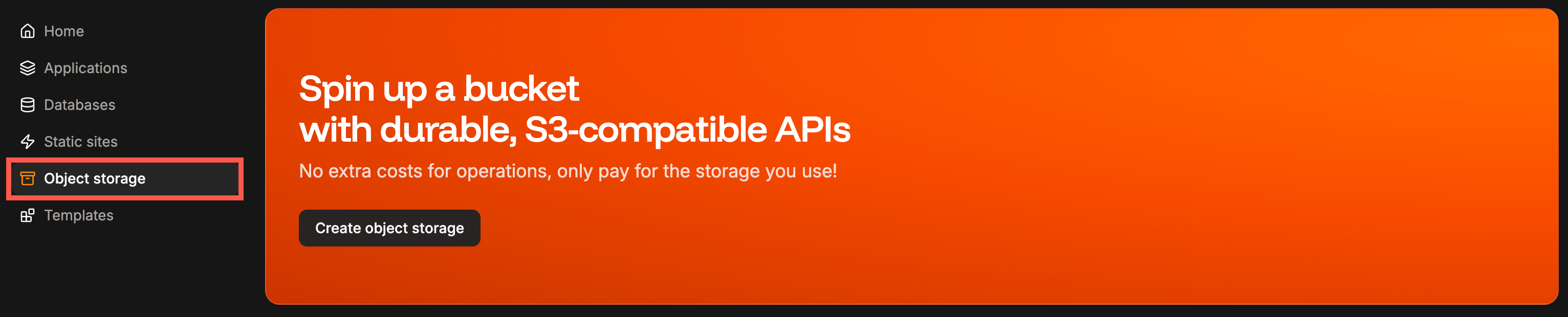
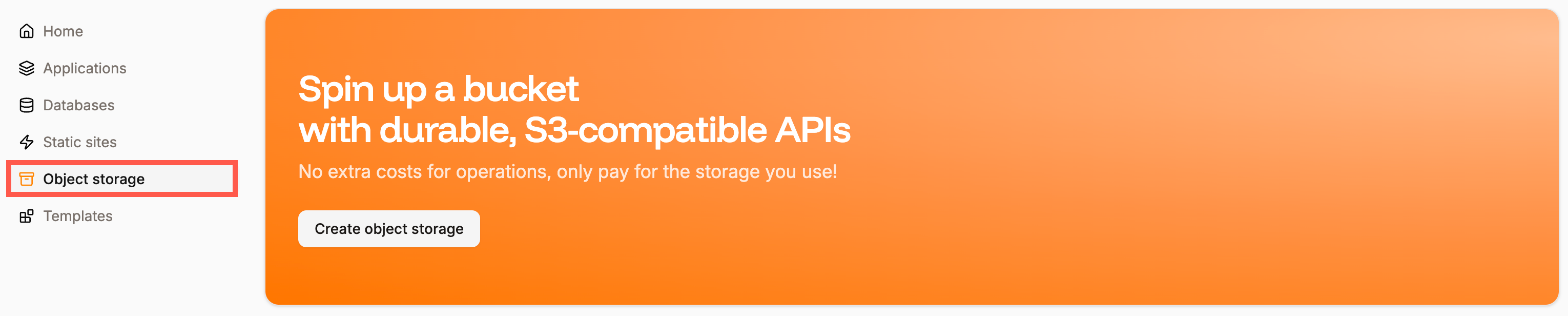
Add object storage.
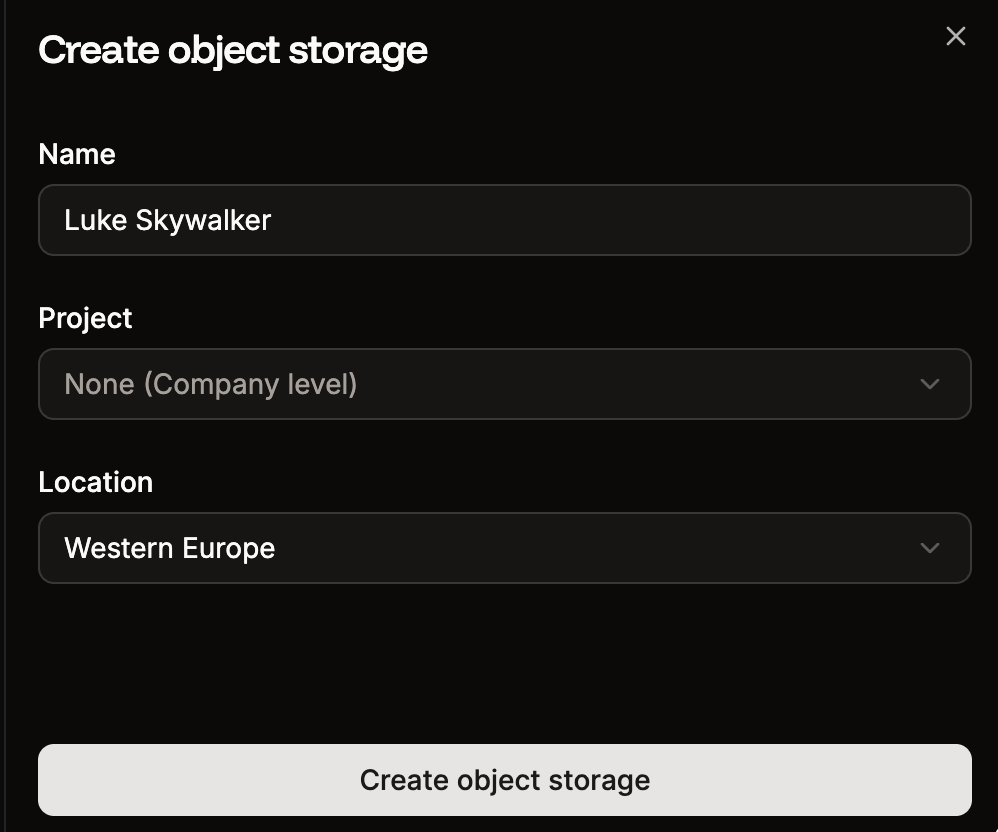
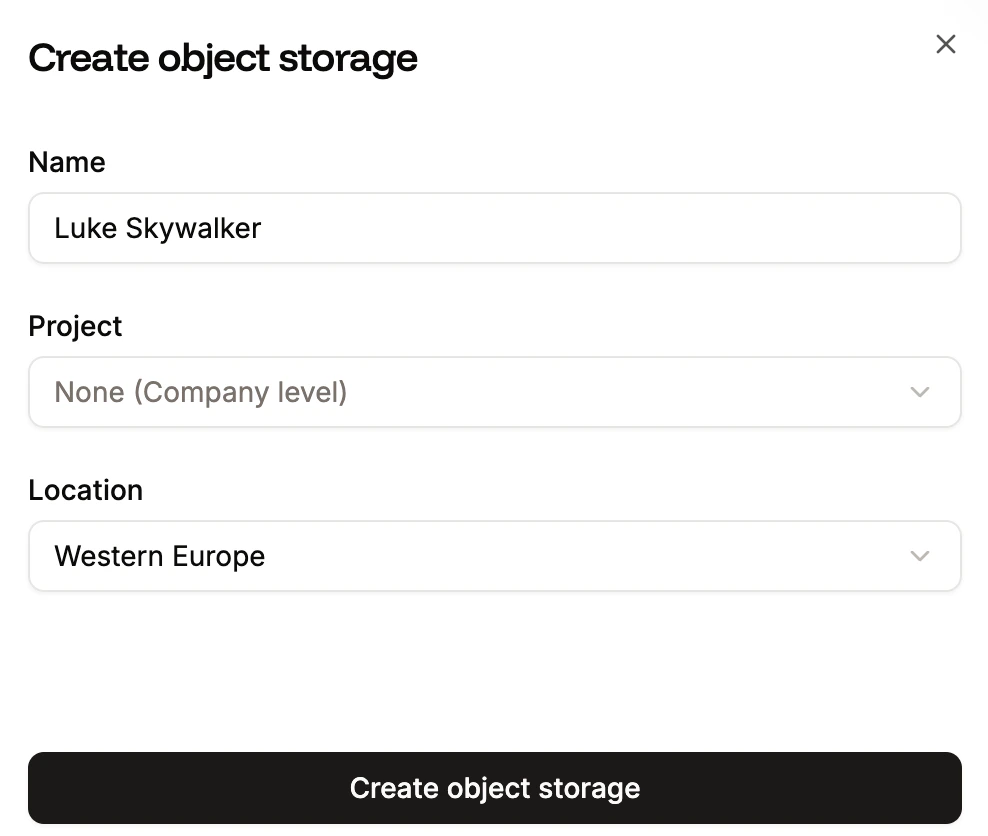
New object storage.
Add files
Within the object storage instance, click Upload.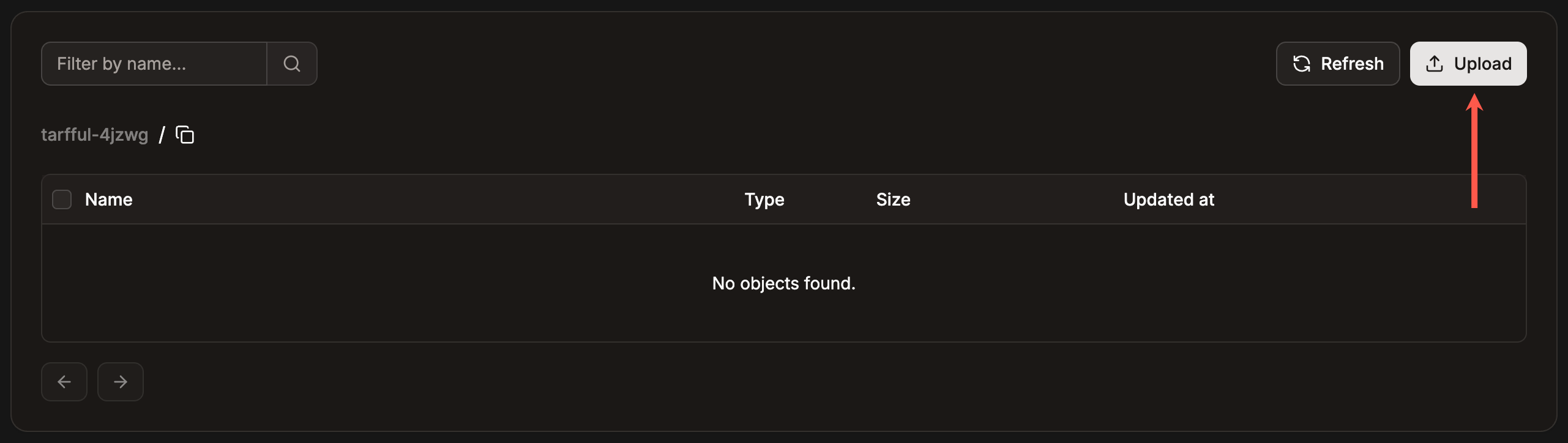
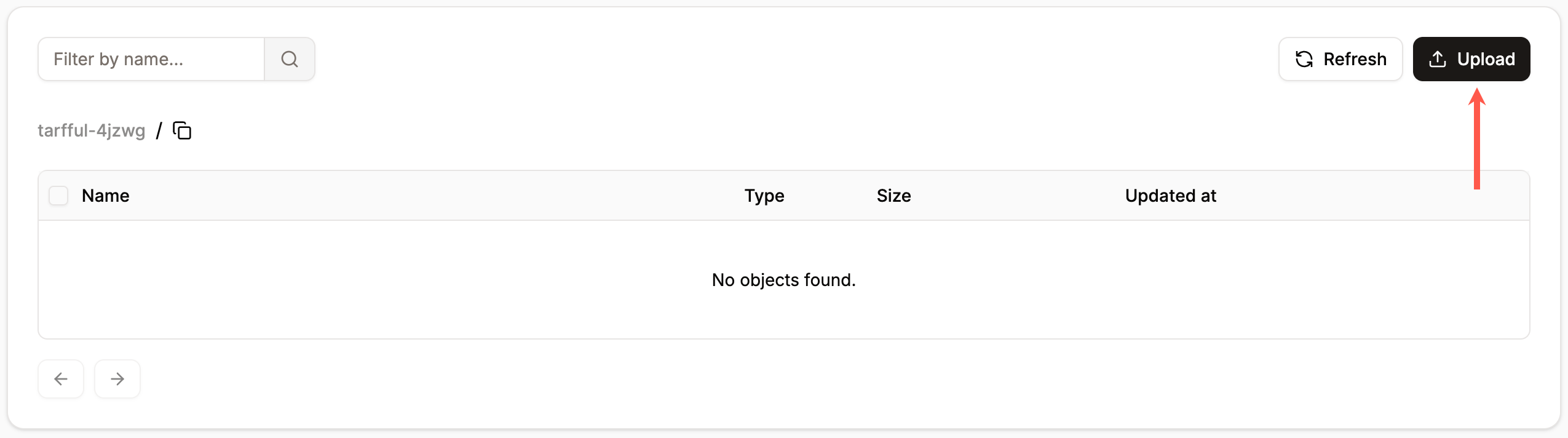
Upload files to object storage.
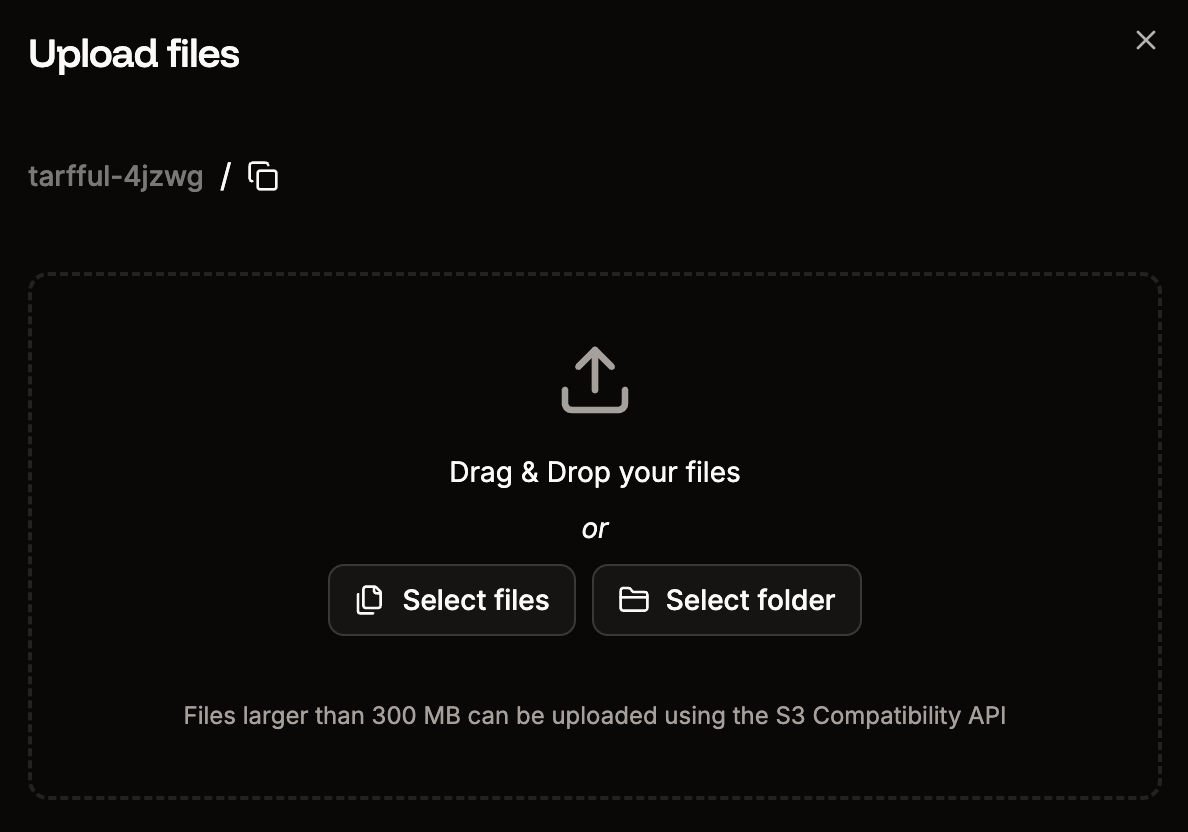
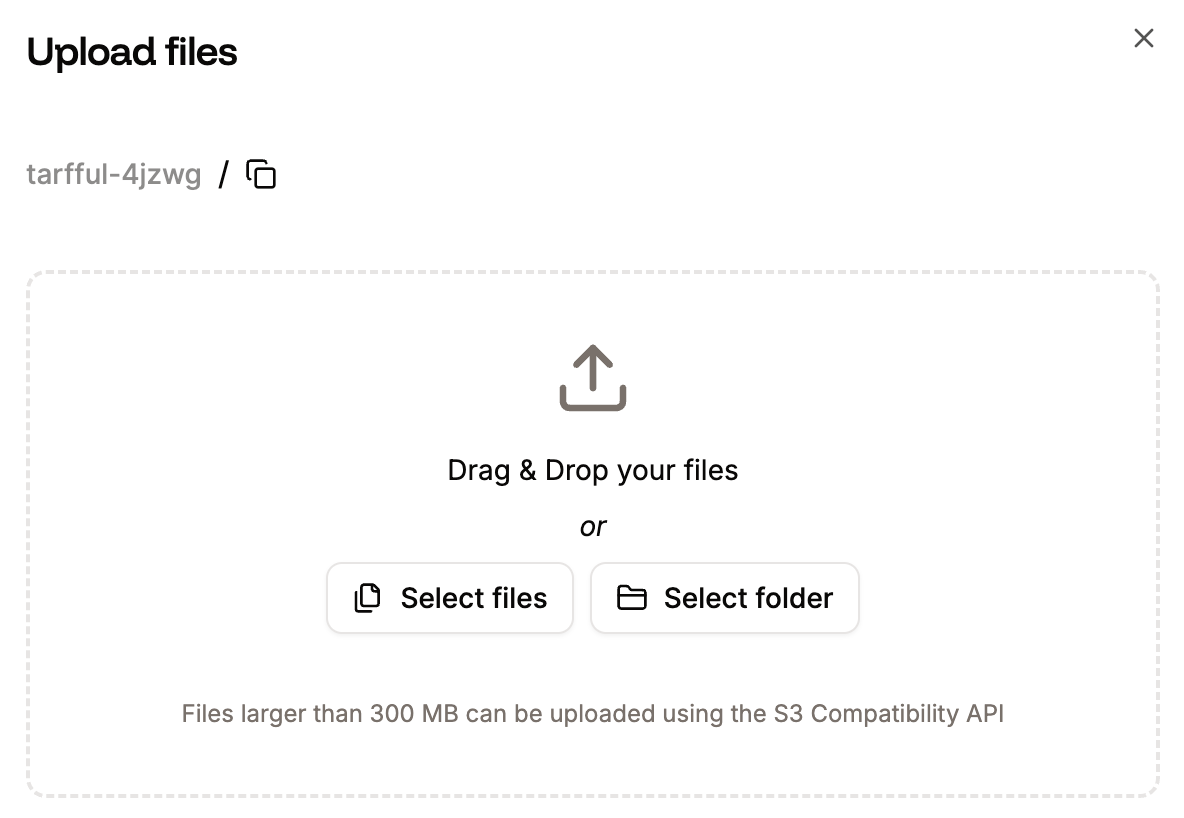
Upload files into your object storage container.
Download files
You can download any file within the object storage at any time. To do so, click the ellipsis (three dots) next to the file you want to download and click Download.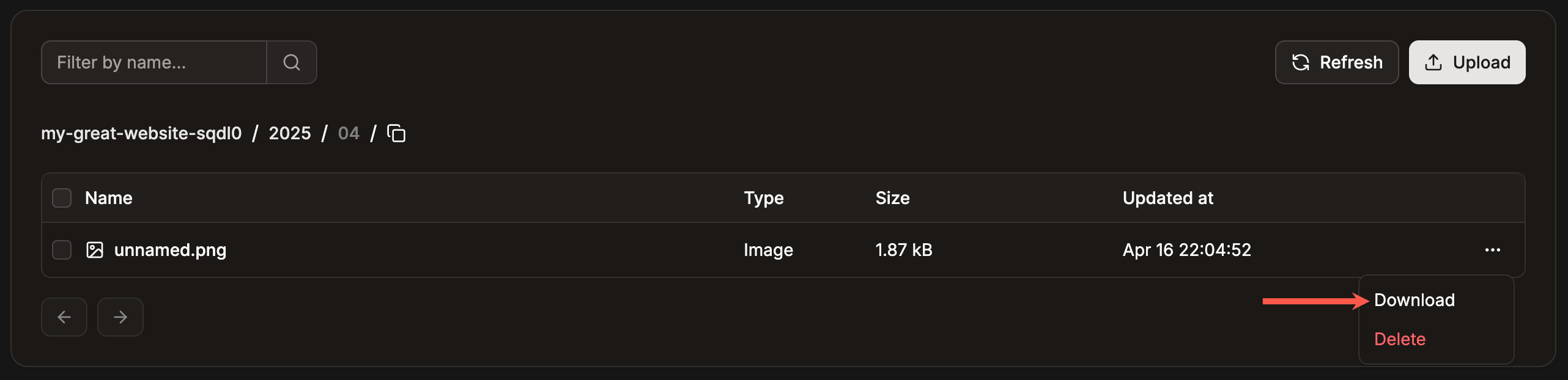
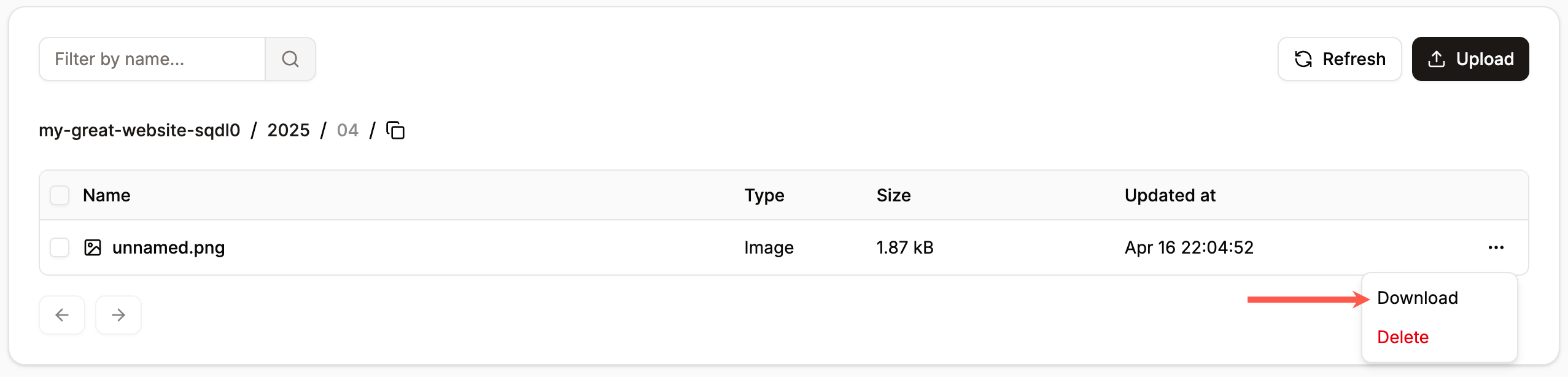
Download a file within object storage.
Delete files
To delete a file, click the ellipsis (three dots) next to the file you want to remove and click Delete. Once an object is deleted, it cannot be recovered.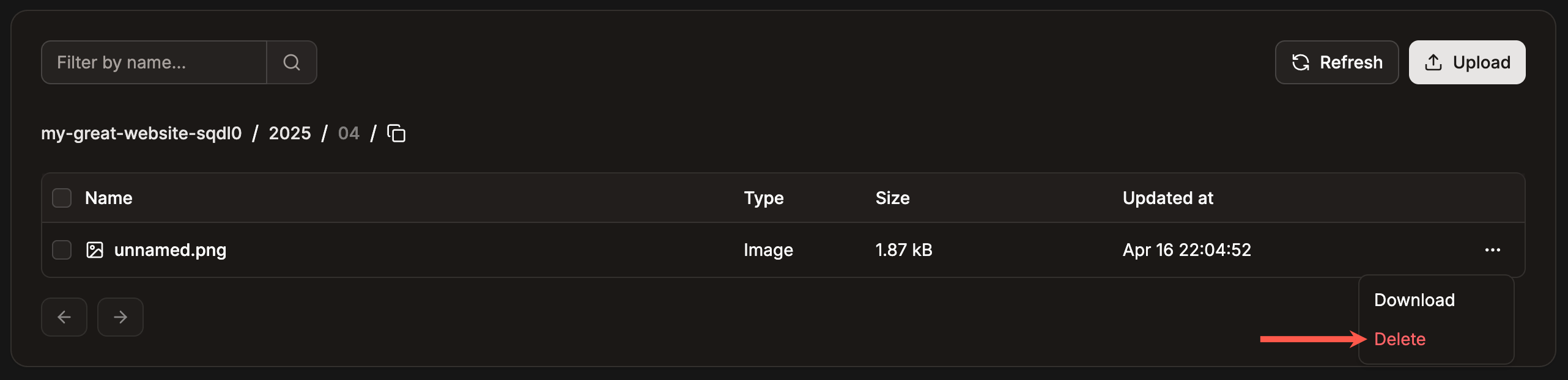
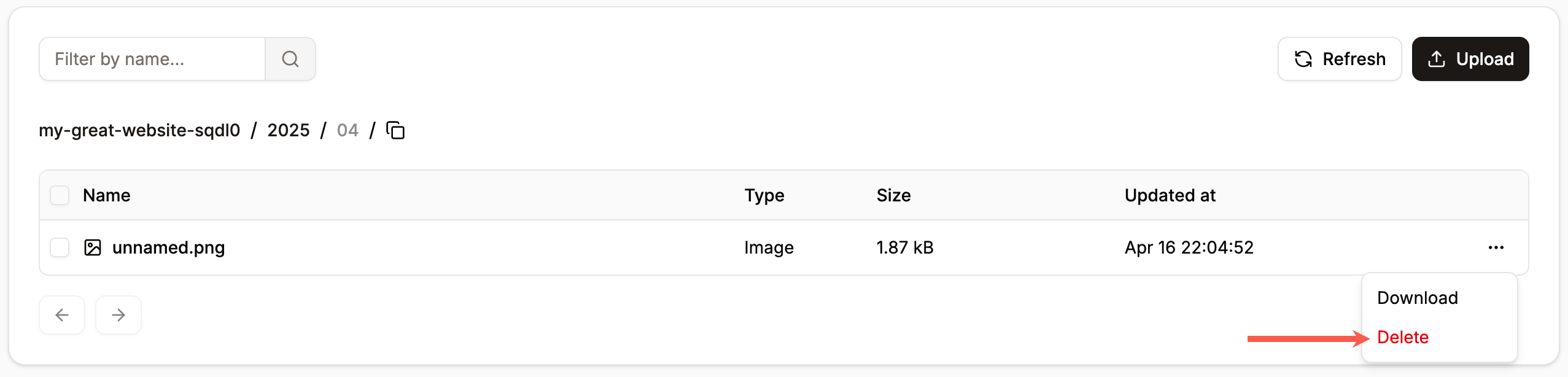
Delete a file from object storage.