

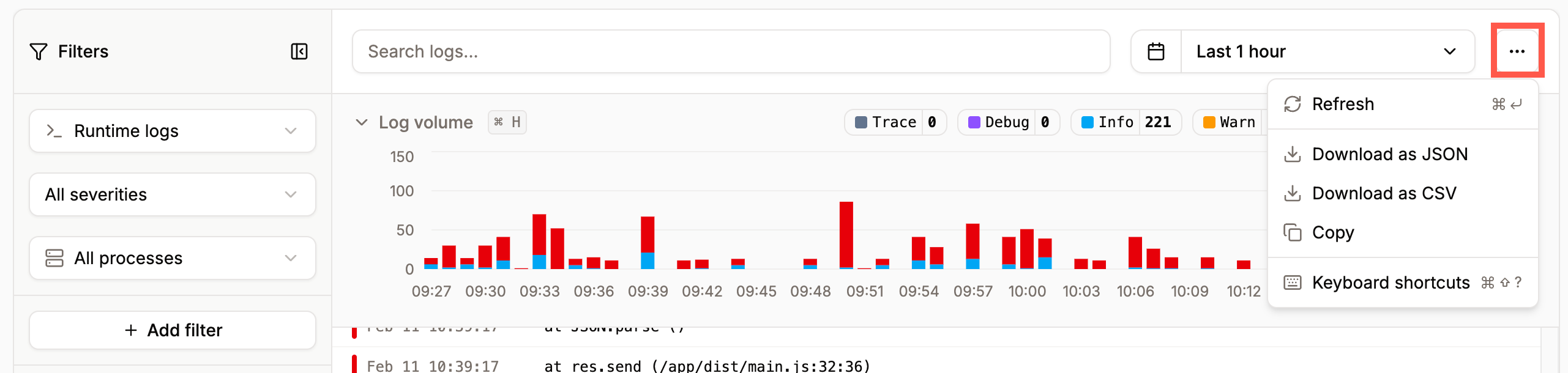
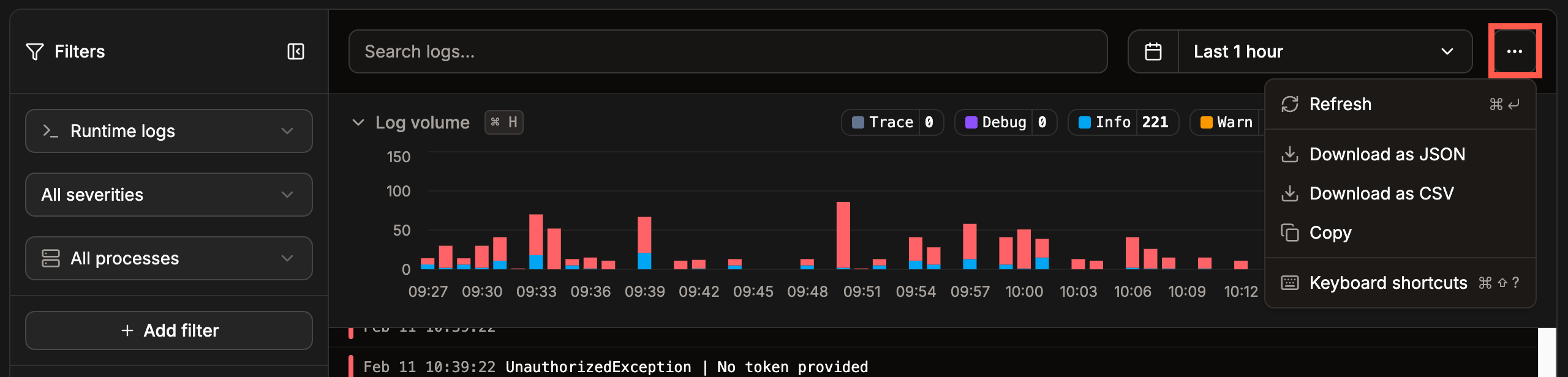
Download your application's logs in Sevalla.
Runtime logs
You can filter the runtime logs by severity, process, or create your own custom filter. When you add a custom filter, click Run query to apply it.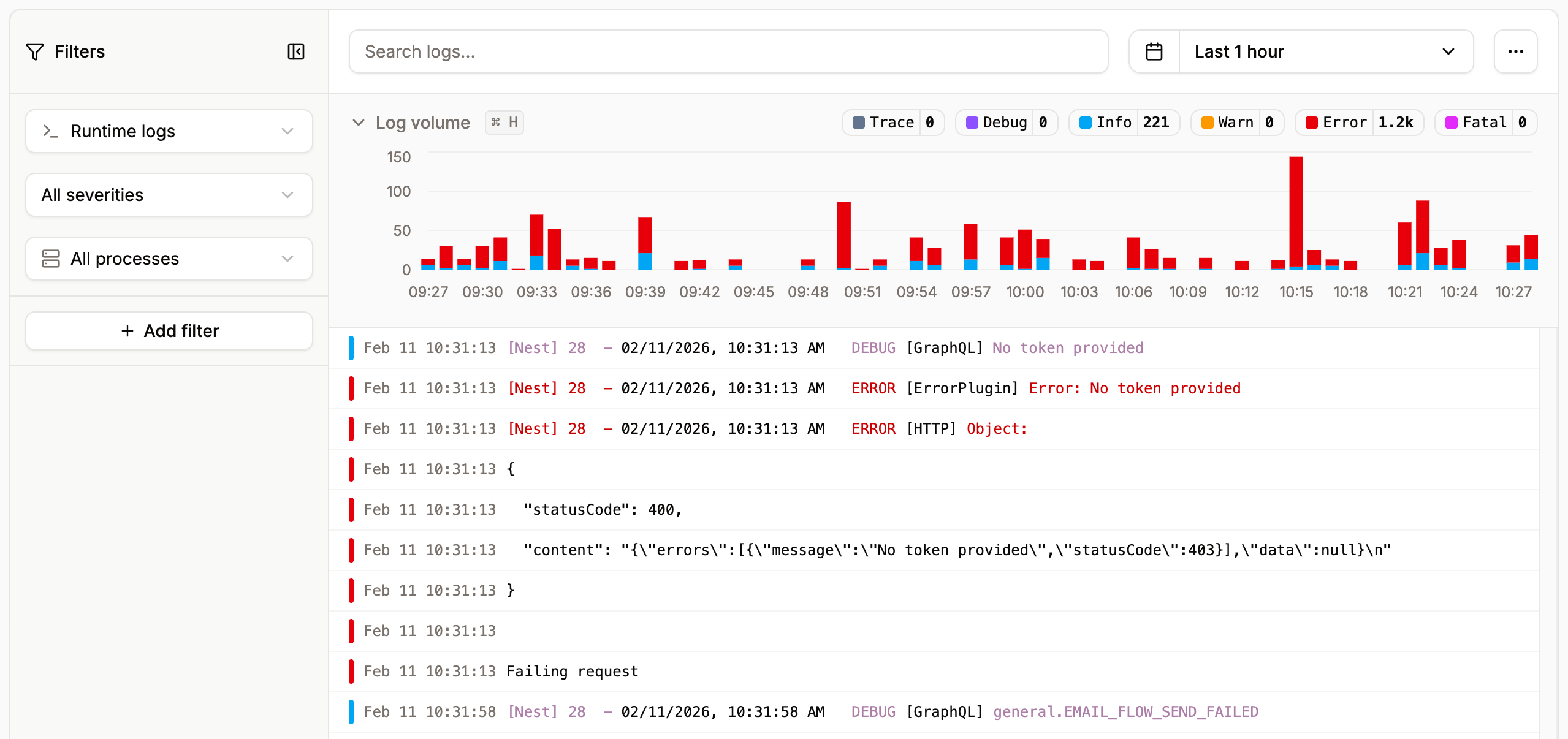
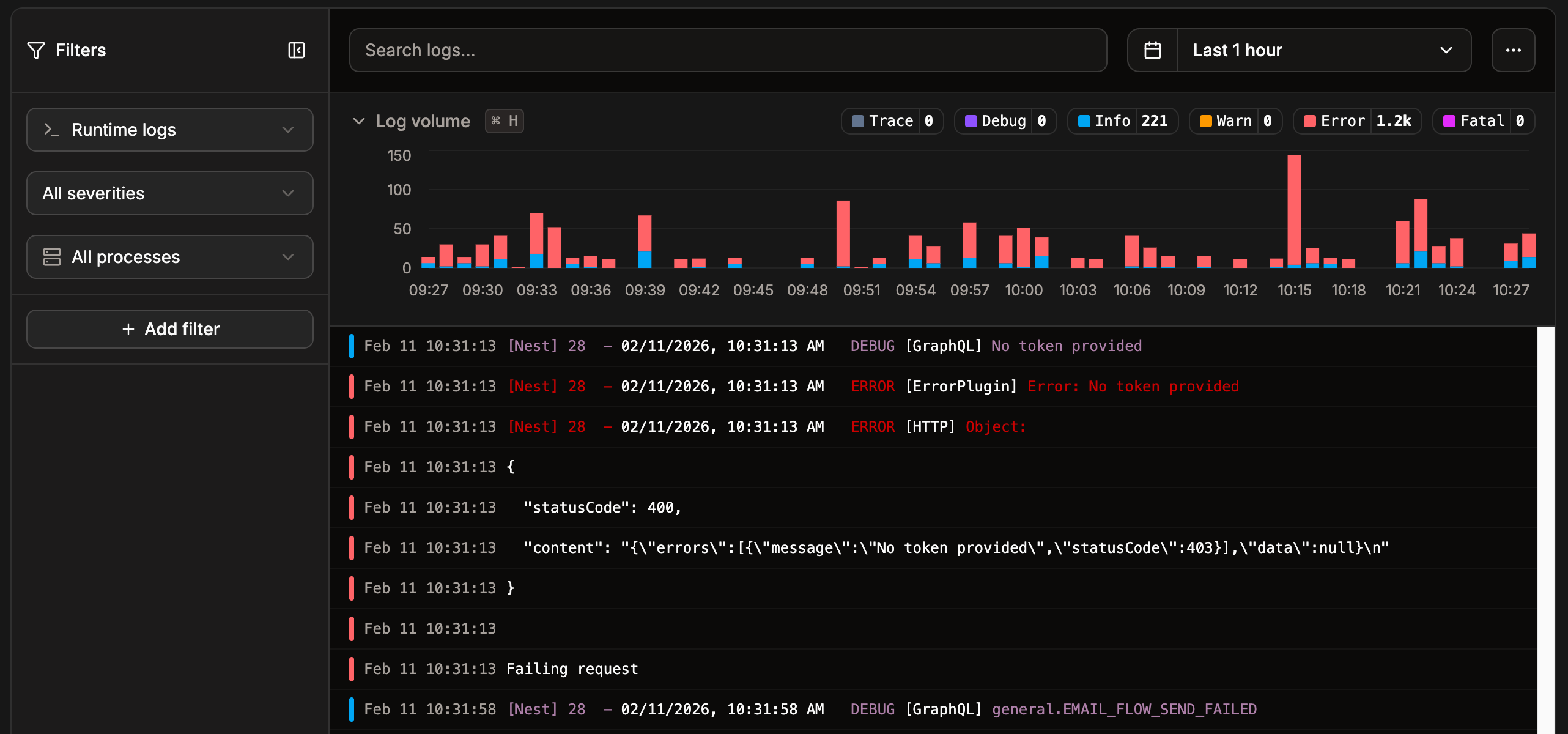
View your application’s runtime logs in Sevalla.
Access logs
To view the access logs, click Runtime logs and then select Access logs. You can search the logs and create your own custom filter. When you add a custom filter, click Run query to apply it.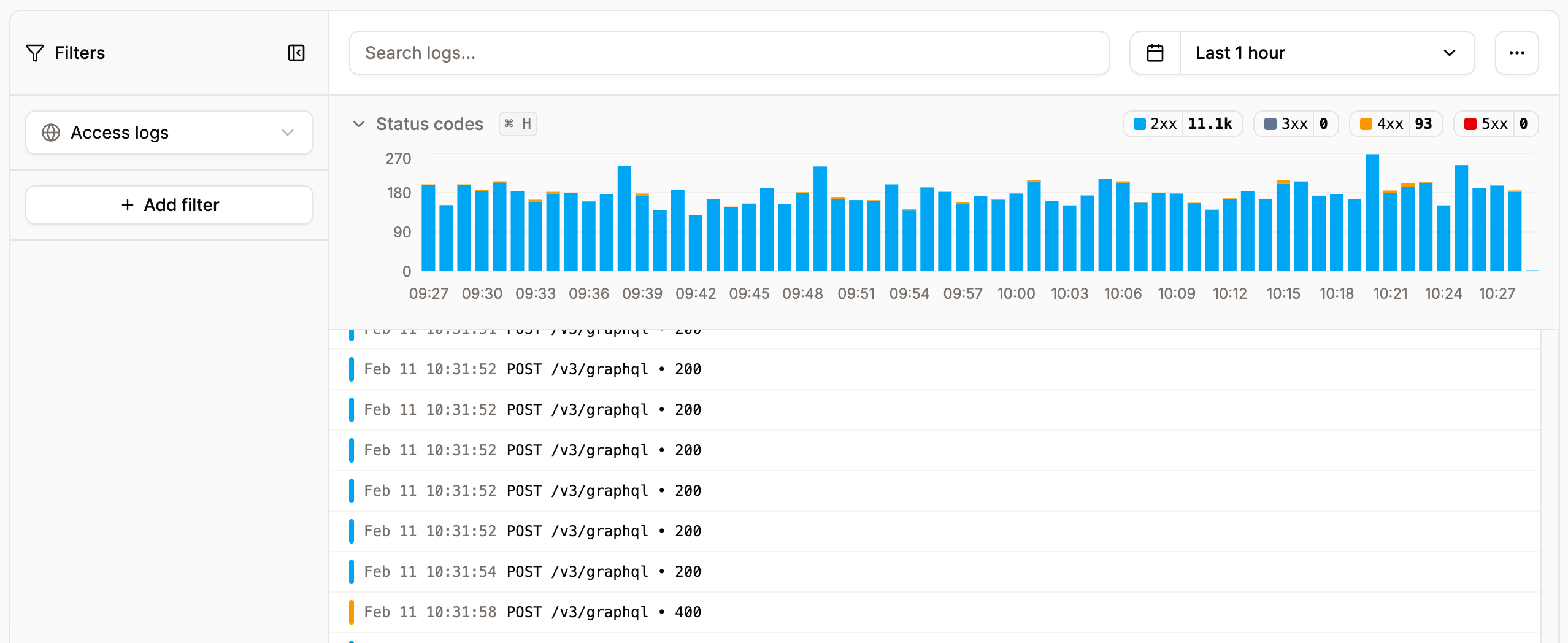
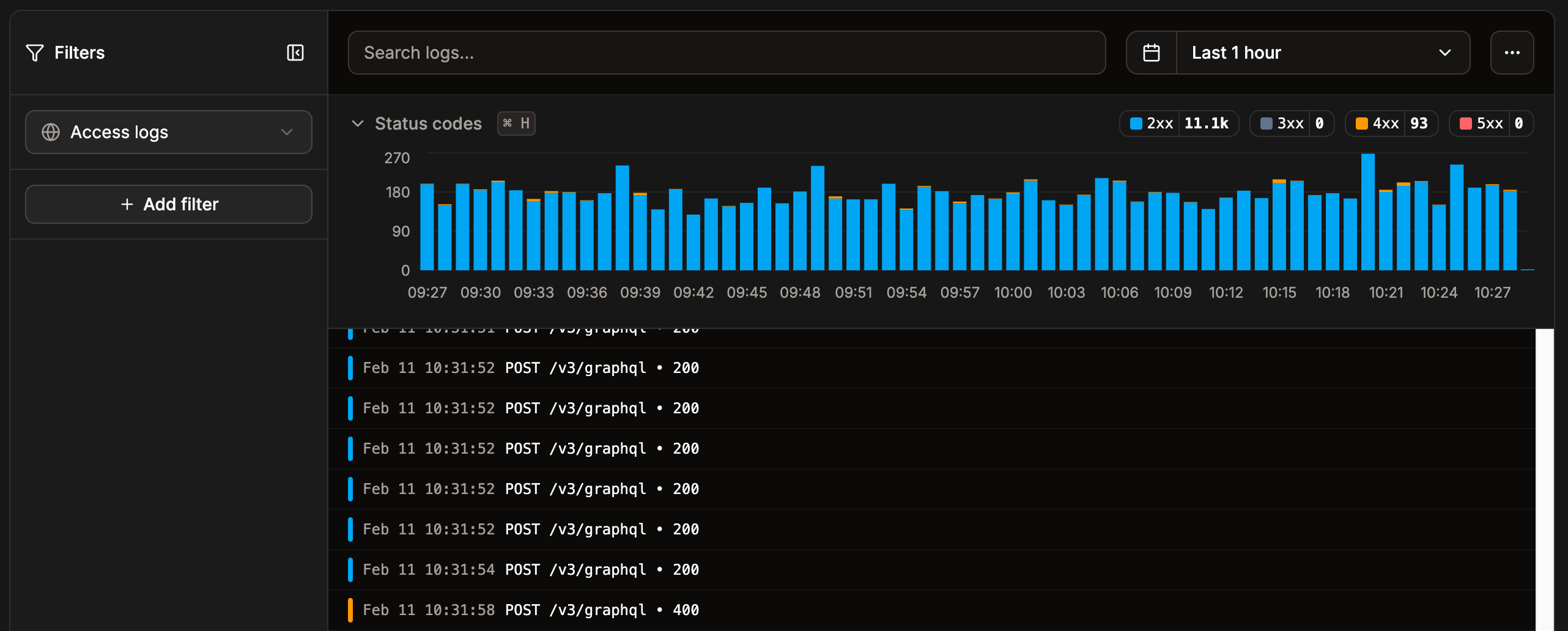
View your application’s access logs in Sevalla.
Deployment runtime logs
You can view the runtime logs for each individual deployment within Deployments > select the required deployment > Runtime logs.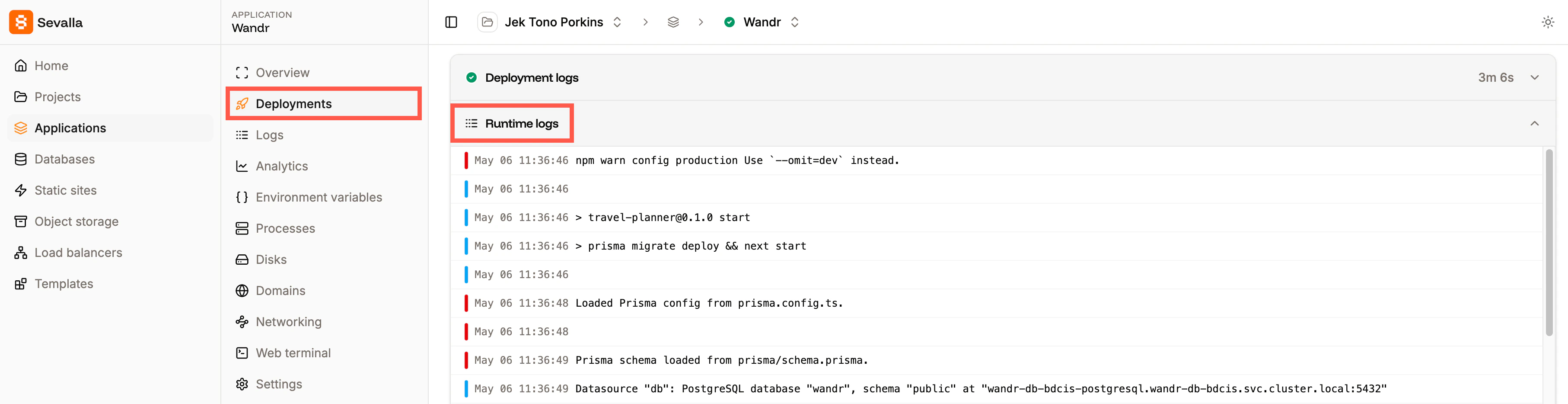
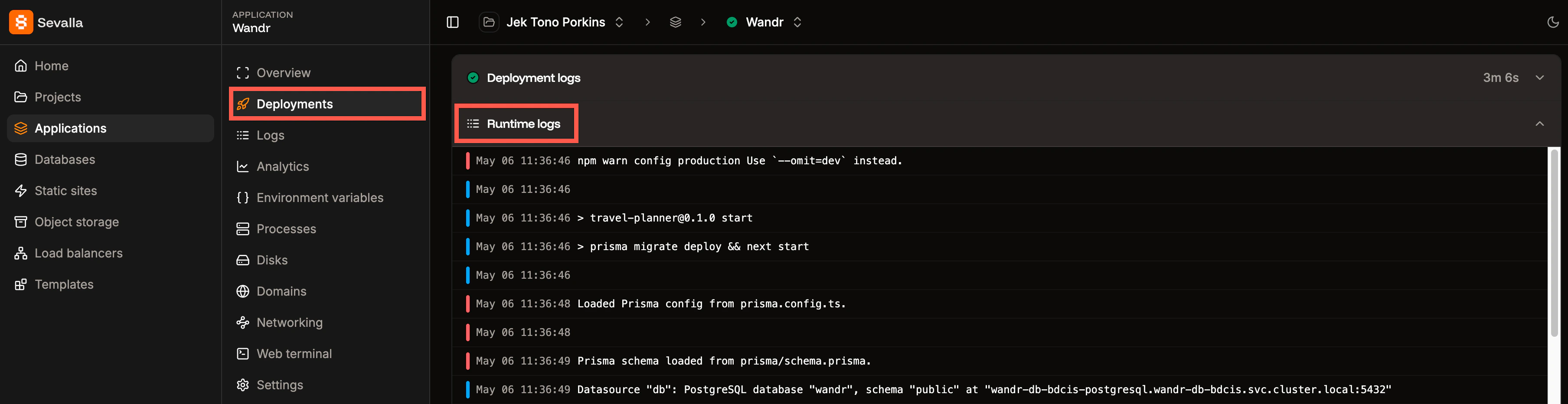
View the runtime logs for a specific deployment.