

Automatic backups
Databases are automatically backed up daily, and each backup is stored for 7 days.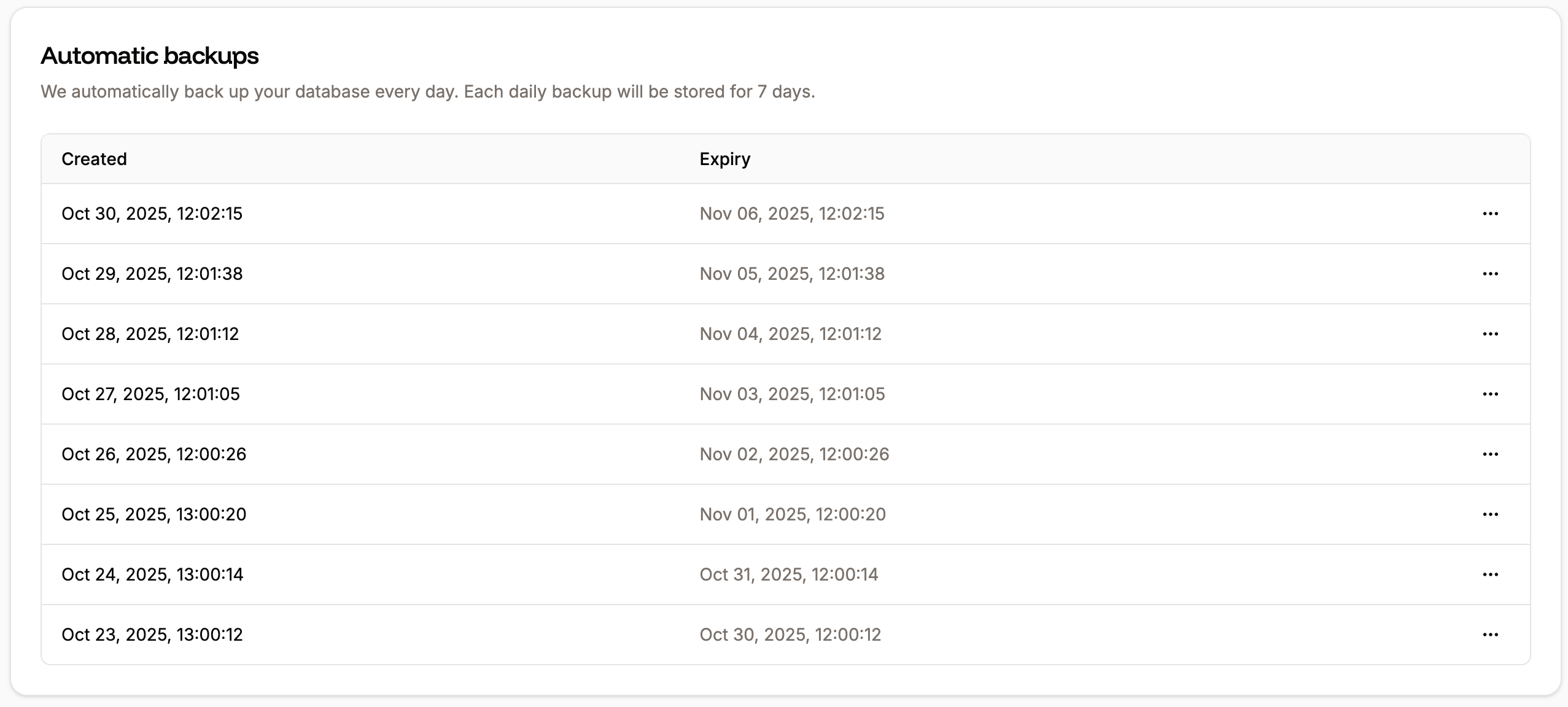
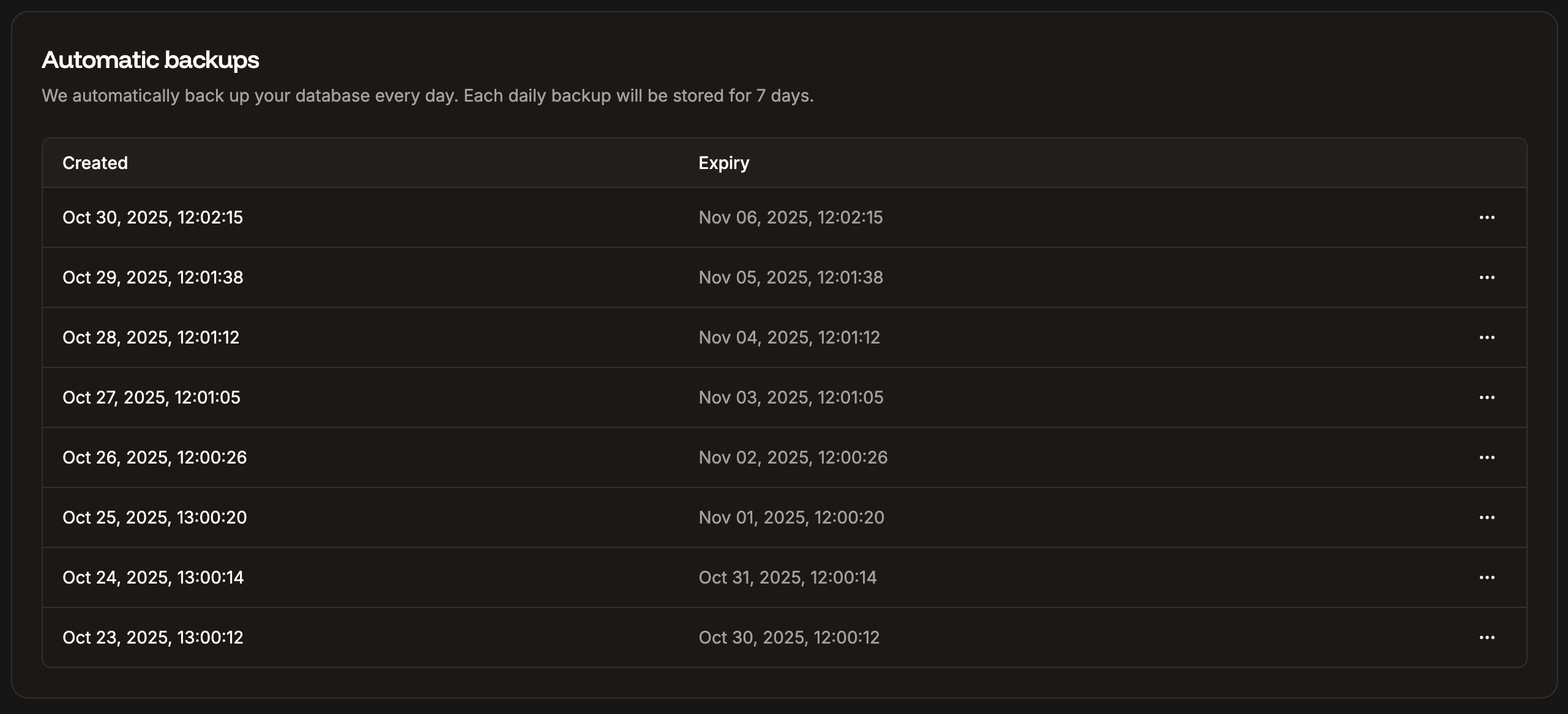
Automatic daily database backups in Sevalla.
Manual backups
You can manually create a database backup at any time, up to 5 manual backups, which are stored for 14 days. If you need to make more than 5 manual backups in 14 days, you’ll need to delete one of the manual backups to make room for a new one. To create a manual backup, click Create backup, enter a note to identify your backup (required), and click Create database backup.

Manual database backups in Sevalla.
Restore a backup
You can restore automatic or manual backups in Sevalla to your current database or to another database. To restore a backup, click the ellipsis (three dots) next to the backup you want to restore, and click Restore. Choose whether you want to restore the backup to the current database or a different database. If you restore to a different database, your current database is untouched. The target database must:- Belong to the same company
- Be the same database type
- Be located in the same data center
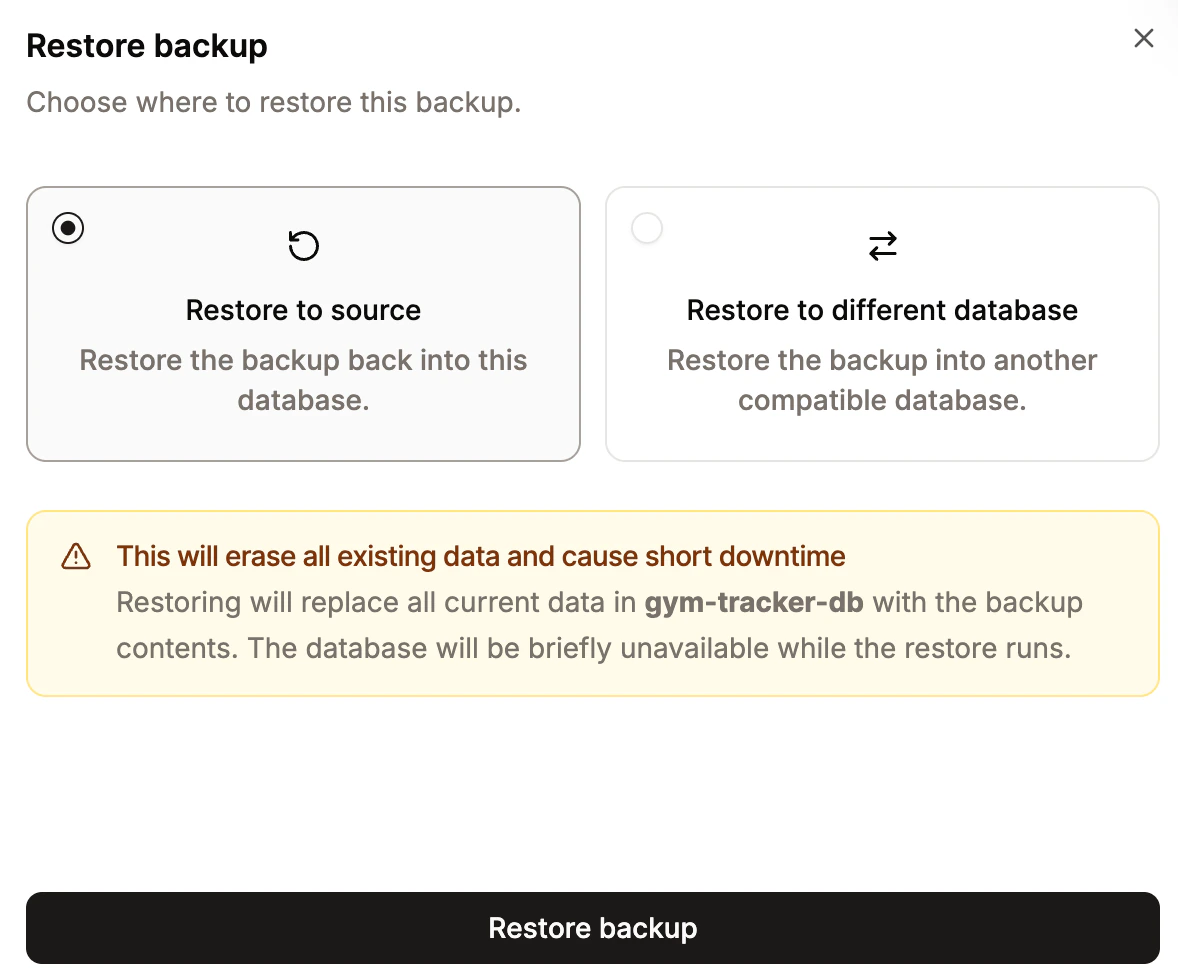
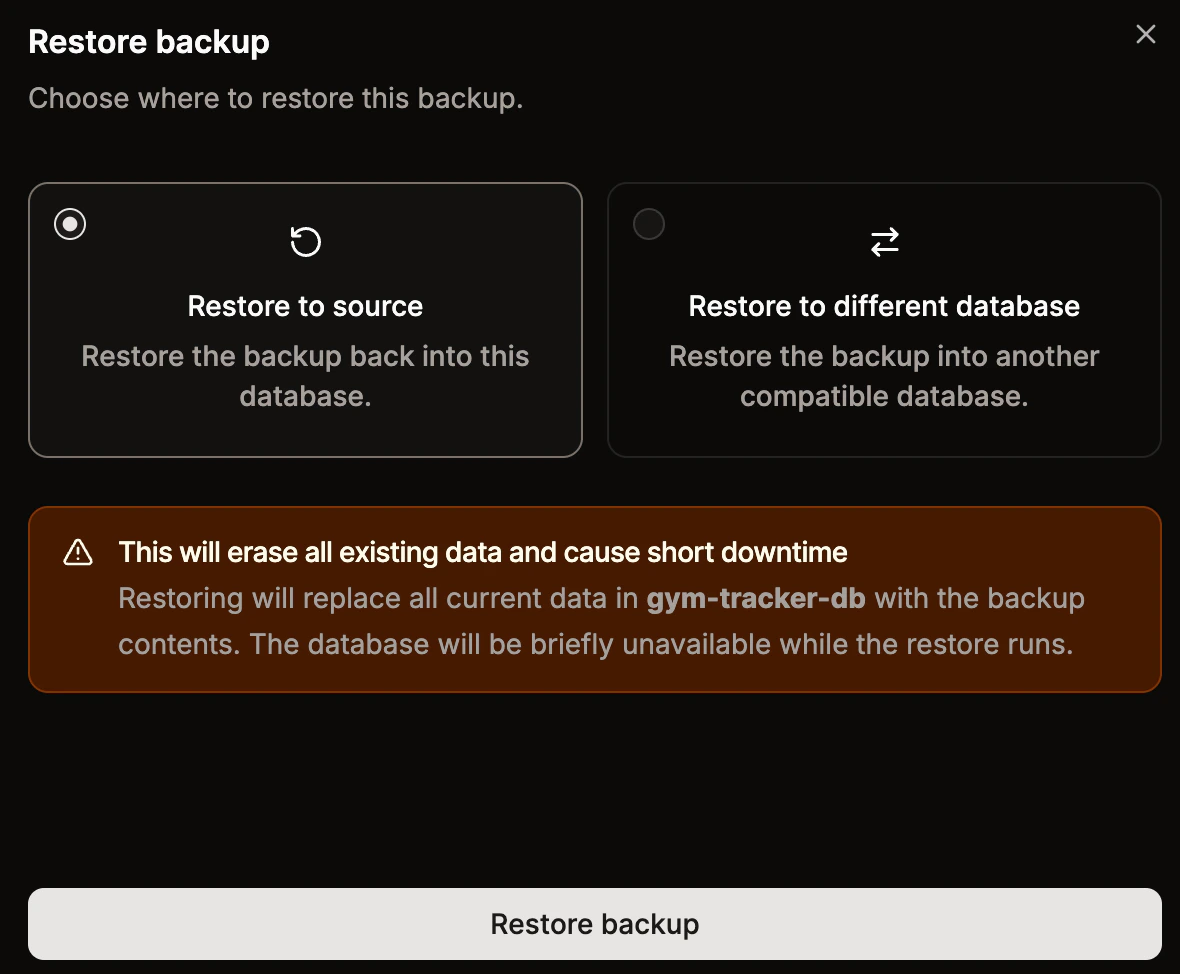
Restore a backup in Sevalla.