

How an application works
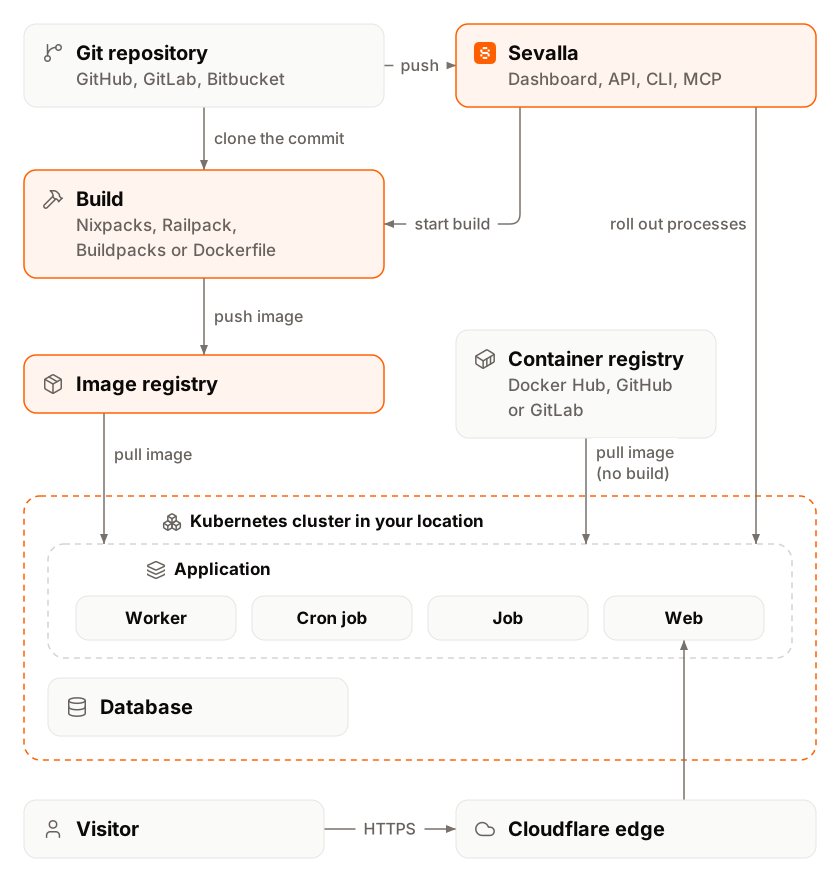
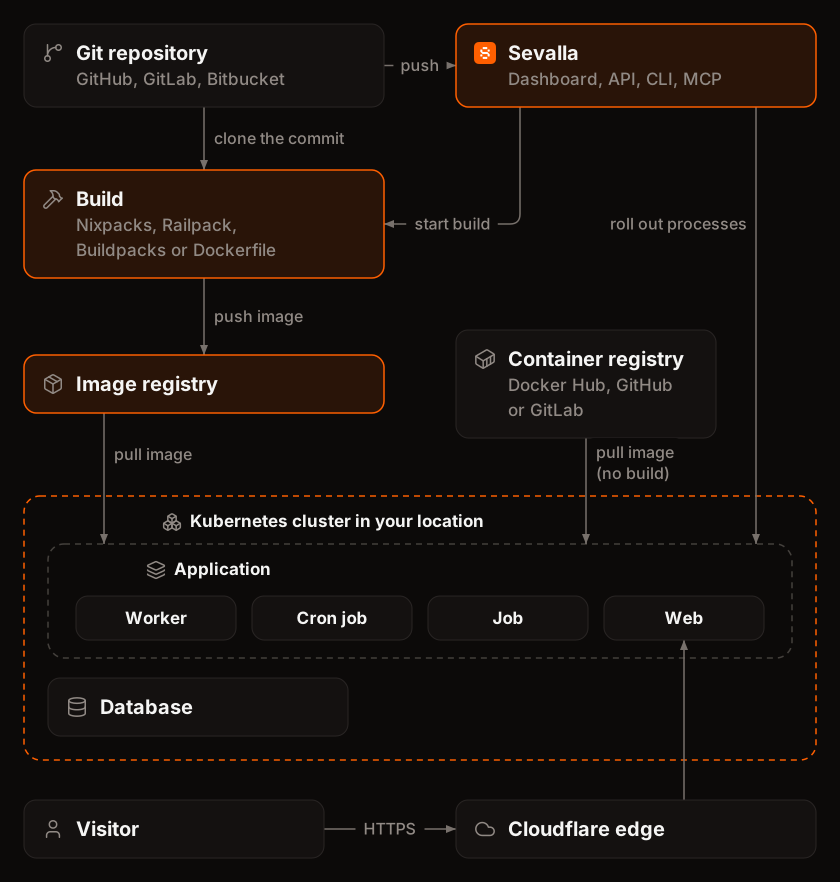 Every application follows the same path from source to traffic:
- Source. The code comes from a private repository on GitHub, GitLab or Bitbucket, from any public Git URL, or from a Docker image in a registry. See Create an application and Deploy a Docker image.
- Build. For a Git source, Sevalla builds a container image with the application’s build strategy: Nixpacks (the default), Railpack, Buildpacks or your own Dockerfile. A Docker image source skips the build.
- Deployment. A deployment rolls the new image out to every process, by hand, on every push, from a deploy hook or from a pipeline.
- Processes. The image runs as processes: one web process that receives HTTP traffic, plus any background workers, cron jobs and jobs. Each process runs one or more instances of a size you choose.
- Traffic. Requests reach the web process through Cloudflare, on the application’s
sevalla.appdomain or your custom domains. See how a request reaches an application.
Parts of an application
Each part has its own tab on the application’s page.
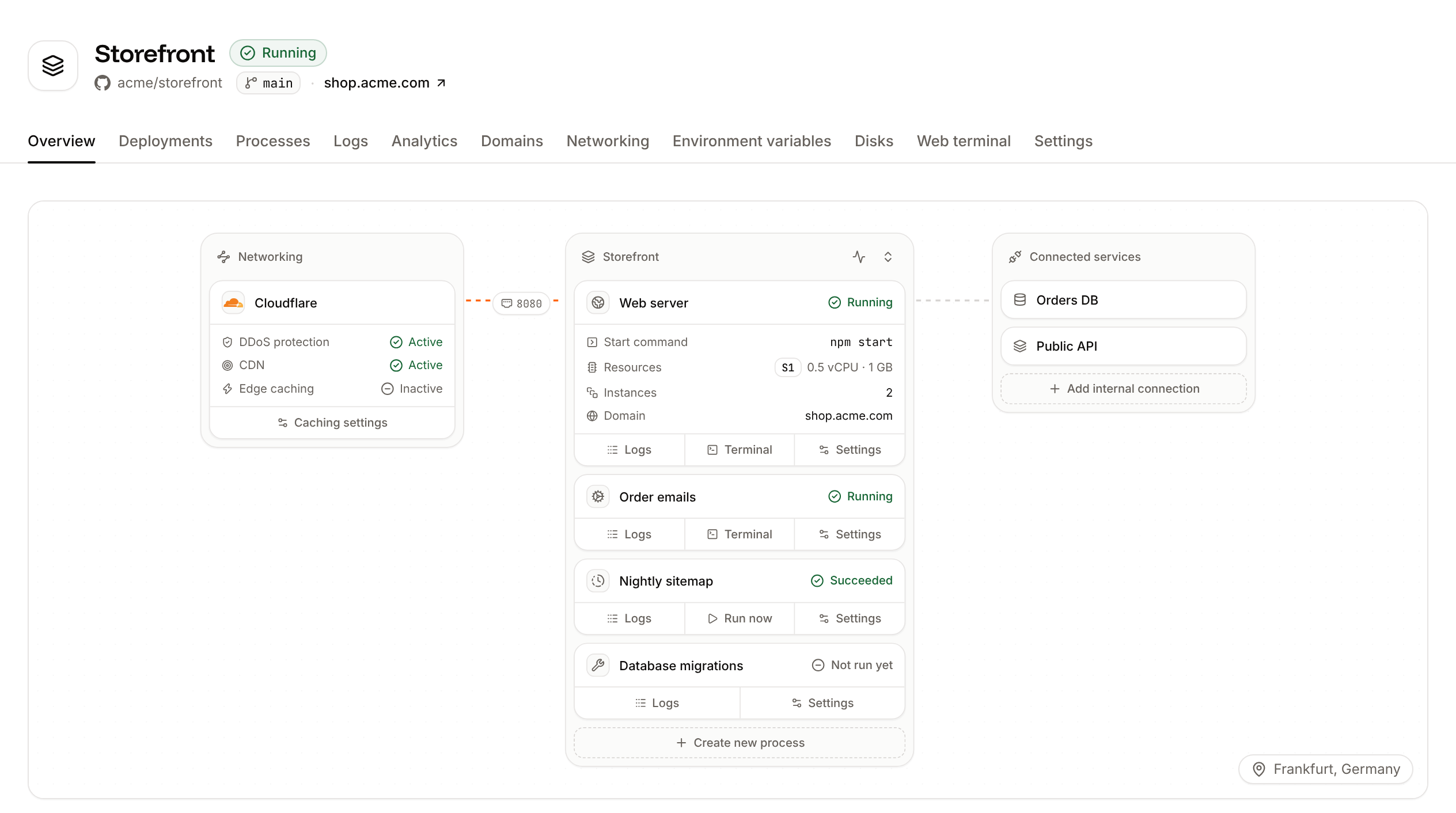
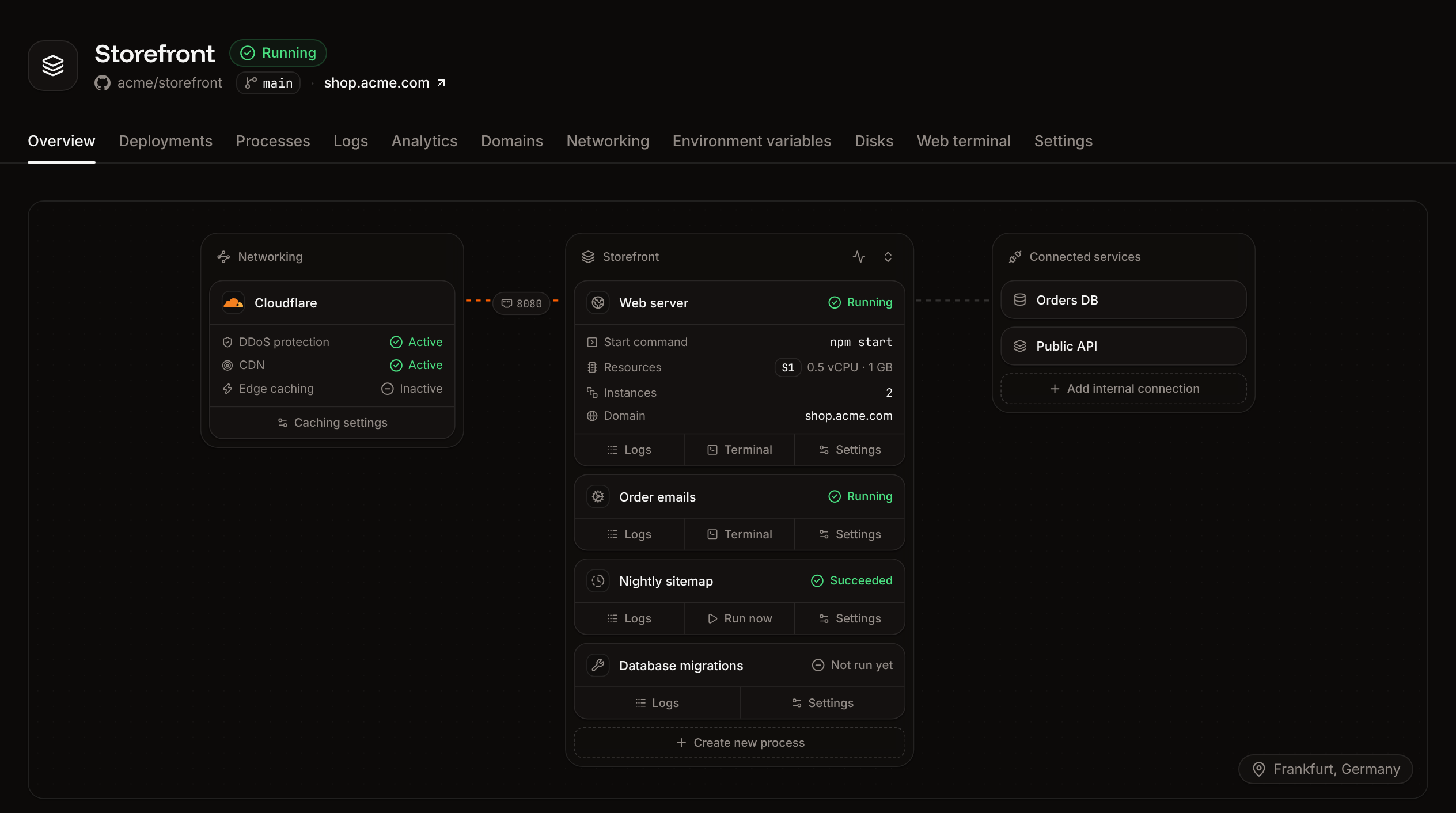
The Overview tab shows the application’s architecture (Cloudflare, its processes and their connected services) and its recent deployments.
Supported languages
An application can run any language that runs in a Linux container. How you get there depends on the build strategy:- Nixpacks and Railpack detect the language from your repository and build it with no configuration. Between them they cover Node.js, Bun, Deno, Python, PHP, Ruby, Go, Java, Rust, Elixir, .NET and more.
- Buildpacks use Heroku’s builders for .NET, Go, Java, Node.js, PHP, Python, Ruby and Scala.
- A Dockerfile builds anything you can describe in one.
Application statuses
The status next to the application’s name says where it is.Limits
Pricing
Application hosting is usage-based. You pay for:- Processes: each instance of each process, by its size.
- Build time: per minute of build, for Git sources. Docker images aren’t built.
- Bandwidth: per GB of outgoing traffic.
- Disks: by the size of each disk.
Frequently asked questions
Which repositories and images can I deploy?
Which repositories and images can I deploy?
Private repositories on GitHub, GitLab and Bitbucket (connect the provider first, see Git providers), any public Git repository by its URL, and any Docker image. Private images need a registry credential.
Can I host my framework or CMS on Sevalla?
Can I host my framework or CMS on Sevalla?
Most likely. If Nixpacks, Railpack or Buildpacks detect your language, it builds with no configuration; otherwise, add a Dockerfile. Sevalla can’t guarantee every application works, but support helps with problems that come from the platform.
Can I move an application to another location?
Can I move an application to another location?
Not in place: an application’s location is fixed when you create it. To run it somewhere else, clone it into the other location with the clone application API operation, passing the target location as
cluster_id. The clone copies the application’s source, build settings, processes and environment variables, and gets its own sevalla.app domain. It doesn’t copy custom domains, internal connections or the contents of disks. Deploy the clone, move your custom domains and internal connections to it, then delete the original.Can I save files to the application's filesystem?
Can I save files to the application's filesystem?
Only on a disk. Anything else an instance writes is lost when it restarts or the application is deployed again. For uploads and other user content, object storage keeps processes stateless and free to scale.
Get started
Create an application
Deploy from a Git repository, step by step.
Deploy a Docker image
Run a prebuilt image from any registry.
Builds
Choose and tune the build strategy.
Go-live checklist
Check everything before production traffic.