

- Company: tracks total spending across every project, application, database, static site, object storage, and load balancer in your company.
- Project: tracks spending for the services that belong to a single project.
How alerts work
Each alert configuration has:- A spending limit in USD.
- One or more threshold percentages (between 1 and 100, up to 10 per configuration). For example, 50%, 75%, and 90%.
- One or more email recipients.
Create a company-wide alert
Click Company settings > Usage and then click Add alert.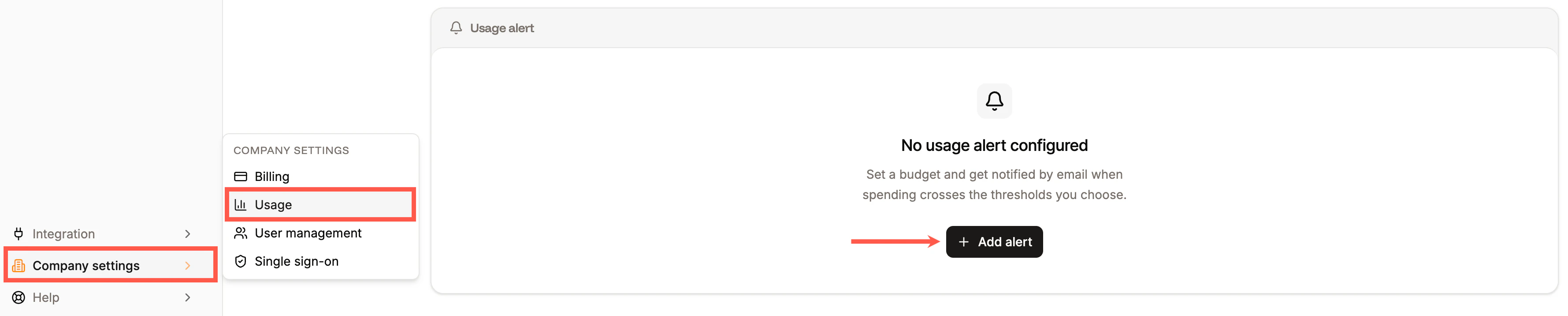

Add usage alerts in Sevalla.
- Budget limit - the USD amount from which the thresholds are calculated.
- Percentage thresholds - one or more percentages of the limit. Add up to 10 thresholds.
- Email recipients - one or more email addresses to notify. Click Add recipient to add more email addresses.
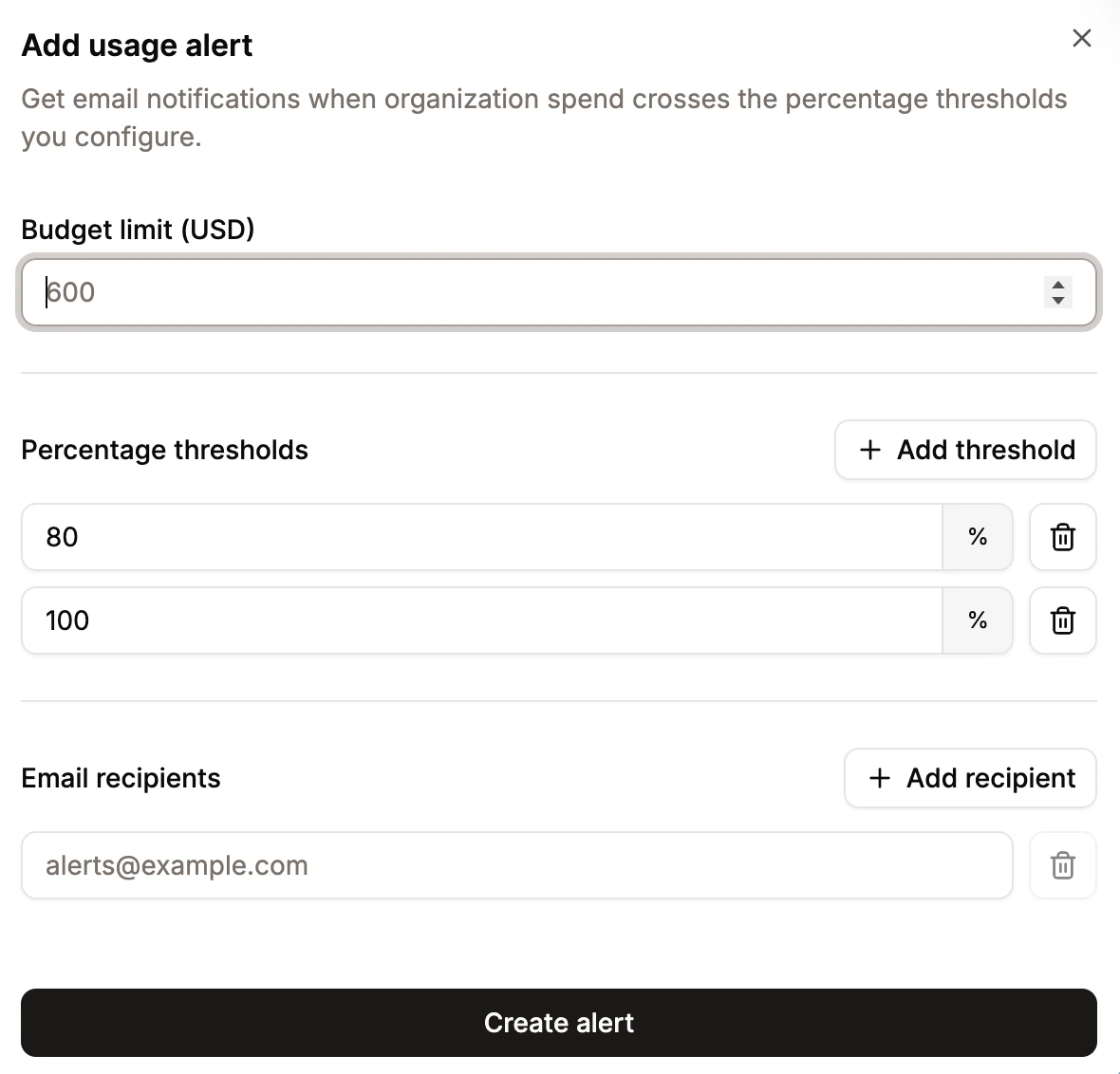
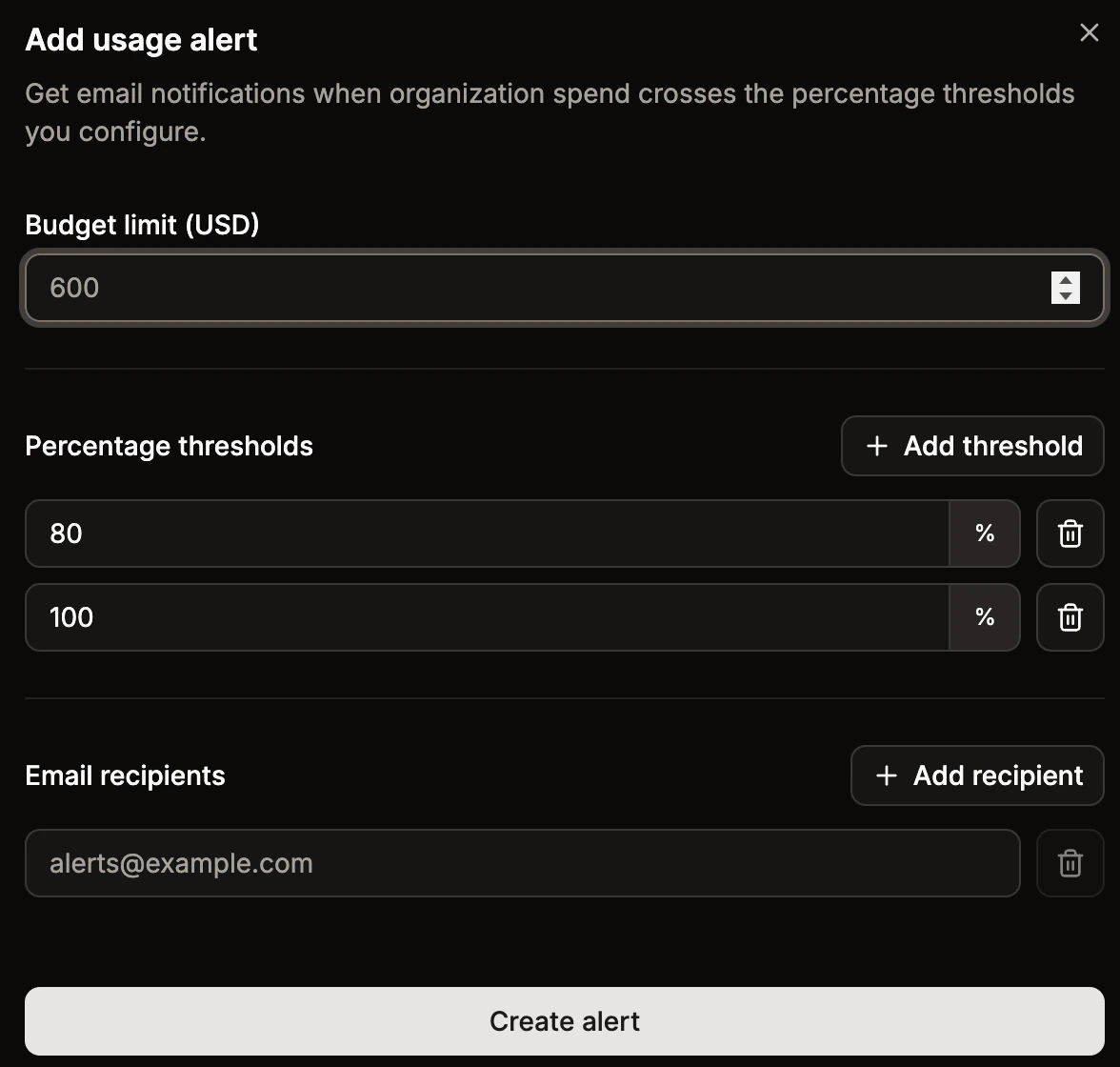
Configure your usage alert in Sevalla.
Create a project alert
Open the project, go to its Usage tab, and click Add alert. The fields are the same as for a company alert, but the thresholds are calculated only against the spending of services that belong to that project. A project alert is independent of the company alert. If you have both, you can be notified when the project or the company crosses its limit, or both.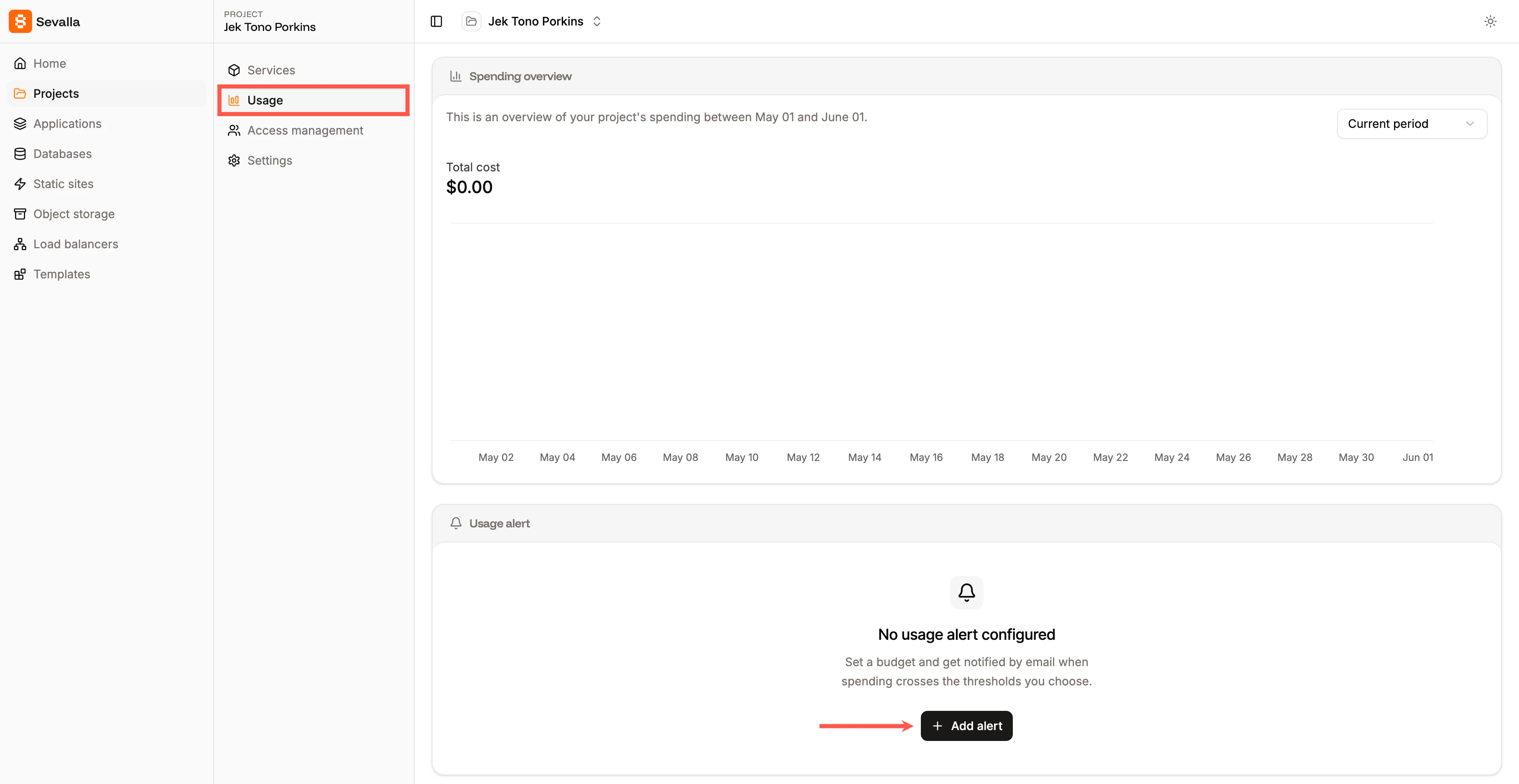
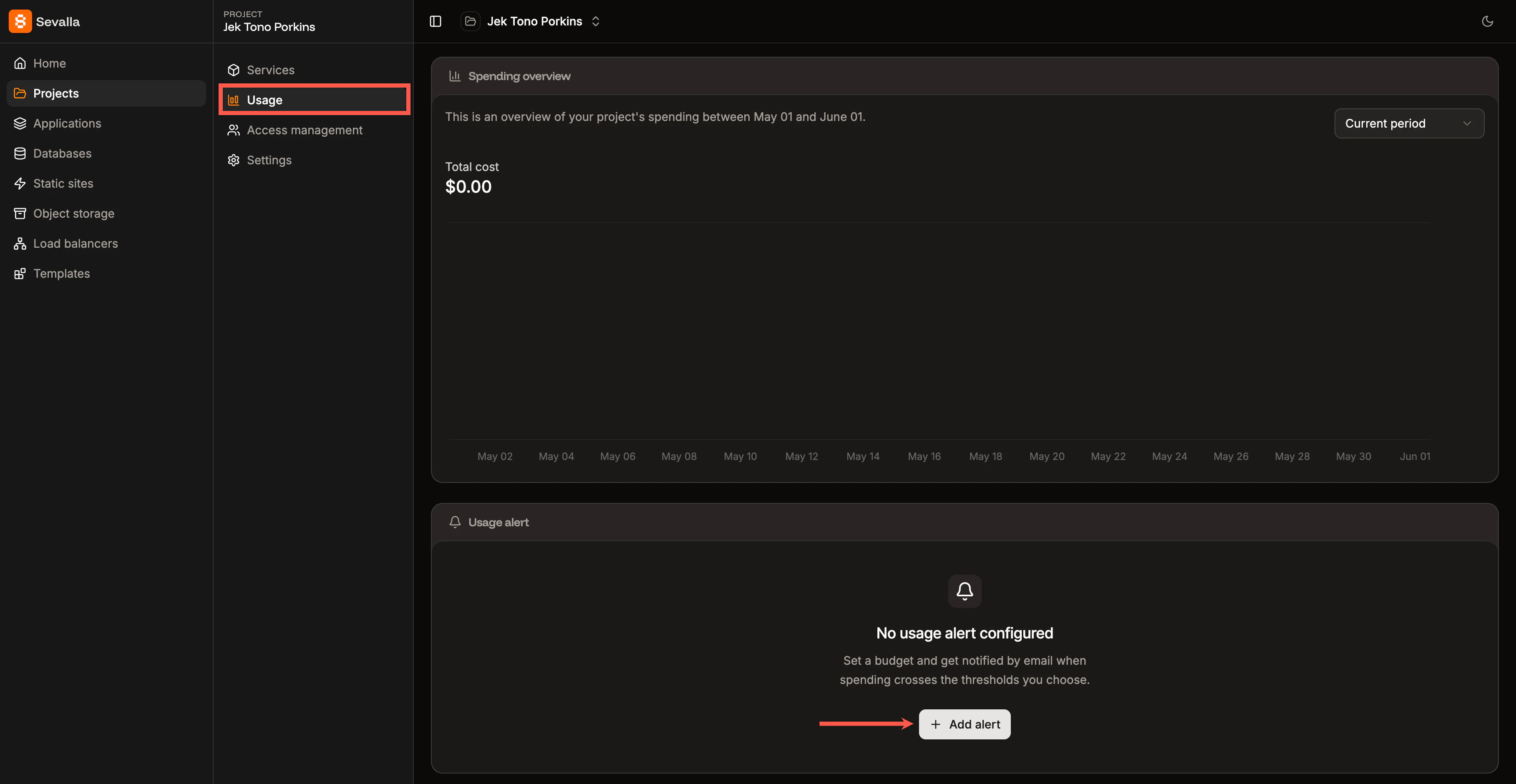
Add usage alerts to projects in Sevalla.
Update or delete an alert
Within the Usage alerts, you can:- Update: Change the spending limit, thresholds, or recipients.
- Delete: Delete the alert. Once deleted, no further emails are sent for it.
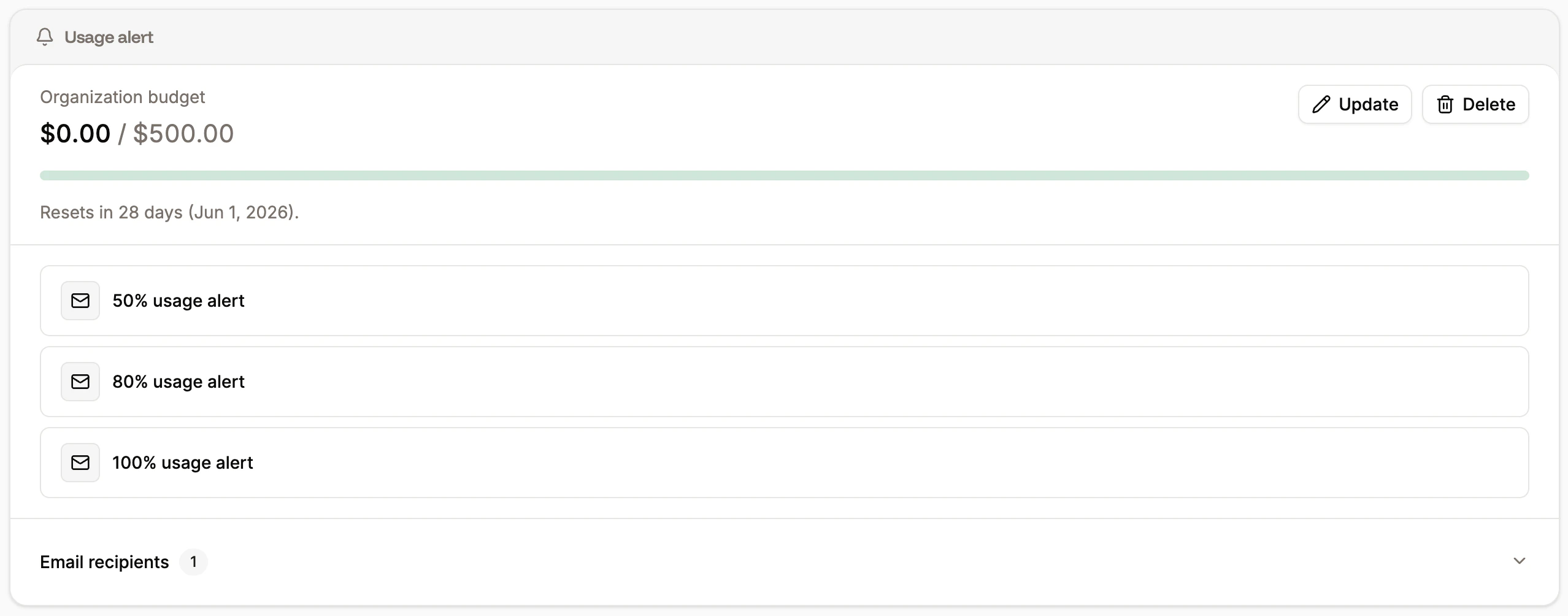
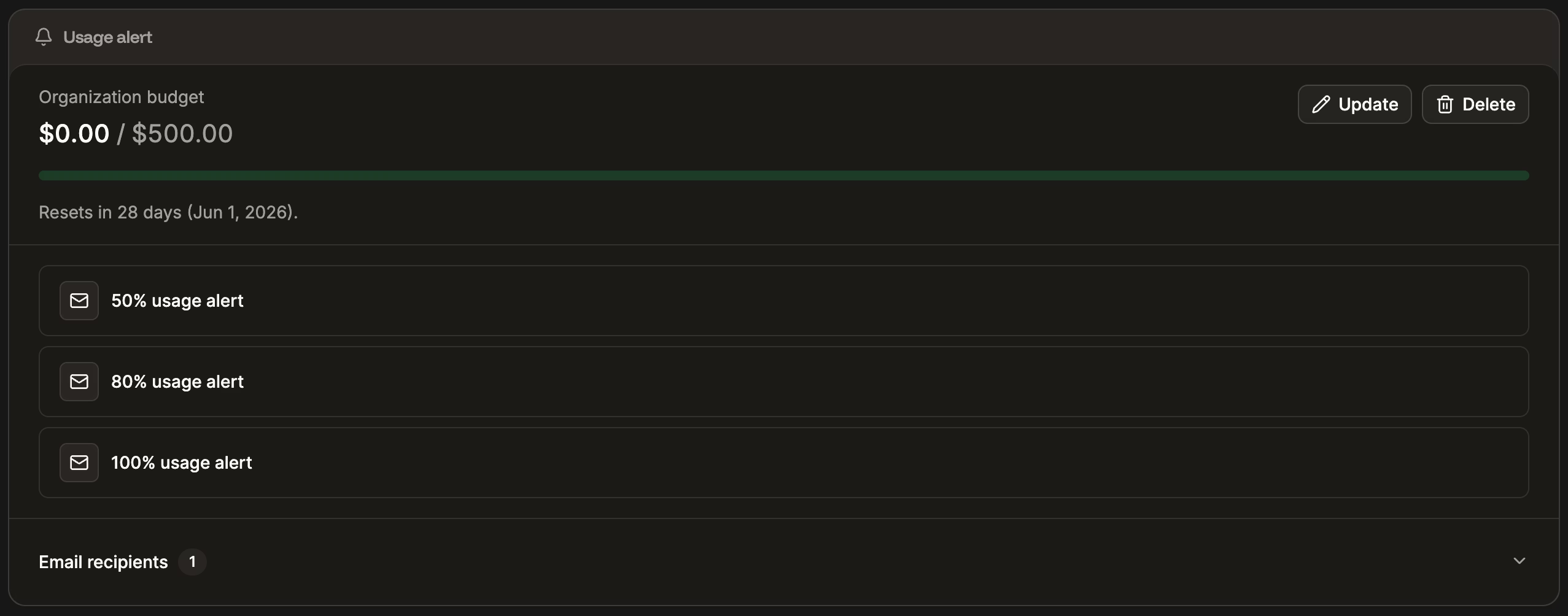
Update or delete alerts in Sevalla.
Notes
- Usage alerts are notifications only. They do not pause, suspend, or limit any of your services when a threshold is reached.
- Thresholds are evaluated against gross usage (including tax) for the current billing period, matching the totals shown on the Usage page.
- If you change the spending limit or thresholds mid-period, the new values take effect on the next hourly check. Thresholds that already fired this period stay fired until the next period starts.