

Authentication and user access (API key)
To use Sevalla’s API, you need to generate an API key to authenticate and access your account through the API. You can generate multiple API keys.1
Get your API key
Generate an API key from your Sevalla dashboard > Integration > API keys > Create API key. This key authenticates all API requests.
2
Authenticate requests
Pass your API key as a Bearer token in the
Authorization header:3
Explore the endpoints
Browse the endpoint reference in the sidebar of the API reference docs. Each endpoint includes request and response schemas, parameter details, and code examples you can copy directly into your project.
API permissions
When creating an API key, you can choose a predefined role or define custom capabilities. Predefined role matches the existing roles available in User management. Custom capabilities allow you to define precise permissions, such as create, read, update, or delete, at both the resource type and individual resource level. For example, you can grant read-only access to specific applications or allow update access to selected sites only.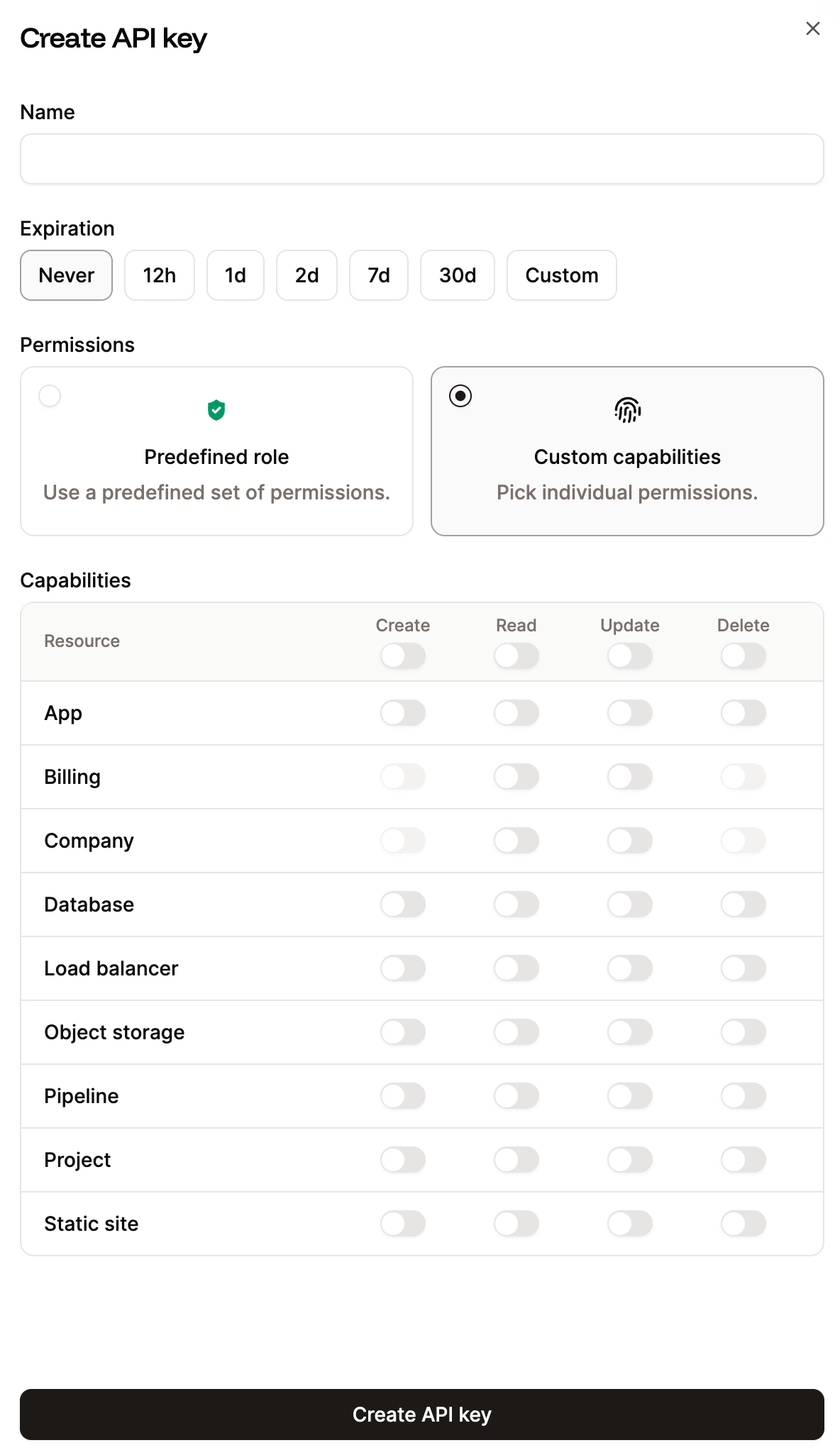
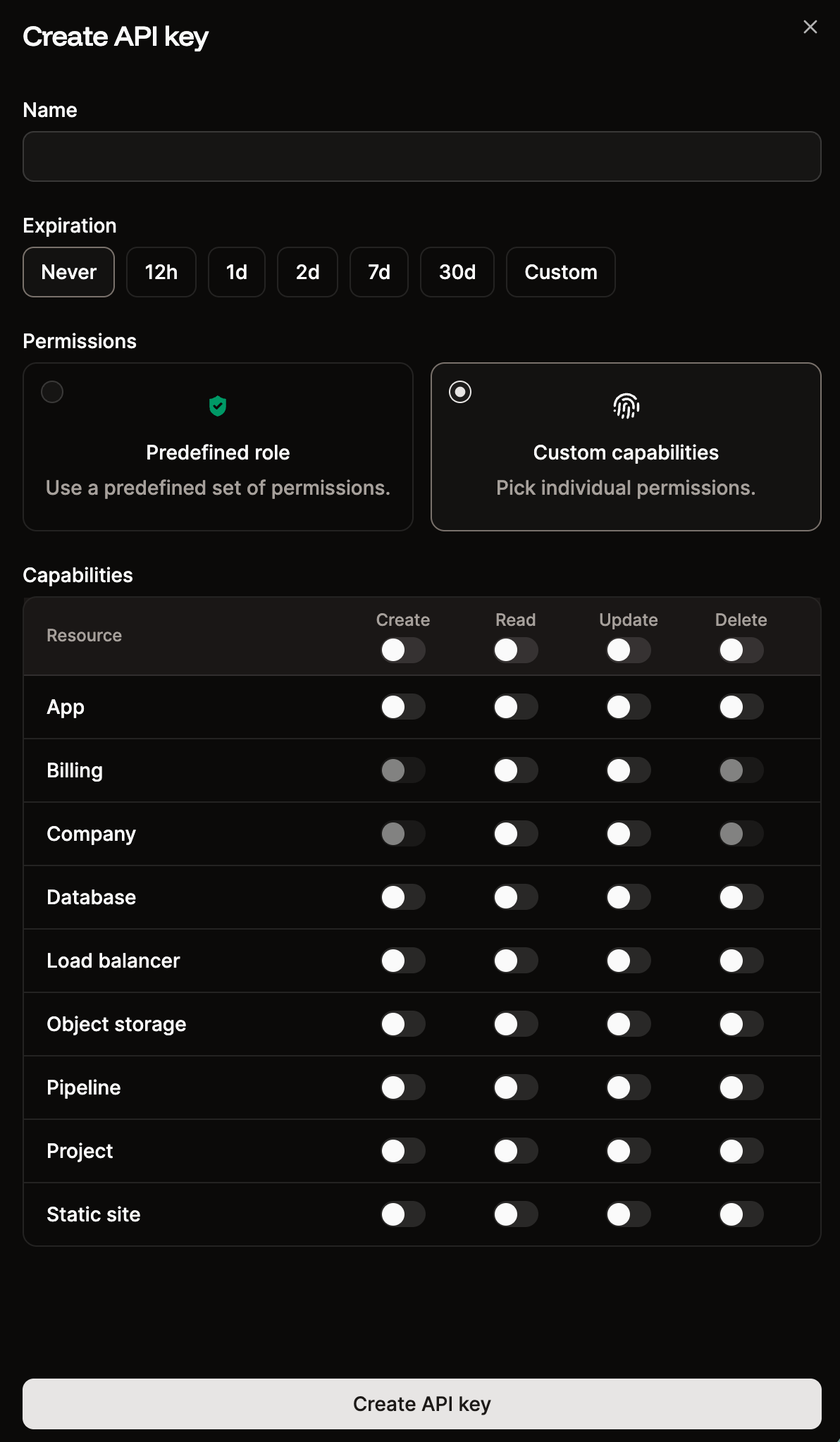
API key permissions in Sevalla.