

ollama/ollama image serves the Ollama API from the web process, the models it downloads live on a disk, and your other applications call it over an internal connection, never through the internet. Sevalla’s process sizes have CPUs and memory but no GPUs, so Ollama runs models on the CPU: small models of 1 to 3 billion parameters answer at 16 to 33 tokens per second.
At a glance
Environment variables
Before you begin
- A Sevalla company with a payment method.
- An application in the same location that will call Ollama, or a plan for one, such as LiteLLM or Open WebUI.
How Ollama runs on Sevalla
Choose a model and a size
A model needs memory for its weights plus its context, and the process needs room for every model that stays loaded at once. Measured on Sevalla with Ollama 0.40.13, a 4,096-token context, thinking turned off and 160-token answers:- Writing an answer is limited by memory speed, so doubling the vCPUs from S3 to C3 made answers about 10% faster.
- Reading the prompt scales with the vCPUs:
lfm3:1.7bread a short prompt at 37, 72 and 134 tokens per second on S2, S3 and C3, and a 2,050-token prompt at 50 tokens per second on S2. Long prompts, such as chat history, documents or the tool definitions a chat app adds, delay the first word by that much: 41 s for the 2,050 tokens. - Memory is a hard limit. With
lfm3:1.7bandgranite4.2:3bloaded on S3, loading the embedding model too used more than 4 GB, and Sevalla stopped the instance with exit code137(out of memory) and restarted it.
lfm3:1.7b and embeddinggemma-2:270m, which use 1.7 GB together. Use S3 for a 3-billion-parameter model. See Instance sizes for every size.
Deploy Ollama
1
Create the application
In the sidebar, click Applications, then click Create > Application. Under Source, click Docker image and enter
ollama/ollama:0.40.13 in Docker image. Keep the Registry credential at None (public image). Enter the Name ollama, choose the Data center where your other applications run, choose the Size S2, then click Create application. Don’t deploy yet.2
Add a disk for the models
Click the Disks tab, then click Create disk. In Process, pick the web process. Enter the Path
/root/.ollama, pick the Size 10 GB, and click Create disk.3
Add the environment variables
Click the Environment variables tab, then click Add environment variables. Add the four variables from the table after these steps, then click Add environment variables.
4
Turn HTTP traffic off
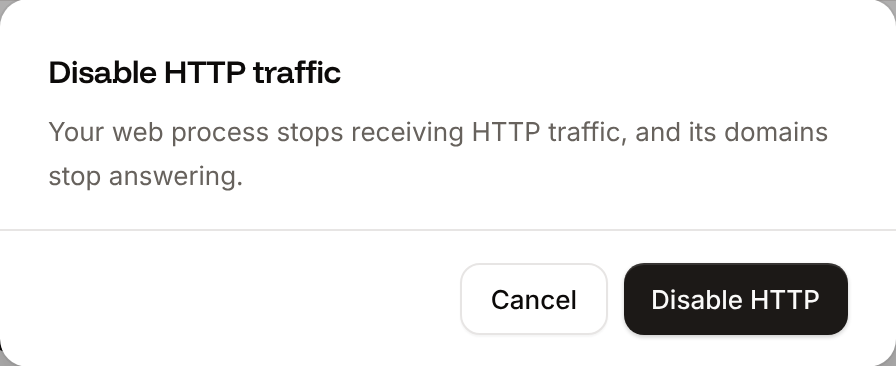
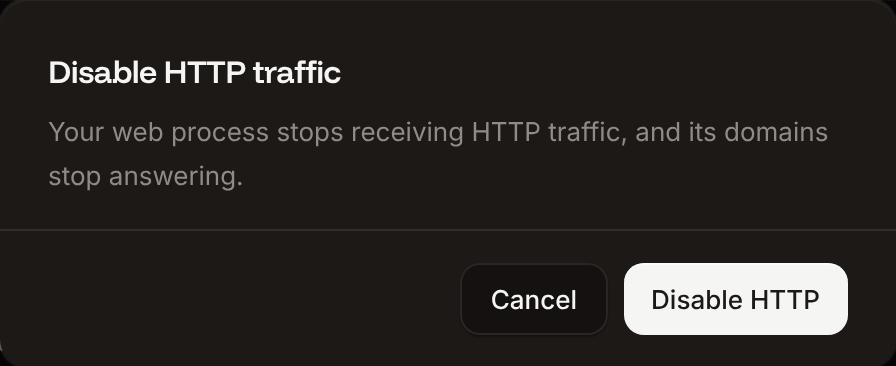
Click the Networking tab. In Expose HTTP traffic, click Disable, then click Disable HTTP.
5
Deploy
Click the Overview tab, click Deploy now, then click Deploy.
When the deployment is Deployed, the domains on the Networking tab show HTTP is disabled: Ollama answers only on its internal hostname. The application’s domain returns
404:
Listening on [::]:8080 (version 0.40.13).
Pull the models
Pull models once from the web terminal. They land on the disk, so they’re still there after every deployment and restart:- A pull in a custom start command runs on every start: the instance answers only after Ollama has checked each model against
ollama.com, so every deployment waits on it. - A job has no disk, so it can’t keep the models it pulls.
1
Open the web terminal
On the application’s Web terminal tab, wait for the status Live.
2
Pull the models
Run:Each pull ends with
success. The 1.1 GB chat model took about 25 seconds.3
Check the models
Run
ollama list:lfm3 needs 0.40.13 or later. To delete a model and free the disk, run ollama rm <model>.
Connect another application
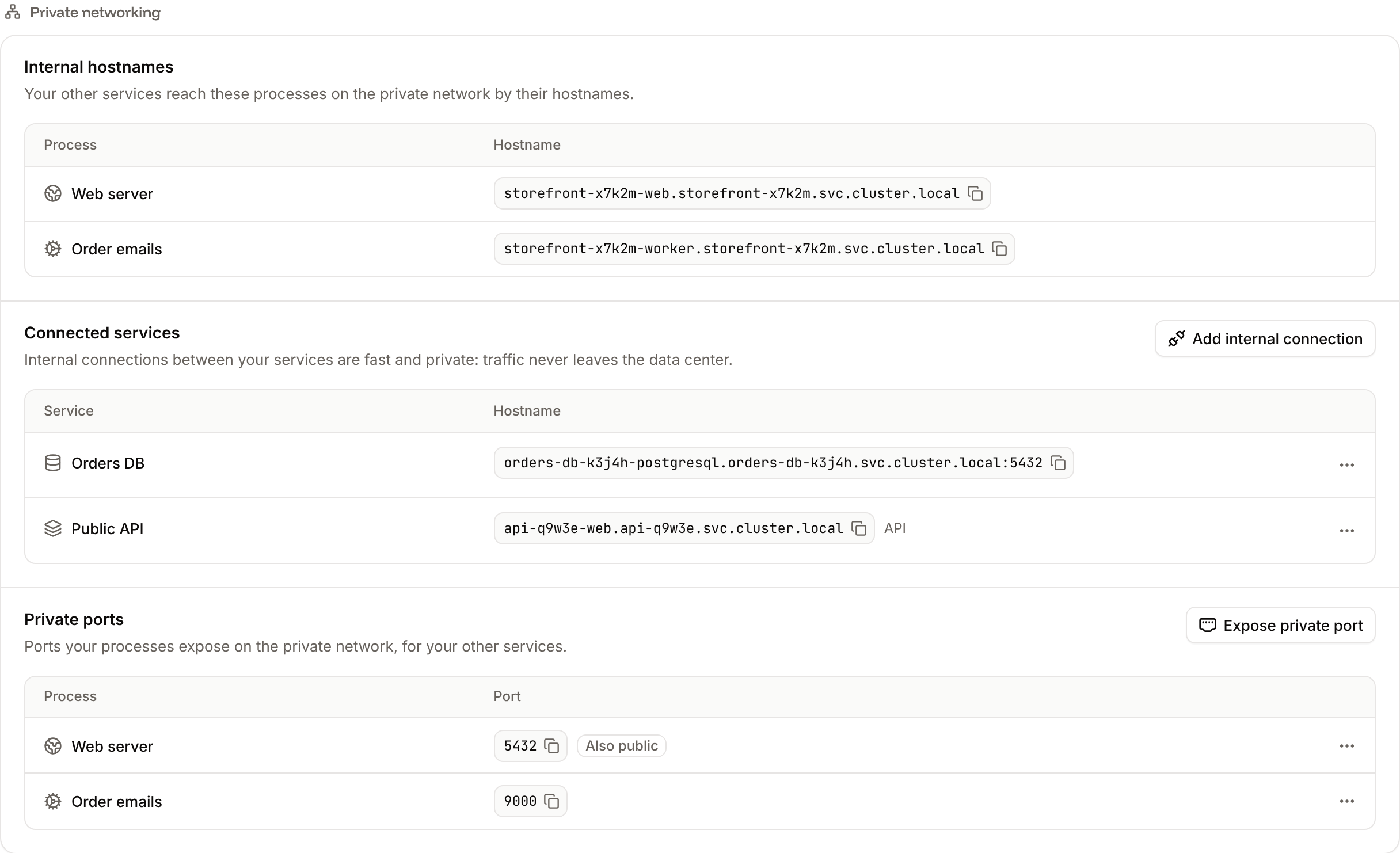
An application reaches Ollama through an internal connection, on the web process’s internal hostname and port8080.
1
Add the internal connection
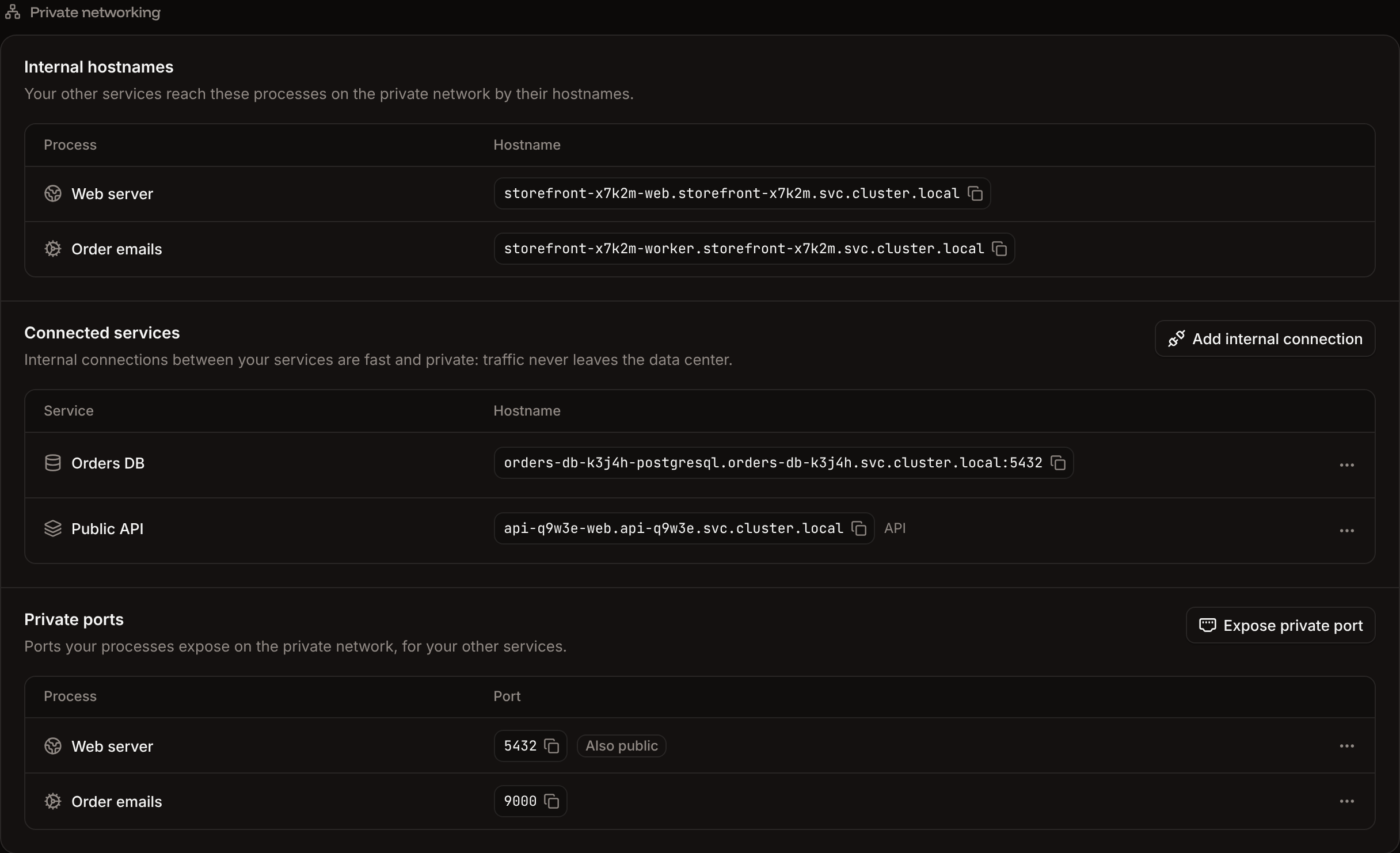
Open the application that calls Ollama, and click its Networking tab. Under Connected services, click Add internal connection, choose
ollama as the Service, and click Add internal connection.2
Add the address as a variable
On the
ollama application’s Networking tab, copy the web process’s hostname from Internal hostnames, for example ollama-k3j4h-web.ollama-k3j4h.svc.cluster.local. On the calling application’s Environment variables tab, add OLLAMA_BASE_URL with the value http://ollama-k3j4h-web.ollama-k3j4h.svc.cluster.local:8080.3
Deploy
Deploy the calling application, so it gets the variable.
curl -s "$OLLAMA_BASE_URL/api/version" in the calling application’s web terminal. It returns {"version":"0.40.13"}.
Ollama serves an OpenAI-compatible API under /v1 and its own API under /api. From the calling application’s web terminal (with curl in its image), call the OpenAI-compatible chat endpoint:
eval_count divided by eval_duration (in nanoseconds) is the speed: tokens per second. For embeddings, send {"model": "embeddinggemma-2:270m", "input": "..."} to /v1/embeddings, which returns 768 numbers per input.
In code, an OpenAI SDK works with the base URL $OLLAMA_BASE_URL/v1 and any API key: Ollama ignores the Authorization header. To give each application its own key, a spending view and hosted models next to Ollama’s, put LiteLLM in front of Ollama.
Turn thinking off
lfm3:1.7b thinks before it answers unless you turn it off: a question that needed a one-sentence answer produced 453 tokens, most of them reasoning. Send "reasoning_effort": "none" to /v1/chat/completions or "think": false to /api/chat for a direct answer, as in the examples.
Settings that matter in a container
Besides the four variables you added, these Ollama settings change memory and speed:
Change a variable on the Environment variables tab, then deploy. After each deployment, the first request to each model loads it from the disk: 43 s for
lfm3:1.7b, about 90 s for granite4.2:3b and 11 s for embeddinggemma-2:270m in the test. Later requests start at once while OLLAMA_KEEP_ALIVE is -1.
Update Ollama
1
Deploy the new version
On the application’s Deployments tab, click Deploy now. Enter the new Tag, for example the latest release from Ollama’s releases, and click Deploy.
2
Keep the new version
When the deployment works, make the tag permanent: on the Settings tab, in the Source section, click Update source, enter
ollama/ollama:<tag> in Docker image, and click Update source.Troubleshoot
Deploy with the API
The same deployment as the dashboard steps, as API calls an agent can run in order. It needs:- An API key that can create and update applications, in
SEVALLA_API_KEY. curlandjq.- The location’s cluster ID, which the first step looks up by the location’s region (
eu-frankfurt-1here).
@sevalla/cli 2.1.0) and the tool of the Sevalla MCP server.
1
Set the API base URL and key
2
Find the location
List clusters (Replace
listClustersV3):eu-frankfurt-1 with the region ID of your location from Locations, and pick by region ID, not by display name. CLI: sevalla resources clusters. MCP: get_platform_options.3
Look up the sizes
List process resource types (CLI:
listProcessResourceTypesV3) and list disk resource types (listDiskResourceTypesV3):sevalla resources process-types and sevalla resources disk-types. MCP: get_platform_options, and sevalla_api_read with listDiskResourceTypesV3.4
Create the application
Create application (CLI:
createApplicationV3). It doesn’t deploy, and it creates the web process at S1, so the next steps set the size:sevalla apps create --name ollama --cluster $CLUSTER_ID --source dockerImage --docker-image ollama/ollama:0.40.13. MCP: create_application with "deploy": false.5
Find the web process
List processes (CLI:
listProcessesV3):sevalla apps processes list --app-id $APP_ID. MCP: get_application.6
Set the size and turn HTTP traffic off
Update process (CLI:
updateProcessV3). is_ingress_enabled: false is the dashboard’s Disable HTTP:sevalla apps processes update $WEB_ID --app-id $APP_ID --resource-type $SIZE_ID sets the size; the CLI can’t turn HTTP traffic off. MCP: sevalla_api_update with updateProcessV3 and the same body.7
Add the disk
Attach or update process disk (CLI:
updateProcessDiskV3):sevalla apps processes disk update $WEB_ID --app-id $APP_ID --resource-type $DISK_SIZE_ID --mount-path /root/.ollama. MCP: sevalla_api_update with updateProcessDiskV3.8
Add the environment variables
Create environment variable (CLI:
createEnvironmentVariableV3), once per variable:sevalla apps env-vars create $APP_ID --key OLLAMA_HOST --value 0.0.0.0:8080, once per variable. MCP: set_environment_variables.9
Deploy
Trigger deployment (CLI:
triggerDeploymentV3):sevalla apps deployments trigger $APP_ID. MCP: trigger_deployment.10
Wait for the deployment
Get deployment (If it fails, read the log with Get application deployment logs (
getDeploymentV3) until status is success or failed, for at most 30 minutes:getApplicationDeploymentLogsV3). CLI: sevalla apps deployments get $DEPLOYMENT_ID --app-id $APP_ID and sevalla apps deployments logs $DEPLOYMENT_ID --app-id $APP_ID. MCP: get_deployment and get_deployment_logs.11
Pull the models
Run a command in a process (Each pull prints
execProcessCommandV3) runs one command without a shell, for up to 60 seconds. Both models finished in that time:0. Pull models that take longer than 60 seconds in the web terminal. CLI: sevalla apps processes exec $WEB_ID --app-id $APP_ID --timeout 60 -- ollama pull lfm3:1.7b. MCP: sevalla_api_update with execProcessCommandV3.12
Check the deployment
List the models with the same operation:Get application runtime logs (
getApplicationRuntimeLogsV3) with search=Listening%20on returns the line msg="Listening on [::]:8080 (version 0.40.13)". CLI: sevalla apps logs runtime $APP_ID --search "Listening on". MCP: search_runtime_logs.13
Connect an application
Create internal connection (If the caller already has the variable, the last call answers
createApplicationInternalConnectionV3) on the application that calls Ollama, CALLER_APP_ID. The API adds no environment variables, so add OLLAMA_BASE_URL from the web process’s internal_hostname, then deploy the caller:400 with Environment variable with key "OLLAMA_BASE_URL" already exists: change it with update environment variable (updateEnvironmentVariableV3) instead. From a process of the caller that has curl, execProcessCommandV3 with ["curl", "-s", "http://<OLLAMA_HOSTNAME>:8080/api/version"] returns {"version":"0.40.13"}. CLI: sevalla apps internal-connections create $CALLER_APP_ID --target-id $APP_ID --target-type app. MCP: sevalla_api_create with createApplicationInternalConnectionV3.