

CACHE_STORE is database). With a Sevalla Redis or Valkey database as the cache store, cache reads and writes move out of PostgreSQL into memory, and every instance of the web process shares one cache. Sessions can move there too.
At a glance
What this guide adds to the application from Deploy a Laravel application:Environment variables
The application’s other variables are in Deploy a Laravel application.
Before you begin
- A Laravel application deployed on Sevalla, as in Deploy Laravel.
Create a Redis database
1
Create the database
In the sidebar, click Databases, then click Create database. Under Database, choose Redis, or Valkey: this guide works with both. Enter
storefront-redis as the Display name, choose the same Data center as the application and a Size, then click Create database.2
Connect it to the application
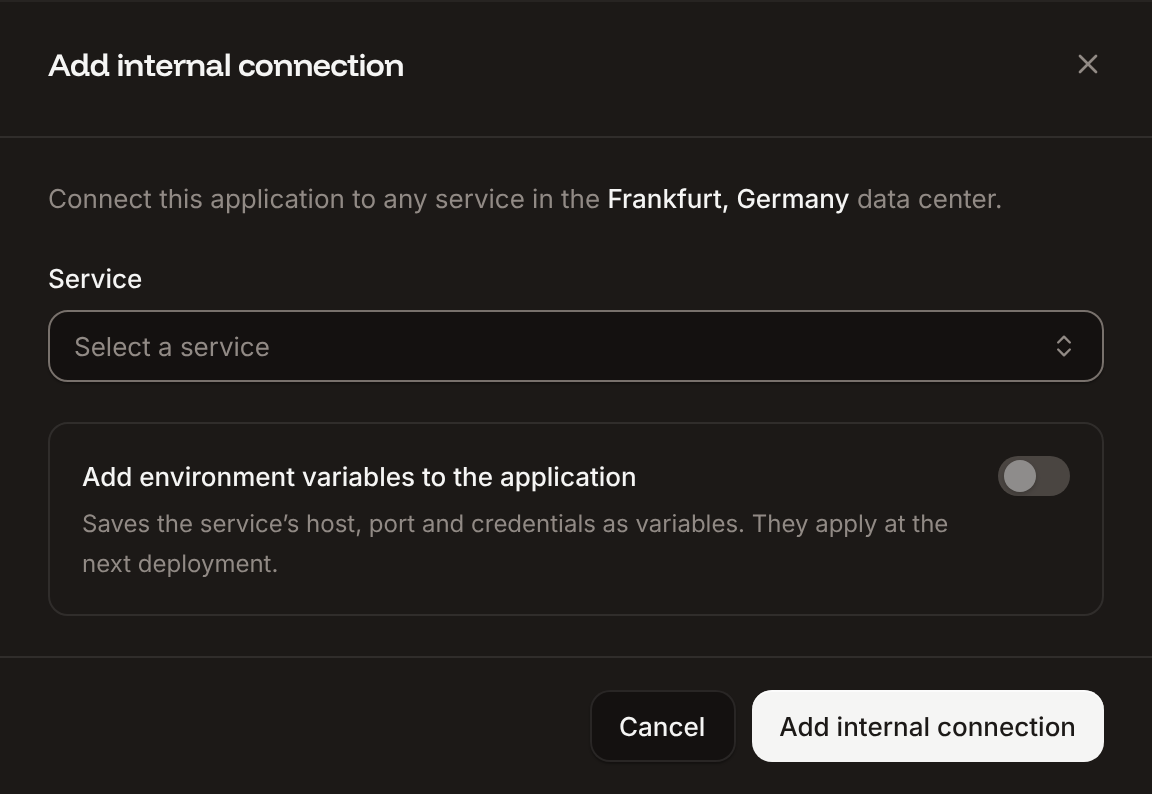
In the sidebar, click Applications, then click the application. Click the Networking tab. Under Connected services, click Add internal connection. Choose
storefront-redis as the Service, turn on Add environment variables to the application, and click Add internal connection. Sevalla adds REDIS_HOST, REDIS_PORT, REDIS_PASSWORD and REDIS_URL, the names Laravel’s config/database.php reads. See Connect an application.3
Use Redis for the cache
Click the Environment variables tab, then click Add environment variables. Add
CACHE_STORE with the value redis, and click Add environment variables.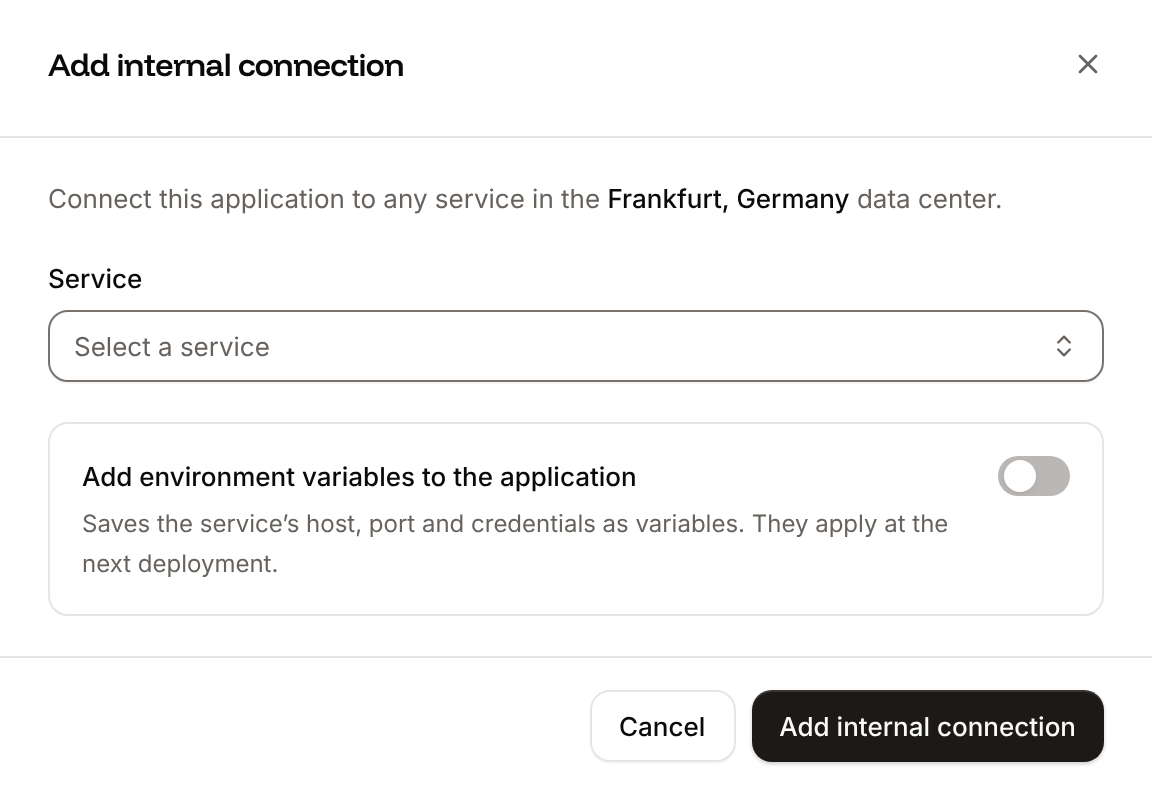
phpredis, the redis PHP extension, which Ingot installs for every Laravel application. It reads the valkey:// URL that Sevalla adds for a Valkey database too.
The other client, Predis, is a Composer package that needs no extension. Use it when your image doesn’t have the extension: install it with composer require predis/predis and set REDIS_CLIENT to predis.
Cache a value
Cache::remember returns the value stored under a key, or runs the closure, stores what it returns for the number of seconds you give, and returns it. Cache a count for 2 minutes:
routes/web.php
CACHE_STORE applies with the same deployment.
Store sessions in Redis
Laravel 13 keeps sessions in thesessions table by default. To keep them in Redis, add the SESSION_DRIVER environment variable with the value redis, and deploy. Sessions saved in the database stay there, so visitors who were signed in sign in again once.
Update the Dockerfile
If the application builds from the Dockerfile in the deploy guide, install theredis extension, which Ingot installs on its own. Change the first RUN line:
Dockerfile
ldd line finds the libraries the extension loads, so the final stage installs them with no other change.
Verify
When the deployment’s status is Deployed, request the page twice, with your application’s domain:{"users":0,"generated_at":"2026-10-29 19:14:58"}: the second one came from the cache. After 2 minutes, the next request shows a new time. To look at the keys, open the database and click the Redis studio tab: the cached value is under laravel-database-laravel-cache-stats, Laravel’s Redis prefix followed by its cache prefix and the key. With sessions in Redis, each session is a key that starts with laravel-database-laravel-cache- too, followed by the session ID. See Database studio.
To cache whole responses at Cloudflare’s edge, in front of the application, see CDN and edge caching.
Check from a terminal
These checks need no dashboard. Request/stats twice, a few seconds apart, with your domain:
generated_at in both shows that the second response came from Redis. A 500 with read error on connection in the runtime logs means the application can’t reach Redis: see Troubleshoot.
Troubleshoot
Deploy with the API
The same steps as Create a Redis database, as calls to the Sevalla API.APP_ID, CLUSTER_ID and DB1_ID are the application, its location and the DB1 size from Deploy with the API in the deploy guide, with API and H set as there. Push the /stats route first: the deployment builds the branch as it is.
1
Look up the Redis version
List database versions (CLI:
listDatabaseVersionsV3) gives the newest Redis version in the location. For Valkey, select valkey here and in the next step:sevalla resources db-versions --cluster $CLUSTER_ID --type redis. MCP: sevalla_api_read with listDatabaseVersionsV3, or leave the version out of create_database, which takes the newest.2
Create the database
Create database (CLI:
createDatabaseV3). Redis has no user, and the API needs a db_name that it doesn’t use for Redis. Poll Get database (getDatabaseV3) until it’s ready; on error, delete the database and create it again:sevalla databases create --name storefront-redis --type redis --db-version $REDIS_VERSION --cluster $CLUSTER_ID --resource-type $DB1_ID --db-name storefront --db-password $REDIS_PASSWORD. MCP: create_database generates a password that it never returns. Pass connect_to_application_id and env_var_name: "REDIS_URL": the tool connects the database and stores redis://:<password>@<host>:<port> in REDIS_URL, which Laravel reads in place of the other REDIS_* variables. Then skip the next step, and add only CACHE_STORE in the one after.3
Connect it to the application
Create internal connection (CLI:
createApplicationInternalConnectionV3). It prints the connection’s ID; if it prints nothing or null, run it again. The API doesn’t add the connection’s variables, so the next step does:sevalla apps internal-connections create $APP_ID --target-id $REDIS_ID --target-type database. MCP: sevalla_api_create with createApplicationInternalConnectionV3 and the same body.4
Add the environment variables
Create environment variable (CLI:
createEnvironmentVariableV3), once per variable: the connection’s variables in the dashboard’s names and format, then CACHE_STORE, all for runtime only. For a Valkey database, the dashboard writes REDIS_URL with valkey://:sevalla apps env-vars create $APP_ID --key CACHE_STORE --value redis, once per variable, for build and runtime. MCP: set_environment_variables with runtime: true and buildtime: false.5
Deploy
Trigger deployment (CLI:
triggerDeploymentV3):sevalla apps deployments trigger $APP_ID. MCP: trigger_deployment.6
Wait for the deployment
Poll Get deployment (CLI:
getDeploymentV3) until the status is final: success, failed, cancelled or skipped. The loop keeps polling through a failed request and stops after 30 minutes:sevalla apps deployments get $DEPLOYMENT_ID --app-id $APP_ID. MCP: get_deployment.