

At a glance
What this guide adds to the application from Deploy a Rails application:Environment variables
Solid Cache needs no variables. With Redis or Valkey:
The application’s other variables are in Deploy a Rails application.
Before you begin
- A Rails application deployed on Sevalla, as in Deploy a Rails application. The deploy guide creates Solid Cache’s
solid_cache_entriestable in the application’s database.
Cache a value
Rails.cache.fetch returns the cached value for a key, or runs the block, stores its result and returns it. Add a page that caches the time it was generated for 2 minutes:
app/controllers/pages_controller.rb
config/routes.rb, add the route under the root line:
config/routes.rb
<% cache product do %>) and every other Rails.cache call. In development, Rails.cache keeps entries in memory, and fragment caching is off until you run bin/rails dev:cache.
Cache with Solid Cache
Solid Cache needs no setup beyond the deploy guide:config/environments/production.rb already sets config.cache_store = :solid_cache_store, and config/cache.yml limits the cache to 256 MB (max_size), after which Solid Cache deletes the oldest entries. Commit and push the changes. If Auto-deploy is off, click Deploy now on the application’s Overview tab.
When the deployment’s status is Deployed, request the page twice, with your application’s domain:
Generated at 18:37:34: the second one came from the cache. After 2 minutes, the next request shows a new time. To see the entry, open the database’s SQL studio tab and look at the solid_cache_entries table. See Database studio.
Cache with Redis or Valkey
1
Create the database
In the sidebar, click Databases, then click Create database. Under Database, choose Redis or Valkey: the code in this guide works with both. Enter
storefront-redis as the Display name, choose the same Data center as the application and a Size, then click Create database.2
Connect it to the application
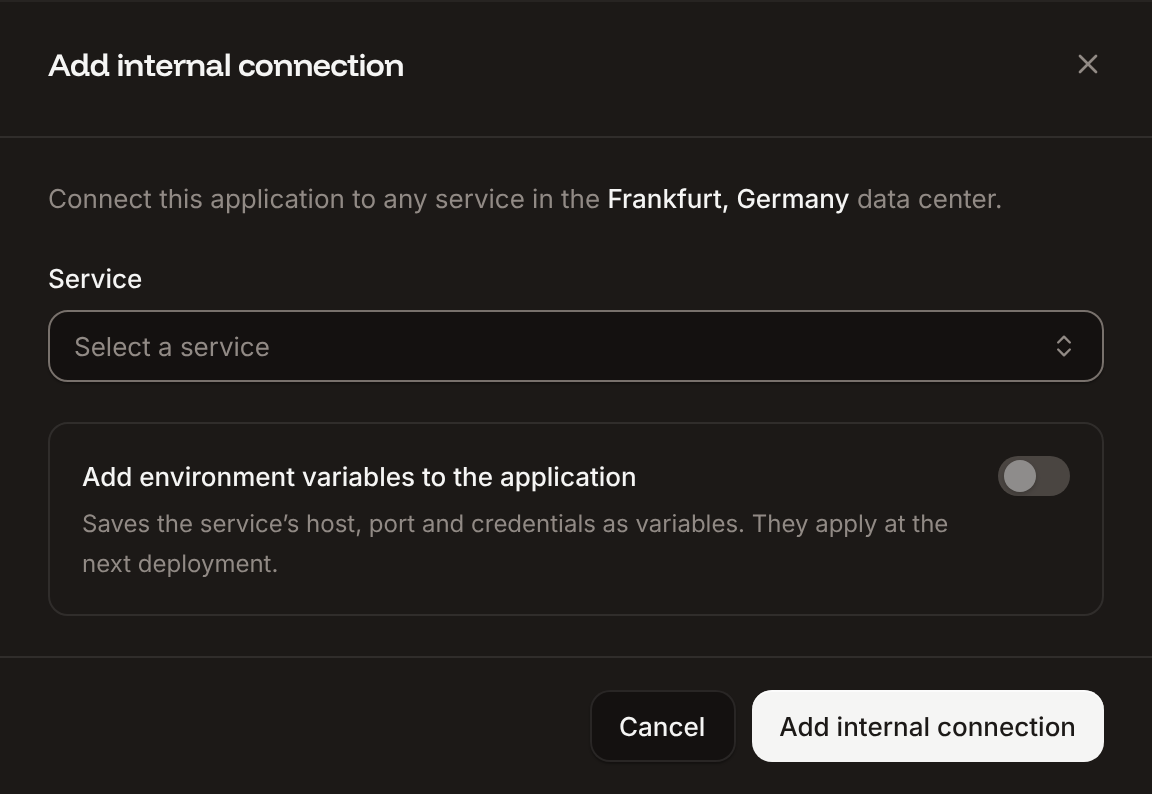
In the sidebar, click Applications, then click the application. Click the Networking tab. Under Connected services, click Add internal connection. Choose
storefront-redis as the Service, turn on Add environment variables to the application, and click Add internal connection. Sevalla adds REDIS_HOST, REDIS_PORT, REDIS_PASSWORD and REDIS_URL. See Connect an application.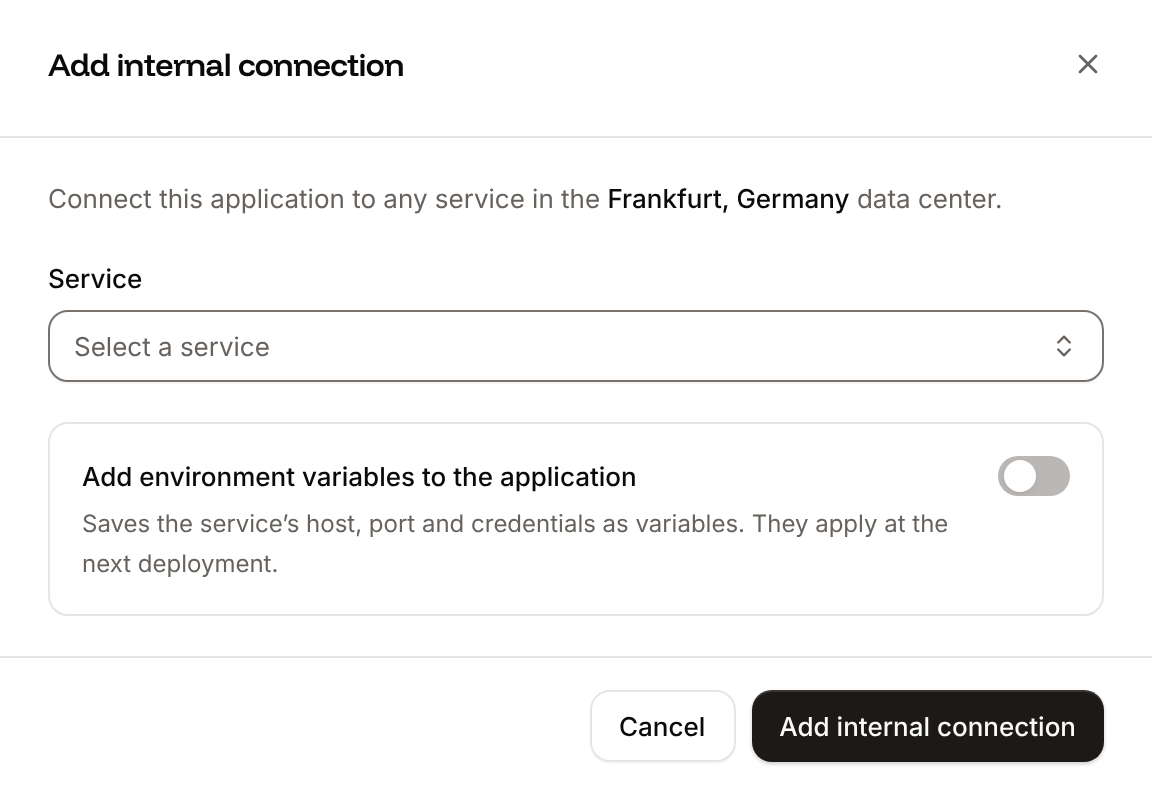
redis gem, which Rails’ Redis cache store uses:
config/environments/production.rb, replace the config.cache_store = :solid_cache_store line:
config/environments/production.rb
Gemfile.lock included. If Auto-deploy is off, click Deploy now on the application’s Overview tab. The internal connection’s variables apply with this deployment.
Request /cached twice, as in Cache with Solid Cache: both responses show the same time. Open the Redis database and click the Redis studio tab: the cache’s key is pages/cached. The solid_cache_entries table stays in the database, unused; Solid Queue and Solid Cable keep their own tables.
Check from a terminal
These checks need no dashboard.API, H, APP_ID and WEB_ID are set as in Deploy with the API.
-
The cache store Rails uses, with Run a command in a process (
execProcessCommandV3) in the web process. The command runs without a shell, and the key needs write access to the application:With Solid Cache, it printsSolidCache::Store. -
A cache hit, with your domain:
Deploy with a Dockerfile
The Dockerfile from Deploy with a Dockerfile needs no change: Solid Cache uses thepg gem the image already has, and the redis gem is plain Ruby, which bundle install installs from Gemfile.lock.
Cache at the edge
Sevalla can also cache responses at Cloudflare’s edge, in front of the application. See CDN and edge caching. Rails already sends the headers that make this safe:- Compiled assets in
/assetsgetCache-Control: public, max-age=31556952(1 year). Their file names include a digest of their content, so a new version gets a new URL. - Pages get
Cache-Control: max-age=0, private, must-revalidate, so the edge doesn’t store them. Data you cache withRails.cachestays on the server.
Troubleshoot
Deploy with the API
With Solid Cache, deploy the changes as in the deploy guide: Trigger deployment and nothing else. For Redis, the same steps as Cache with Redis or Valkey, as calls to the Sevalla API.APP_ID, CLUSTER_ID and DB1_ID are the application, its location and the DB1 size from Deploy with the API in the deploy guide, with API and H set as there. Push the redis gem and the cache store change first: the deployment builds the branch as it is.
1
Look up the Redis version
List database versions (CLI:
listDatabaseVersionsV3) gives the newest Redis version in the location. For Valkey, select valkey here and in the next step:sevalla resources db-versions --cluster $CLUSTER_ID --type redis. MCP: sevalla_api_read with listDatabaseVersionsV3, or leave the version out of create_database, which takes the newest.2
Create the database
Create database (CLI:
createDatabaseV3). Redis has no user, and the API needs a db_name that it doesn’t use for Redis. Poll Get database (getDatabaseV3) until it’s ready; on error, delete the database and create it again:sevalla databases create --name storefront-redis --type redis --db-version $REDIS_VERSION --cluster $CLUSTER_ID --resource-type $DB1_ID --db-name storefront --db-password $REDIS_PASSWORD. MCP: create_database generates a password that it never returns. Pass connect_to_application_id and env_var_name: "REDIS_URL": the tool connects the database and stores redis://:<password>@<host>:<port> in REDIS_URL, the only one the cache store reads, though without the /0. Then skip the next two steps.3
Connect it to the application
Create internal connection (CLI:
createApplicationInternalConnectionV3). It prints the connection’s ID; if it prints nothing or null, run it again. The API doesn’t add the connection’s variables, so the next step does:sevalla apps internal-connections create $APP_ID --target-id $REDIS_ID --target-type database. MCP: sevalla_api_create with createApplicationInternalConnectionV3 and the same body.4
Add the environment variables
Create environment variable (CLI:
createEnvironmentVariableV3), once per variable: the connection’s variables in the dashboard’s names and format, for runtime only. For a Valkey database, the dashboard writes REDIS_URL with valkey://, which config.cache_store turns into redis://:sevalla apps env-vars create $APP_ID --key REDIS_URL --value <url>, once per variable, for build and runtime. MCP: set_environment_variables with runtime: true and buildtime: false.5
Deploy
Trigger deployment (CLI:
triggerDeploymentV3):sevalla apps deployments trigger $APP_ID. MCP: trigger_deployment.6
Wait for the deployment
Poll Get deployment (CLI:
getDeploymentV3) until the status is final: success, failed, cancelled or skipped. The loop keeps polling through a failed request and stops after 30 minutes:sevalla apps deployments get $DEPLOYMENT_ID --app-id $APP_ID. MCP: get_deployment.