

redis package.
Before you begin
- A Django project deployed on Sevalla, as in Deploy Django.
Create a Redis database
1
Create the database
In the sidebar, click Databases, then click Create database. Under Database, choose Redis, or Valkey: the code in this guide works with both. Enter
storefront-redis as the Display name, choose the same Data center as the application and a Size, then click Create database.2
Connect it to the application
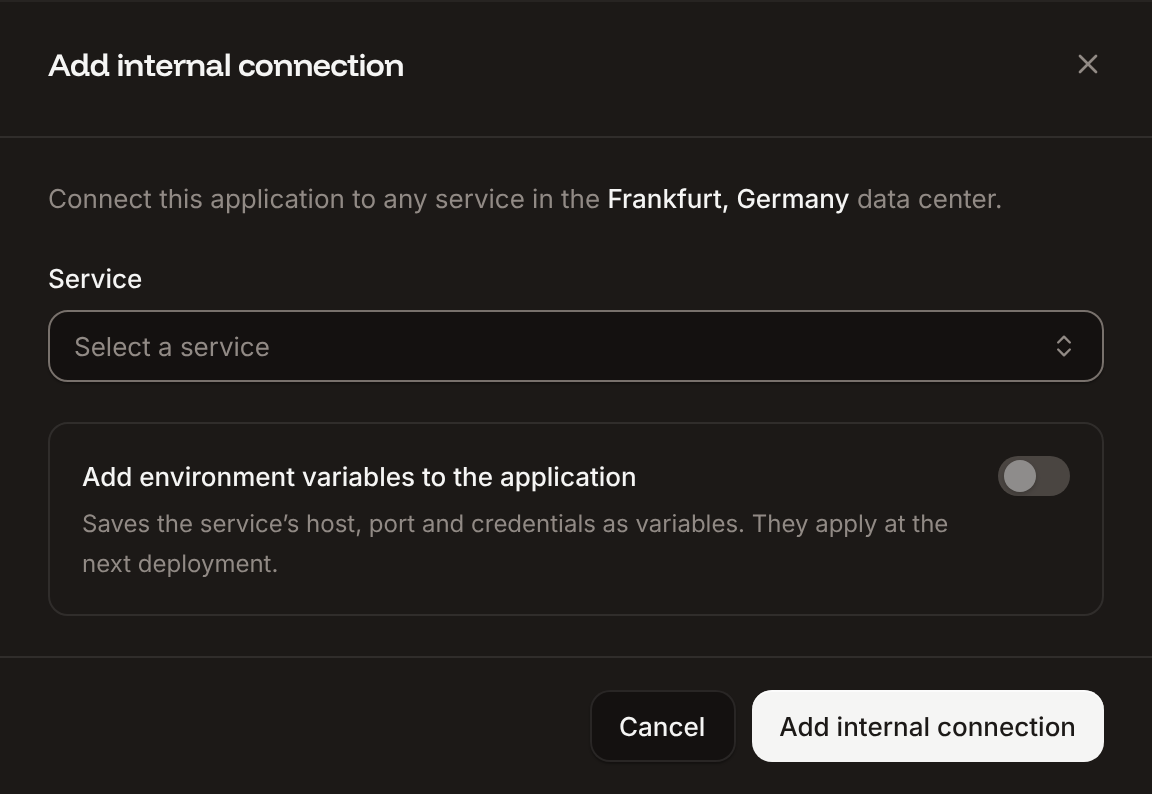
In the sidebar, click Applications, then click the application. Click the Networking tab. Under Connected services, click Add internal connection. Choose
storefront-redis as the Service, turn on Add environment variables to the application, and click Add internal connection. Sevalla adds REDIS_HOST, REDIS_PORT, REDIS_PASSWORD and REDIS_URL. See Connect an application.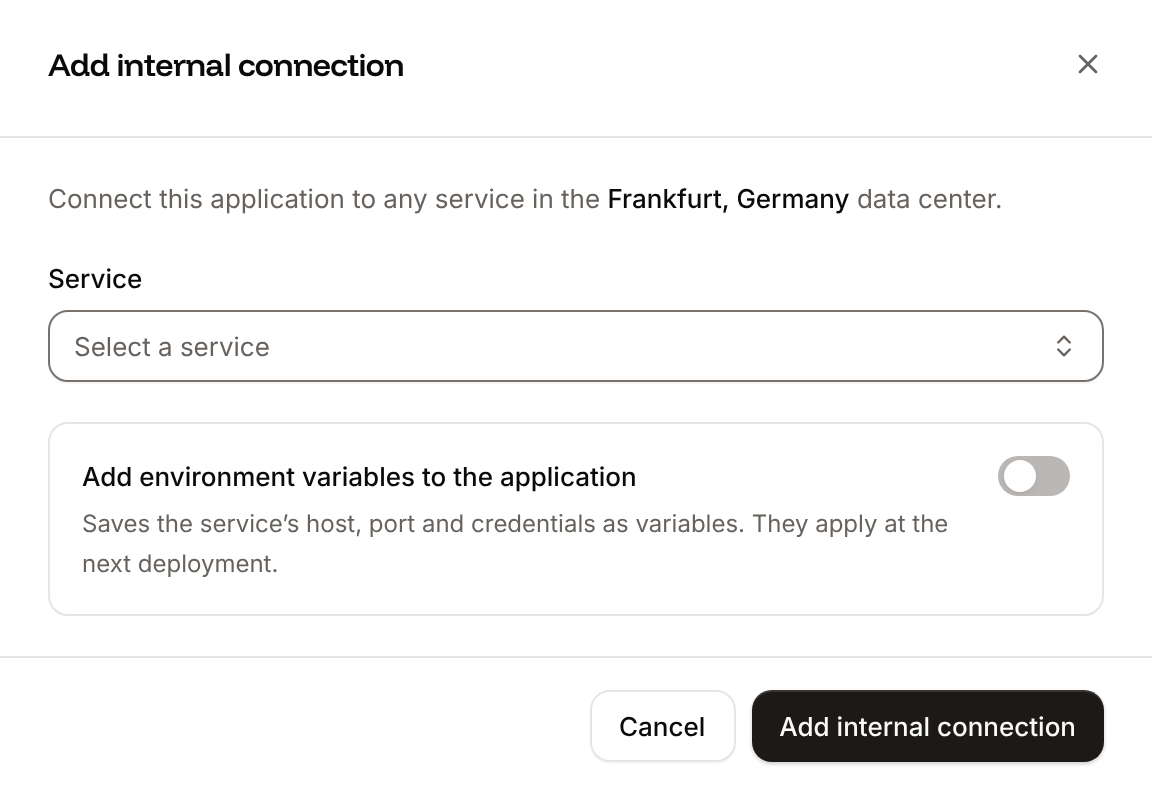
Configure the cache
Install redis-py and updaterequirements.txt:
storefront/settings.py, use Django’s Redis backend with the URL from the internal connection:
storefront/settings.py
cache_page, template fragment caching ({% cache %}) and the low-level API (django.core.cache.cache).
Cache a view
Cache a view’s response for 2 minutes withcache_page:
storefront/views.py
storefront/urls.py
Verify
Request the page twice, with your application’s domain:Control the CDN and edge cache
Sevalla can also cache responses at Cloudflare’s edge, in front of the application. Turn on the CDN and edge caching on the application’s Networking tab; see CDN and edge caching.- The CDN caches static files by file extension, such as
.css,.jsand images. WhiteNoise’s hashed file names make them safe to cache for a long time. - Edge caching caches pages and other responses too. It caches only
GETrequests, skips requests with anAuthorizationheader, and doesn’t store responses that set a cookie, such as pages that start a session or set the CSRF cookie. - When a response has no
Cache-Controlheader, Sevalla adds one. With edge caching on, a200response without its own header can stay cached for up to 30 days, unless a deployment or a purge clears the cache first. See Control caching from your application.
Cache-Control on every view. never_cache keeps a page out of every cache, and cache_control sets how long it may be kept:
storefront/views.py
never_cache. To check what a page sends, run curl -sI https://storefront-x7k2m.sevalla.app/catalog/ and read the Cache-Control header.