

The Help menu
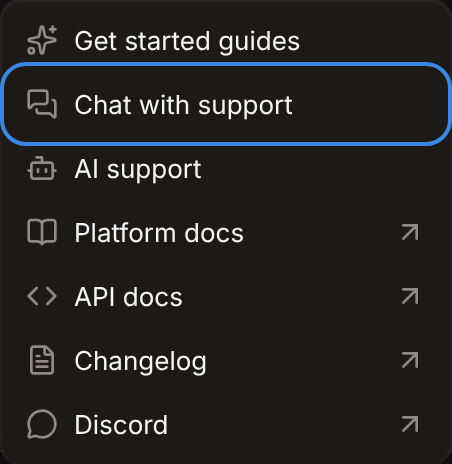
The Help menu is at the bottom of the sidebar. A dot on Help and a number beside Chat with support show unread replies.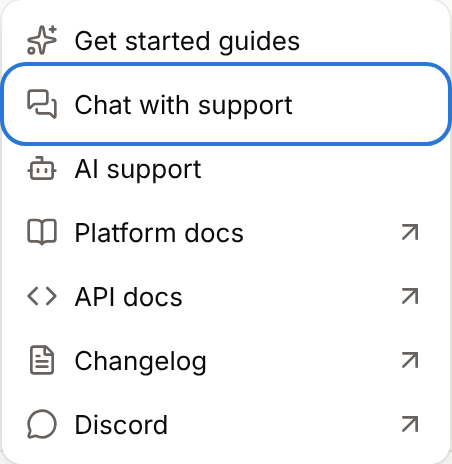
Chat with support
1
Open the company
Sign in to Sevalla and switch to the company your question is about. The chat uses the company you have open.
2
Open the chat
In the sidebar, click Help, then Chat with support.
3
Describe the problem
Write your message, attach screenshots if they help, and send it.
If the chat does not open
If the chat can’t load, the dashboard showsSupport chat didn’t load. If a content blocker is on, allow intercom.io, or reach us on Discord. Ad blockers, privacy extensions and some VPNs block the chat: allow intercom.io in the blocker or turn the VPN off, then reload the page.
If you cannot sign in
Email support@sevalla.com from the email address of your Sevalla account. For sign-in problems, first try Forgot your password? on the sign-in page.What to include in a request
A request with these details gets an answer without back-and-forth:
Don’t share passwords, API keys or other secrets in the chat.
Other ways to get help
To find out what support covers and what it doesn’t, see Scope of support.