

How the GitHub connection works
The repository list in Sevalla holds the repositories that are in an installation of the app and that your GitHub user can access. Deployments use the installation’s access, not yours: services keep deploying when you disconnect your user, as long as the app stays installed on their repositories.
Connect GitHub
1
Start from a repository picker
In the sidebar, click Applications, then click Create and Application. Under Source, keep Private repository and GitHub, then click Connect to GitHub. The same button shows when you create a static site or set up preview apps.
2
Authorize the app on GitHub
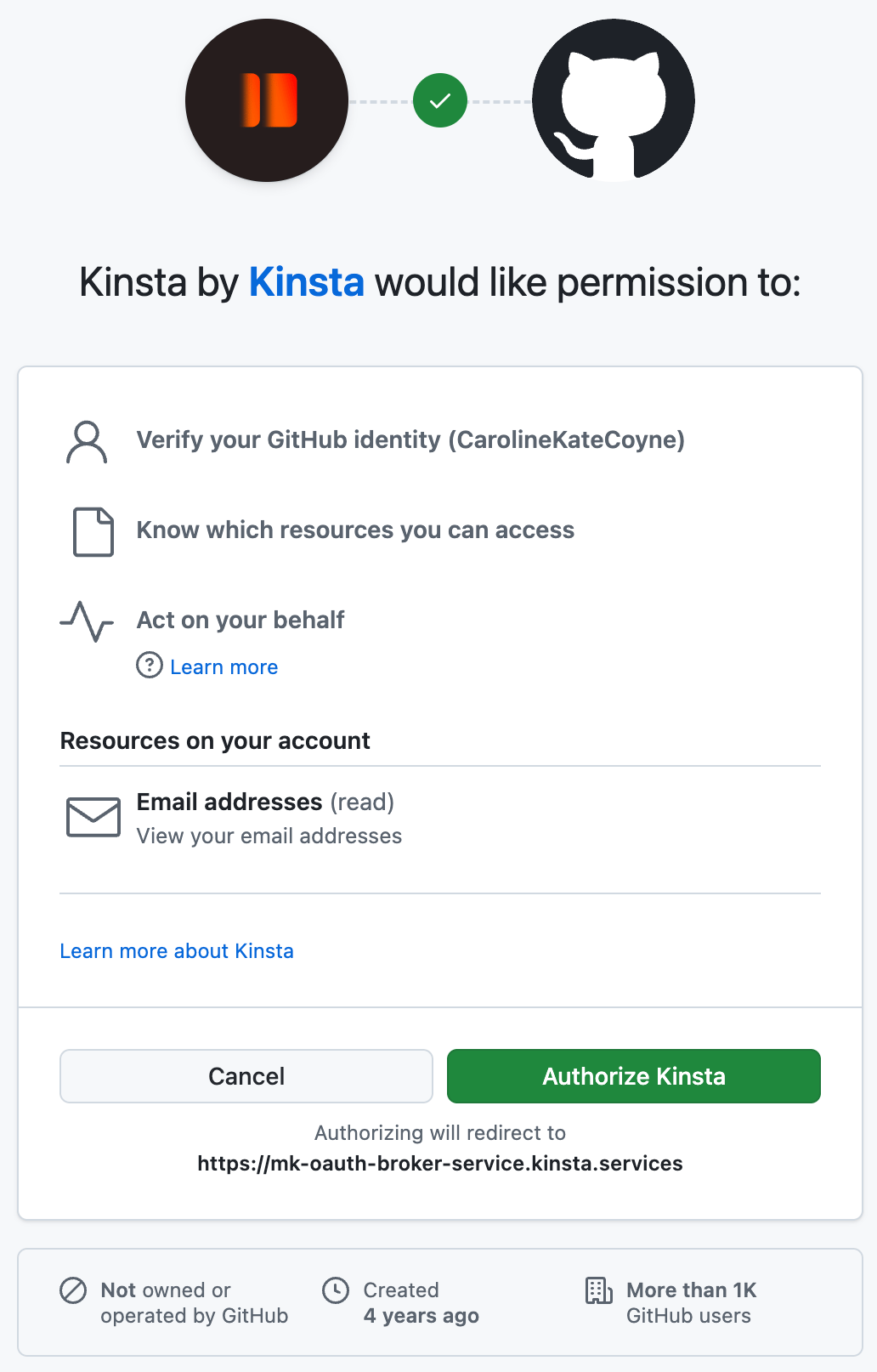
In the new tab, sign in to GitHub if needed, then click Authorize Kinsta.
3
Go back to Sevalla
Return to the Sevalla tab. It picks up the connection on its own; if it doesn’t, click Check again.
Choose the repositories Sevalla can access
1
Open the app's installation page
Under Repository, click Adjust GitHub repository access. GitHub opens in a new tab.
2
Pick the account or organization
On Install Kinsta, pick your personal account or an organization. Configure shows on the ones where the app is already installed.
3
Pick the repositories
Under Repository access, choose Only select repositories and select the repositories to deploy, or All repositories. Grant only what you deploy.
4
Save on GitHub
Confirm the installation, or click Update access when the app is already installed.
5
Refresh the list in Sevalla
Back in Sevalla, click the refresh button next to Repository.
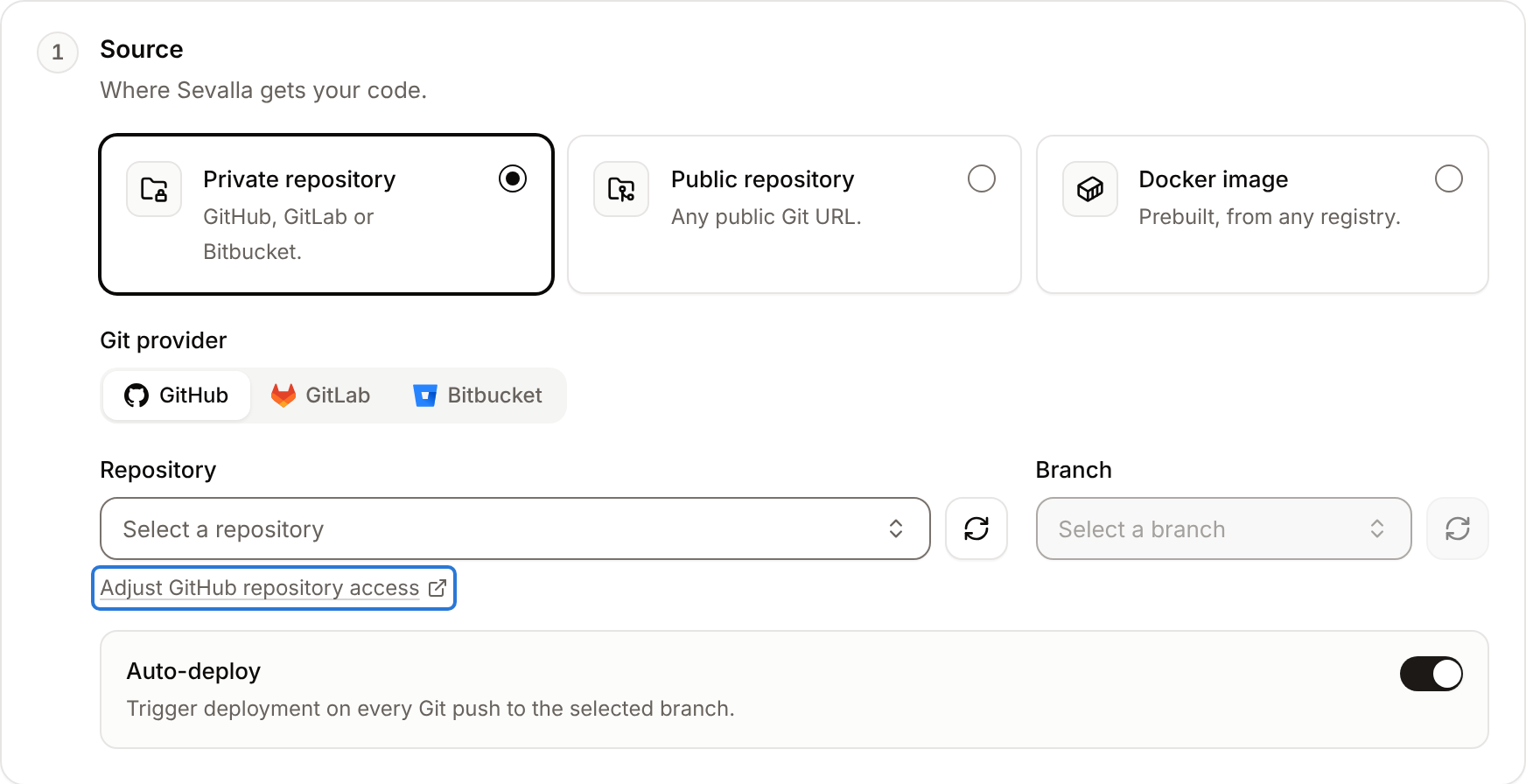
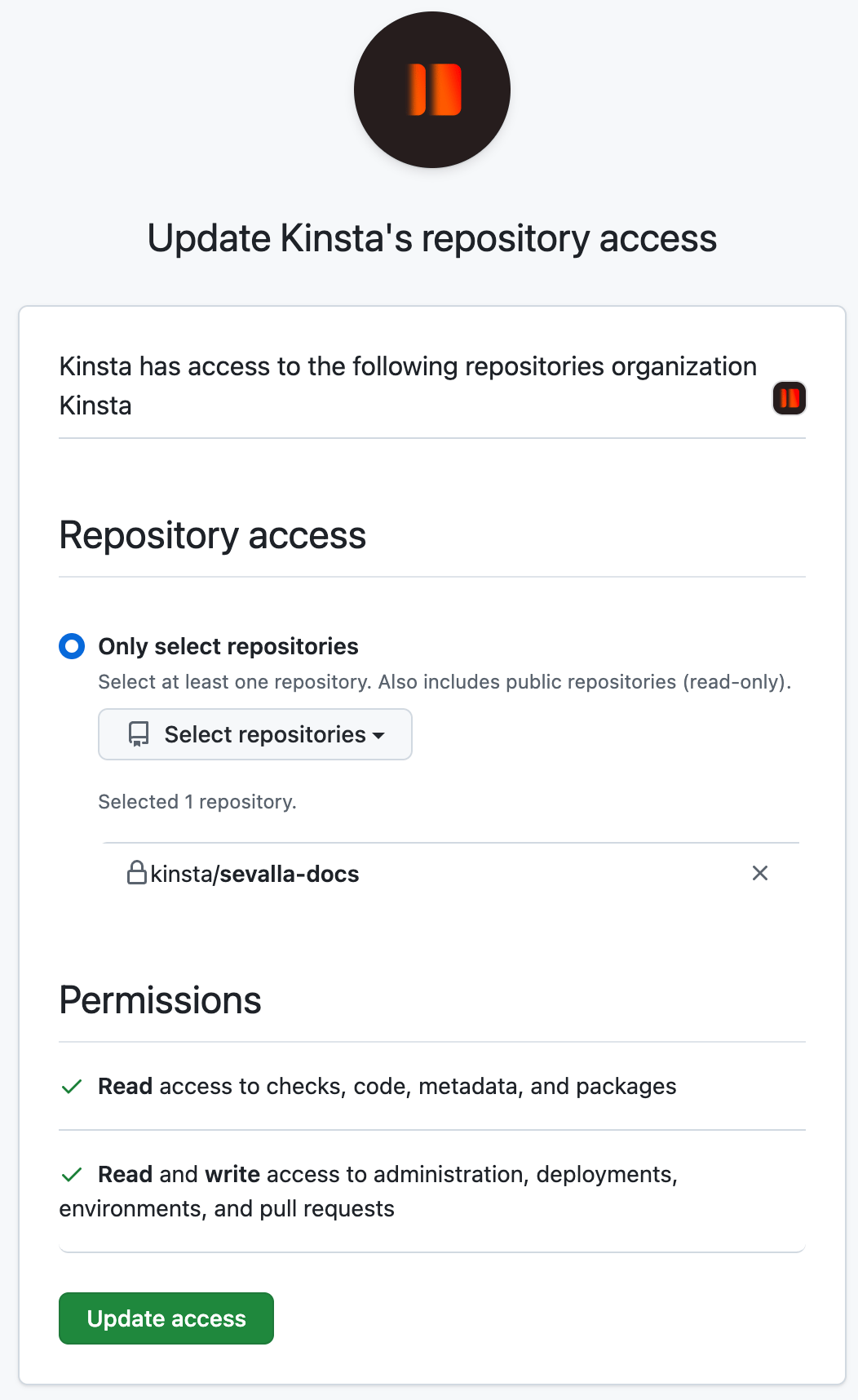
organization/repository. To change the selection later, repeat these steps; repositories you remove stop deploying.
Organizations
To install the app on an organization, you need to be an owner of it on GitHub. Members who aren’t owners can request the installation, and GitHub asks the owners to approve it. Repositories of the organization appear in Sevalla once the app is installed and you have access to them on GitHub.What Sevalla does in your repositories
Sevalla doesn’t push commits or change your code. To deploy or promote from a GitHub Actions workflow, see GitHub Actions.
Disconnect GitHub
Choose what to cut: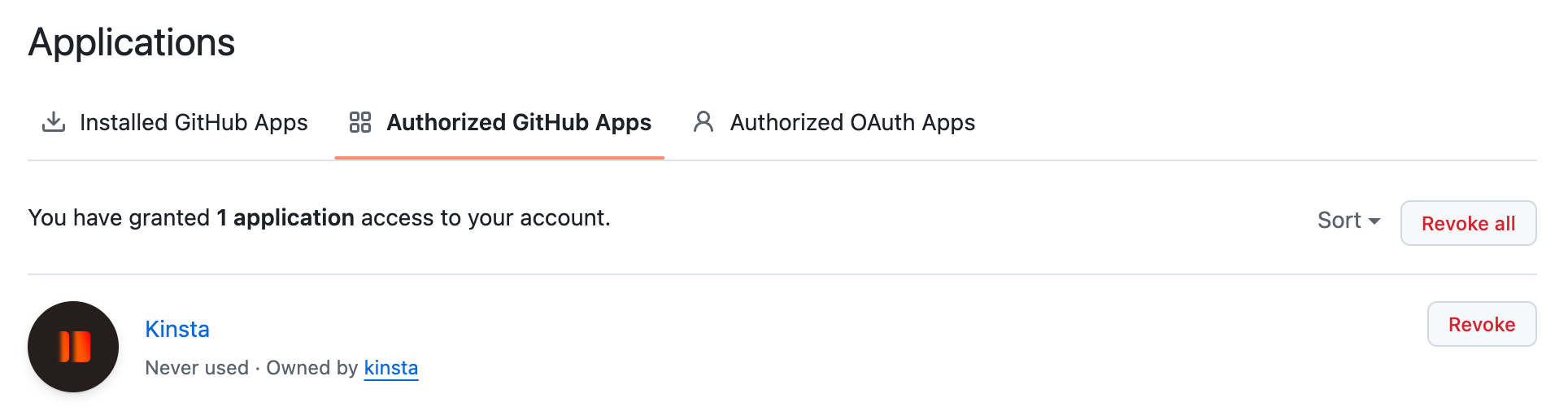
If a repository is missing
For deployments that fail because a repository isn’t available anymore, see Troubleshoot builds and deployments.
API and CLI
For GitHub, the response has a
connect_url to authorize the app and a settings_url that opens the app’s installation settings on GitHub, where you choose the account and repositories.