

Billing at a glance
What is billed
Each usage type in this table appears by this name on the Usage page; invoices use similar product names, such as Application compute. Pricing lists every price.
A process with no running instances (scaled to zero, hibernated or suspended) isn’t billed for compute, and a suspended database isn’t billed. Deleting a service stops its billing right away; usage up to the deletion stays on the period’s invoice.
What is free
- Static site hosting: 100 GB of bandwidth and 600 build minutes per company per billing period, then usage-based.
- Incoming traffic (ingress) to every service.
- Traffic over internal connections between services in the same location.
- Object storage operations and egress: buckets are billed for stored data only.
- Projects, pipelines, users, API keys and webhooks.
Free credit
When you create your first company, Sevalla adds $20 of credit to it. Credits pay for usage before your card is charged.
The credit doesn’t replace a payment method: a company needs a card and billing details on file before it can use any resources. Sevalla verifies the card with Stripe without charging it, and charges it only for usage beyond the credit.
See your spending
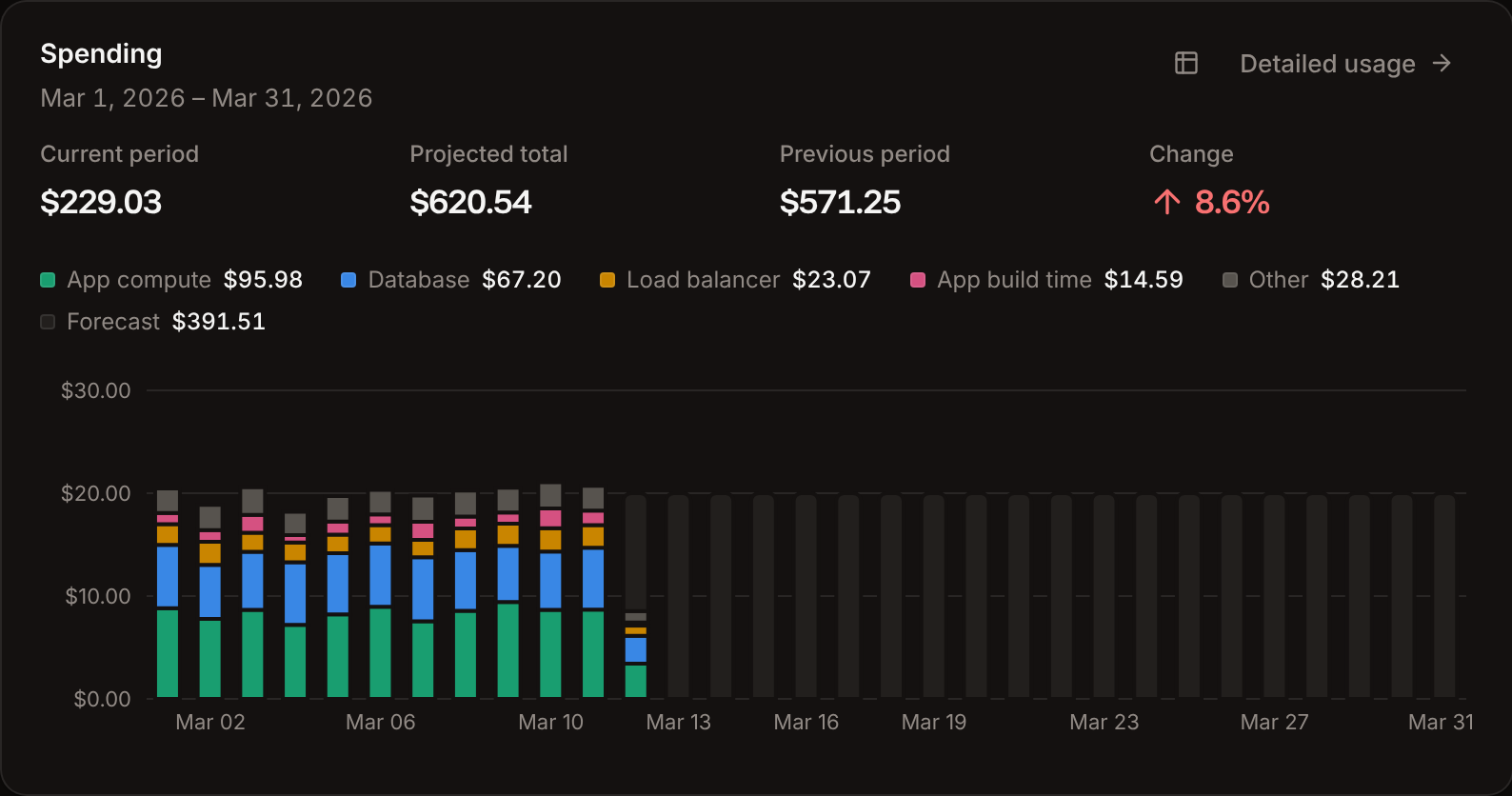
Sevalla shows spending in four places. All amounts include tax.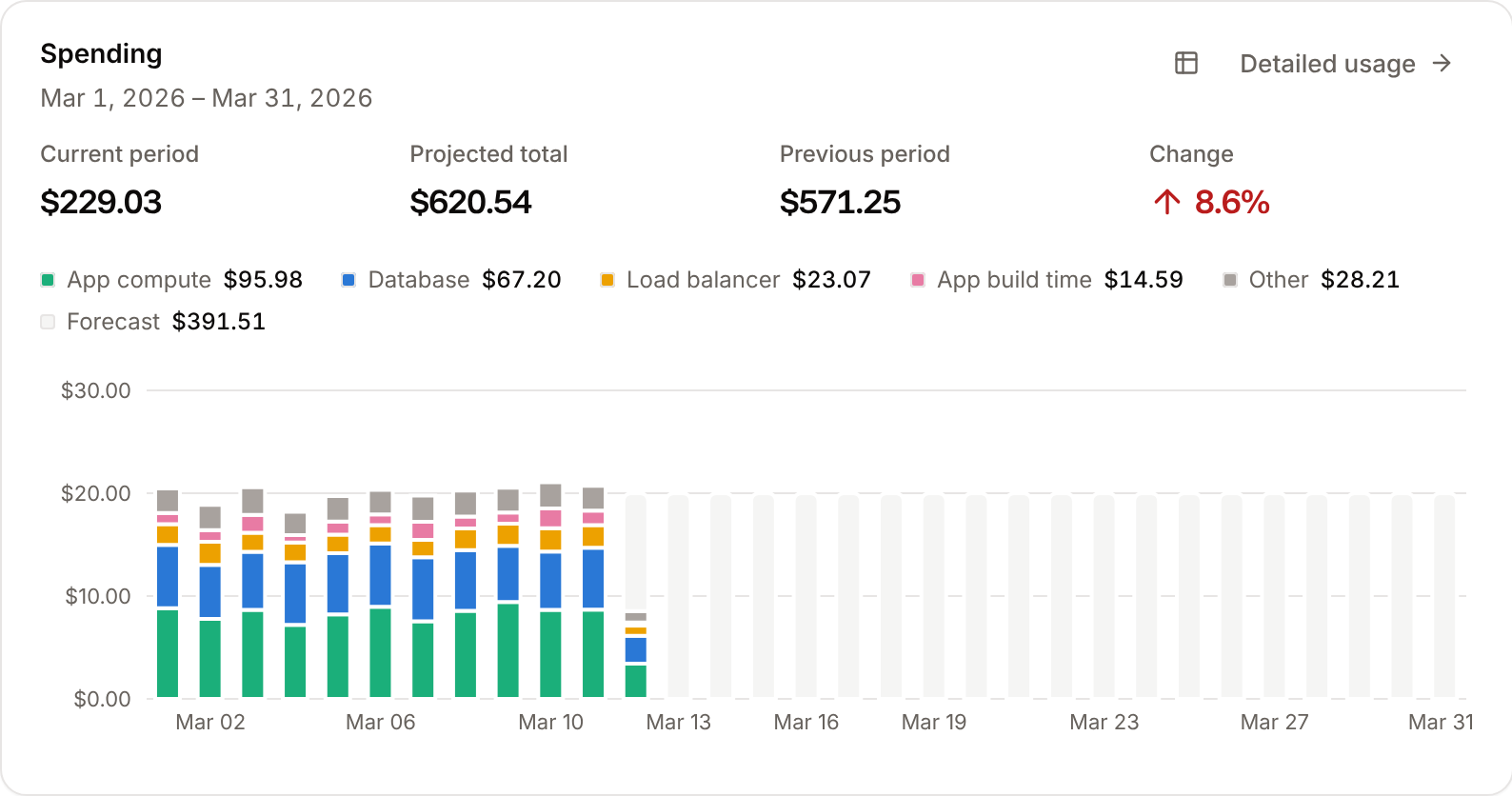
Who can see and manage billing
Company owners, admins and billing users see the Billing page and invoices, and update payment methods and billing details. Company owners, admins and developers see the Usage page, and only owners and admins create, update or delete usage alerts. Only the company owner can delete the company. Users and roles lists what every role can do.Estimate your costs
Add up the prices of the sizes you plan to run, or use the calculator on sevalla.com/pricing. The create forms for applications, databases, static sites and load balancers show the monthly cost of what you pick, with your tax included.Pricing
Every price: process and database sizes, disks, builds, bandwidth, object storage, load balancers.
Usage and usage alerts
Break down spending by service and type, and get an email at a budget threshold.
Payment methods and invoices
Manage cards, billing details and invoices in the Stripe customer portal.
Failed payments
Retries, reminders, suspension after 15 days and deletion after 90.